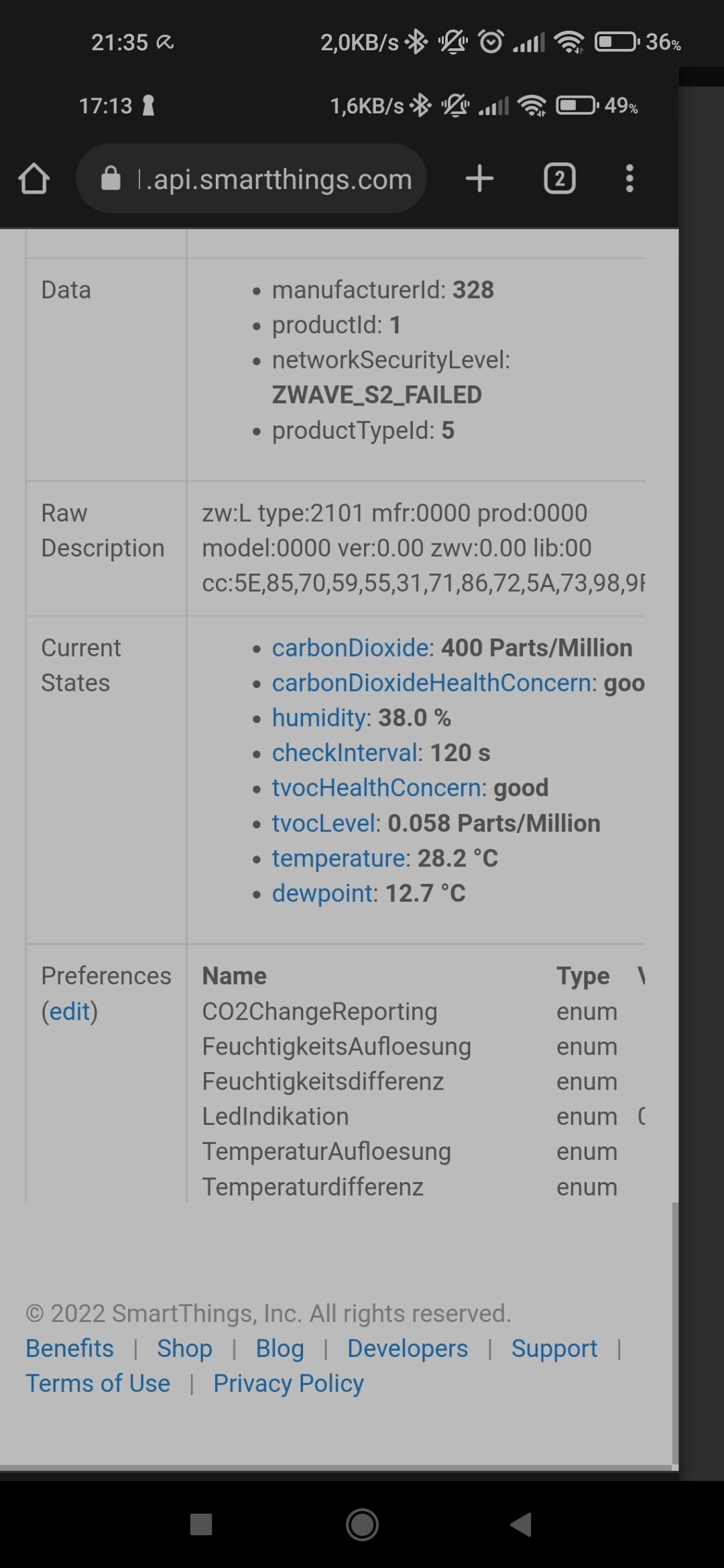
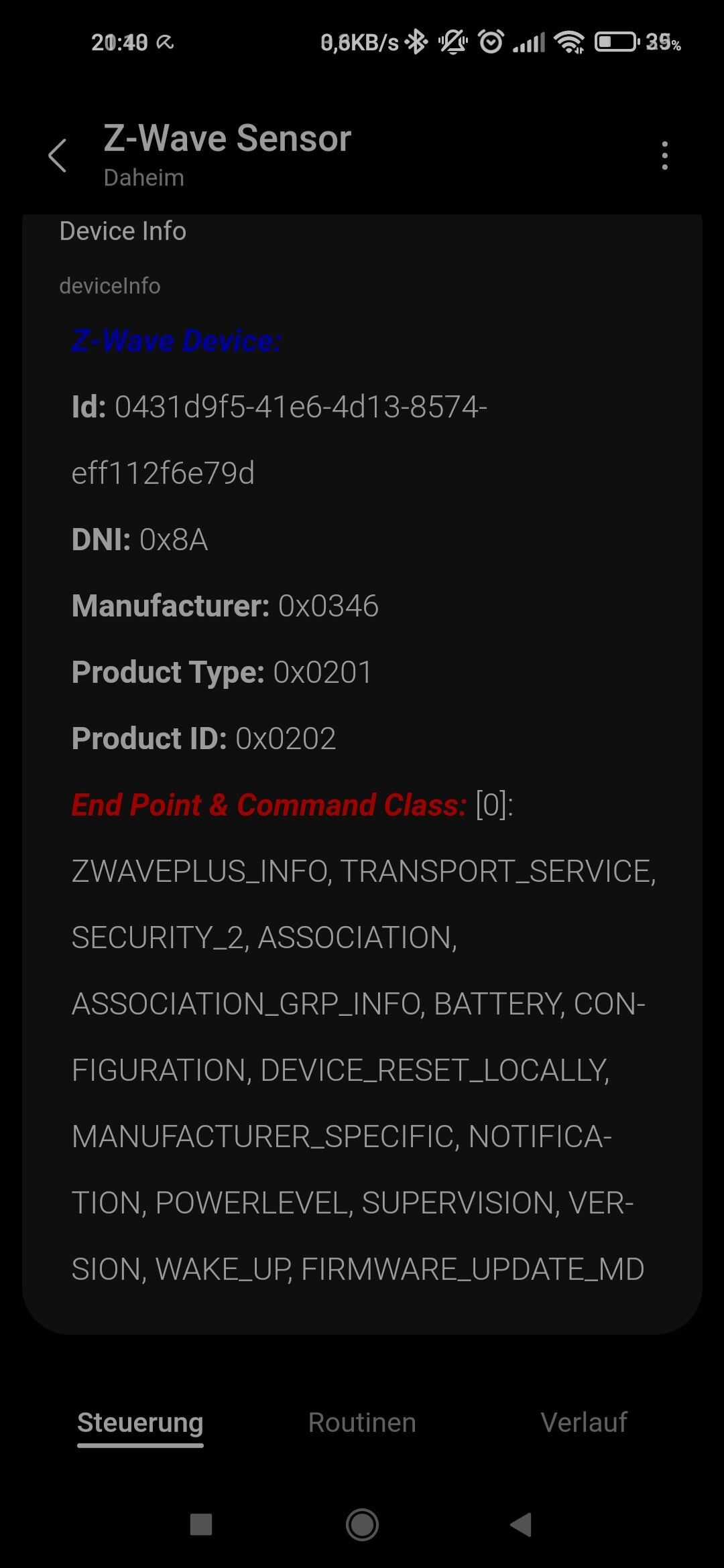
All devices above have “comprehensive support” in the driver - they have all needed parameters, plus support Association groups where applicable. We’re using these on our own devices and make sure they cover most common use cases.
It also has basic support for devices with the following command classes:
We’ll be expanding the driver to support other devices as time permits. We’re hoping people find them helpful! Please let us know any suggestions or feedback.
For an existing device, you can use the app to change to the new driver. Go to the device tile, 3 dot menu, Driver, Change Driver.
If this doesn’t work or its a new device, exclude/include as per the instructions for your particular device.
If this driver works for you and you’d like to buy me a coffee thanks!
NOTE as of July 2023: These drivers were previously under the “Zwave Sensor PH” name. I’ve taken over maintaining and adding to these drivers from Phil and moved them to my channel. If you’re already using Zwave Sensor PH for your devices you’re welcome to continue to use them, nothing will change or break. You can migrate to Zwave Sensor CS if you’d like to use the new drivers or just for updates after July 2023.
Thank you @csstup for working with me on this! Other contributions are welcome - we’re trying to move away from single-device or single-manufacturer drivers. That 50 driver max is real!
Source code for the drivers in this channel can be found here.
Also in this channel are some other goodies, including a beta z-wave lock driver with full Schlage configuration options, my Z-Wave Masquerade driver, and an association tool.
The zooz manual does not call out parameter 2 (temperature change) where the monoprice does. However @philh30 already has P2 in the driver and it should work for either. We’ll look a little deeper to see if there are any other differences.
There are some slight differences in a few of the config parameters with that older firmware - notably the motion reset time being minutes instead of seconds. I’ve added yours so give it a try after you get the update.
Z-wave Node ID. Corey and I are talking about beefing that up with a bit more info regarding the device. The label will work once ST lets us have labels again!
Thanks! I used the instructions from the first post to migrate my LS100+ from the custom device handler to the new driver ahead of the transition day.
@csstup , I had to also perform a factory reset on my device. Without this step the device couldn’t be found by the hub after installing the new Z-Wave Sensor PH driver. You may want to add this note to the instructions above.
Noted. You should have just had to exclude the device (press button 3 times while Hub is in Exclusion mode) before including it with the new driver. I’ve excluded and included the LS100 50+ times during testing and never had to reset anything.
Better battery management since the wakeup interval and battery polling are configurable. It also exposes the device’s configuration parameters and association group 2.
The stock ST driver does a full poll every wakeup, which is a waste of battery. Also, unless they’ve fixed it, the stock driver doesn’t clear the tamper alert when the cover is replaced.