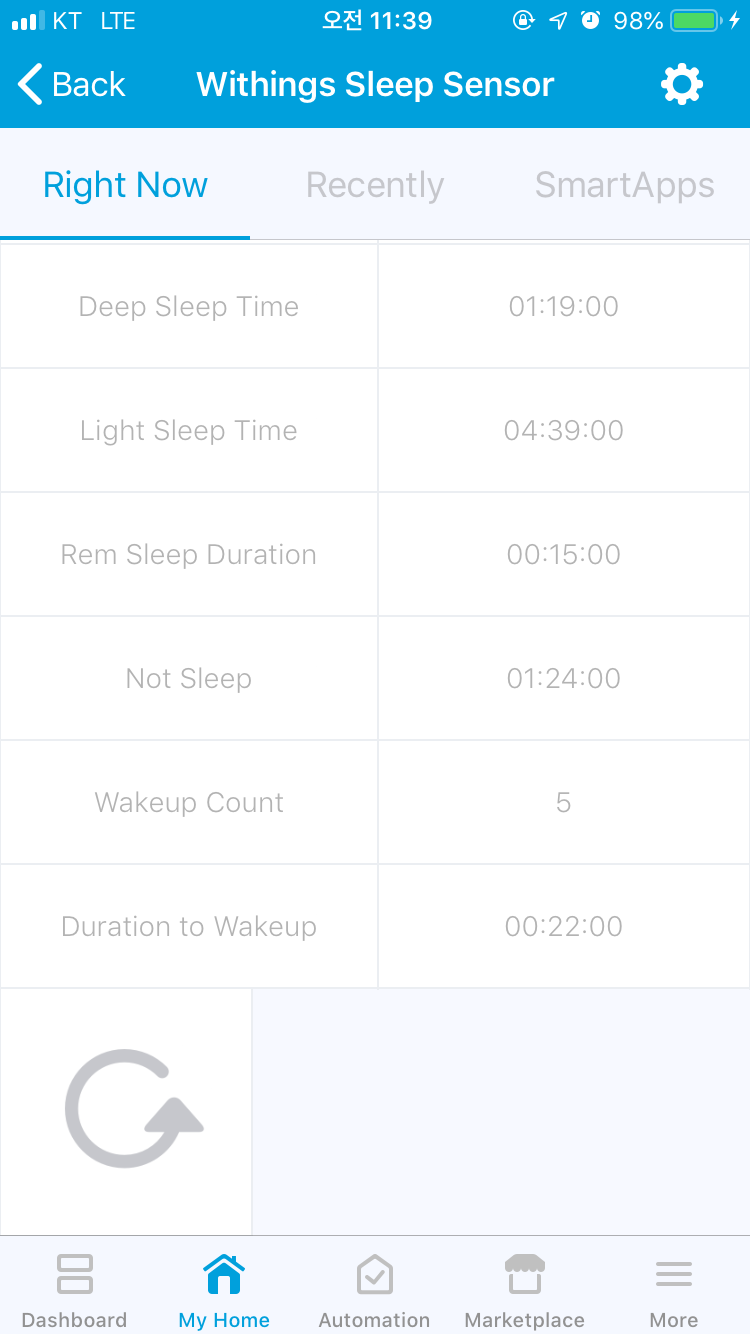
By “ Not Support up & down notify”, do you mean it doesn’t support the ability to detect when I get in bed and get out of bed? Does the device handler lack that support because Withings API doesn’t allow it or some other reason? Wondering if it’s possible to add the support.
Anyone care to chime in if you know how to change this to lbs versus kilos? I’m going to give it a go but thought I would ask if anyone has done it already.
I got this error when trying to login in info auth in the APP.
error physicalgraph.app.exception.UnknownDeviceTypeException: Device type ‘Withings Person’ in namespace ‘fison67’ not found.
I installed the smartapp and device handlers no problem. When I startup the app, I enter the client ID/password from the IDE OAuth screen and I click “Copy wt_url”.
I then copy that into the developer’s registration.
Issue comes when I click “User Informatino Auth” or “user Metrics auth”. I login fine with my withings account, select one of 2 users, then I get “client id not authorized”.
Anybody got this working ? I followed the slightly confusing instructions, got the withings dev account setup and pasted in the call back from the App code on ST - which is not entirely clear, but then again I’m not a developer…
I logged in, it obviously sort of works as it retrieved the two users I have setup on my WT account and it asked me which one - then returned “Client ID not authorised” just like the others.
Anything really obvious that I’m doing wrong - I have followed the instructions, as much as I can do do that is.
Figured it out - the WT developers app setup earlier has ‘client id’ and ‘consumer seceret’ - which translate into client id and ‘client password’ on the ST app - do this, and everything was fine. Now to find a use-case !
This is certainly a confusing one to install. I’m getting an error on what I think is the final step.
Here are the steps I’ve followed so far.
1: Install Smartapp & DTH through Smartthings IDE
2: Enable Oauth for the smartapp through IDE
3: Go to SmartApps, My Apps, WT Connector and then CLICK SAVE (If you don’t you will get an error)
4: Open app, click “Copy wt_url” under config, copy the wt_url address provided
5: Make a Withings developer app (https://account.withings.com/partner/add_oauth2 )
6: Use the wt_url you copied in step 4 under callback url when creating the Withings developer app.
7: Copy the client ID from the withings developer app, go back to the WT Connector app, paste into Client ID.
8: Press Save (App seems to automatically clear this field if you switch windows to copy password)
9: Copy the Consumer Secret from the withings developer app, go back to WT Connector app, paste into Client Password.
10: Press save
11: Open app again and go under Add Page
12: Enter Name, click next
13: Under Auth-User press “Click Here”
14: Log into your withings account
15: Select which user you want
16: Your developer app should now come up and you must choose to allow this app
This is as far as I’ve made it so far and getting the following error message
{“errors”:[{“message”:“redirect_uri_mismatch: The redirect URI provided is missing or does not match partner callback url”}]}
I have verified that the callback url entered matches exactly to the one provided in the copy wt_url.