The child is not changing yet, I see the main page data 3 value changing from 0 to 38 when it’s fully submerged in water. is Enum 14 relevant, should I add it back?
Maybe I’ll delete device and add back.
The child is not changing yet, I see the main page data 3 value changing from 0 to 38 when it’s fully submerged in water. is Enum 14 relevant, should I add it back?
Maybe I’ll delete device and add back.
It is expected to change once per minute (max 2 minutes).
No, just ignore the existance of other datapoints, as you only need DP 3.
Deleting device and starting over fixed it, fast to include and update percent. Just have 3 value in Humidity setting, but fully submerged shows 38%.
So o was able to connect my tuya temp and humidity sensor and it seems to be working properly, but theirs no option to change between Celsius and Fahrenheit… also, the sensor has a section for date and time but i cannot seem to change that stuff with these drivers either.
Send a full screenshot of the detail view.
Does the device report what scale it uses ?
I always thought tuya devices only reported in Celsius.
hmmm, sorry, im not exactly sure how to get that info, i set it to generic profile and it doesnt show any valuable detail. the normal profile set to thermostat is the one im on in order to put it to report temp properly. Do i have to switch the driver to the default for it to report as a zigbee thing to get that info you need?
Sorry again, im still new to smartthings. I appreciate the help in advanced.
So the driver autodetected the device as thermostat and you would like to change scale from celsius to fahrenheit.
Is that correct?
Have you read the first post of this thread?
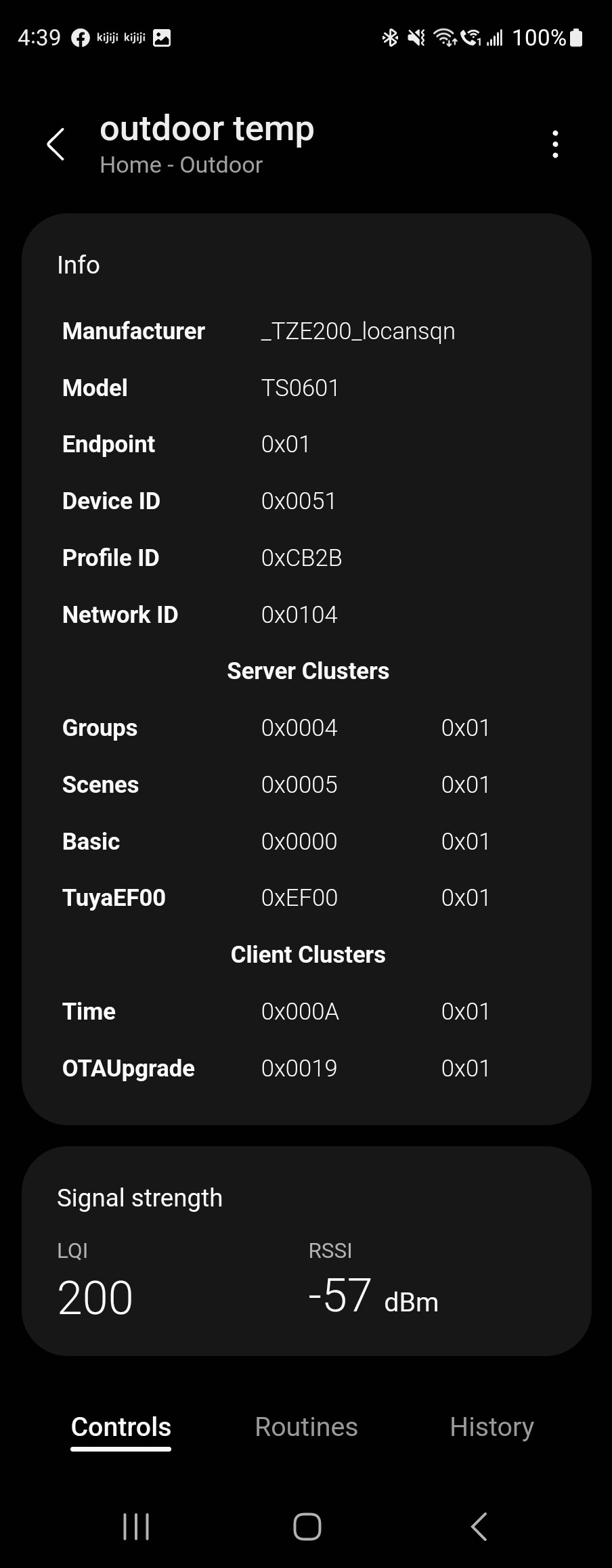
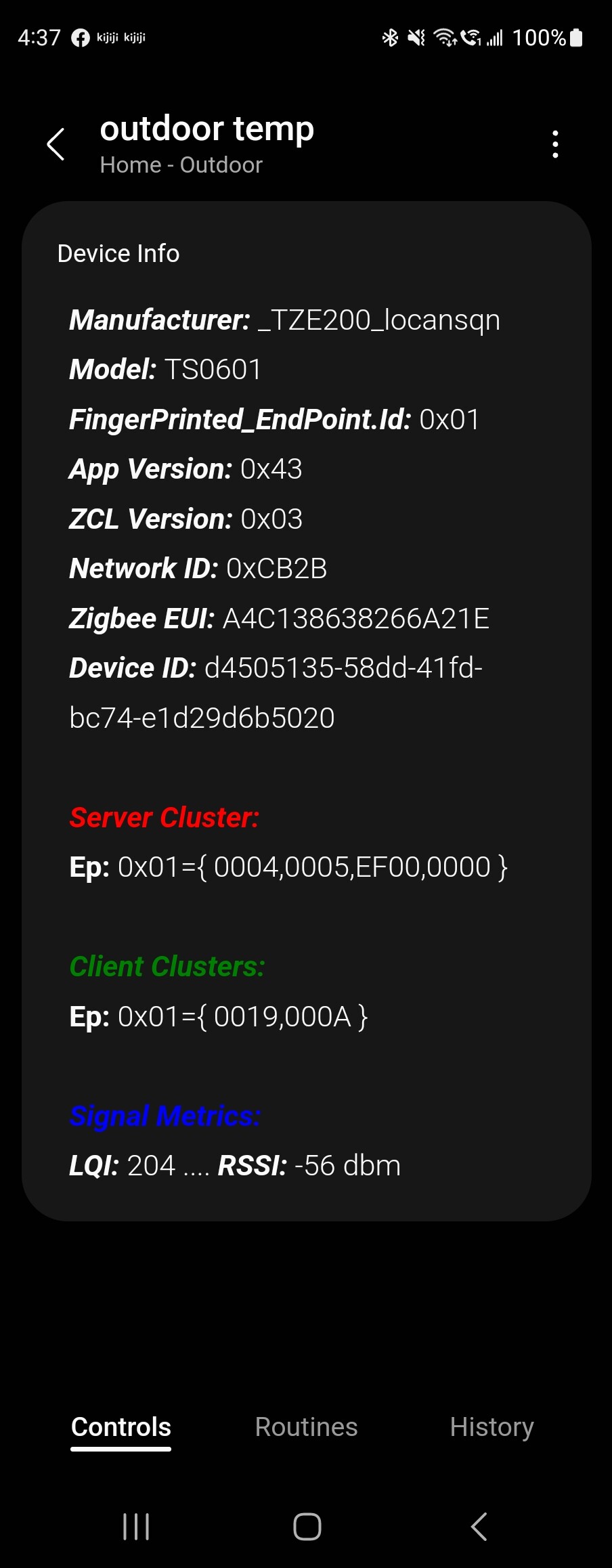
I don’t know what you meant by saying it didn’t show any valuable detail, but if you meant Info block were empty, then change profile to Generic and stimulate any sensor, like temperature sensor. So, it should show some data.
I think none predefined device report temperature scale.
so the device autodetected the temp sensor as a “zigbee thing” so i used your driver and it turned into a generic device. I switched drivers and got some pics of maybe usable info.
Hi I am new to the whole ST edge driver scene so please forgive me if this has been answered in the past.
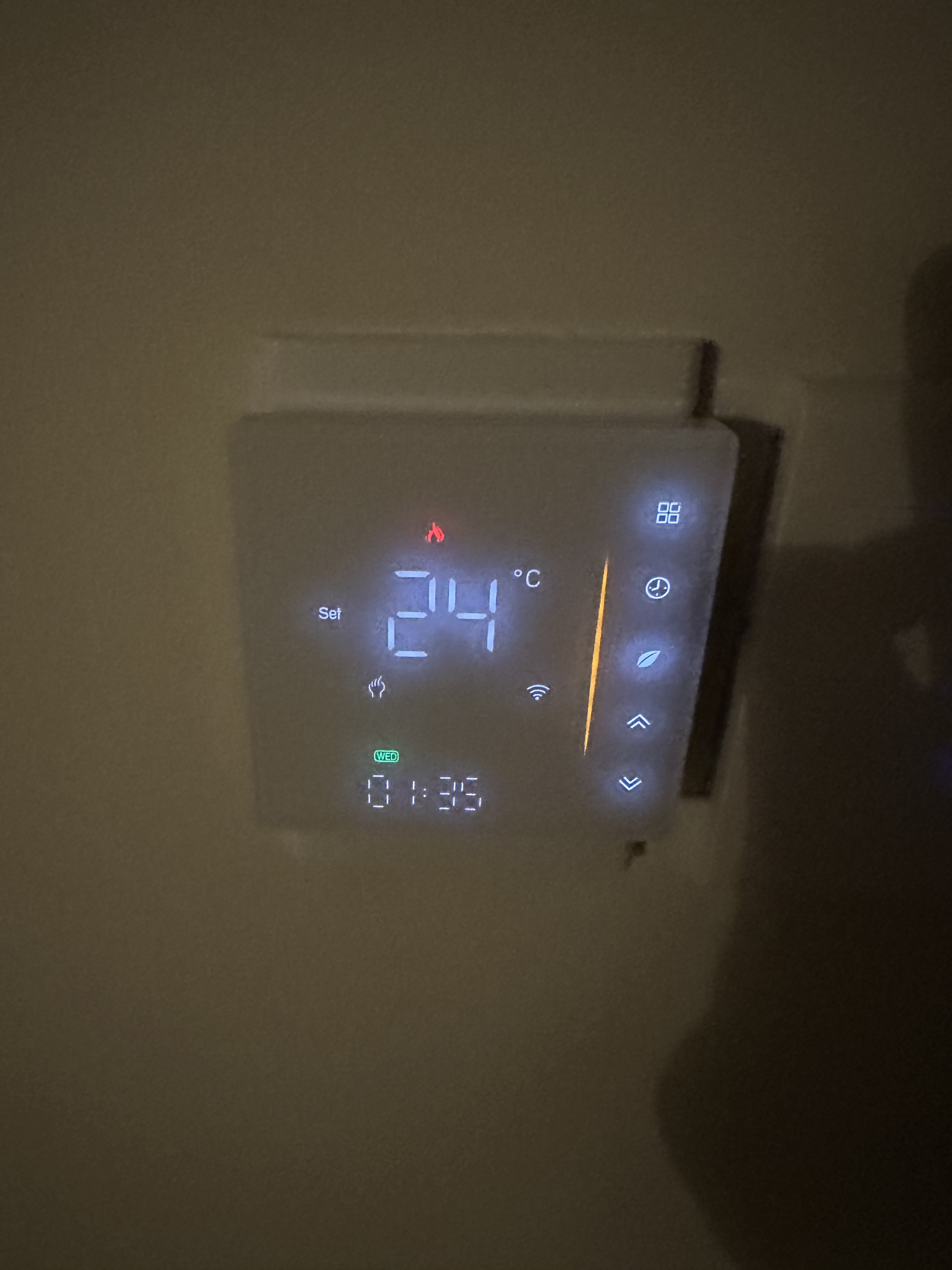
I am trying to use your edge driver for a new thermometer (product url: https://www.aliexpress.com/item/1005005061627319.html?spm=a2g0o.order_list.order_list_main.11.10cc1802UQtFzm) that I have purchased.
Can you give me some general guideline on how to make this functional with your driver? (Changing the predefined setting to Thermostat won’t work properly)
Much appriciated.
You will need to search on the internet and figure out what is the meaning of each datapoint reported by your device.
You may start searching for “_TZE200_aoclfnxz”
I found a code from @Trakker2 to make it work on Hubitat, but I wasn’t able to extract the datapoints.
Probably, datapoint 16 or 24 is for temperature sensor.
Datapoint 36 is for something else.
Other datapoints may have appeared since your last contact.
Probably, some datapoints have appeared since your last contact.
They should show up below “Client Clusters” from the first screenshot.
I searched for “_TZE200_locansqn”, but didn’t find the datapoints.
Once you find the datapoints, we may make it work as expected.
I have found out what some of the data points are
1 is on/off (represented by true/false)
2 is I believe some sort of scheduled mode number
16 is the temperature you set
24 is the current temperature displayed on the device
still need to find out what 36 and 101 does though.
What can I do after I figure out what the datapoints do?
Then go to configuration menu and inform datapoint ids for corresponding types.
For example, DP 1 = Switch
DP 24 = Temperature sensor
And so on
Is there a thermometer setting menu in your tuya driver’s generic menu?
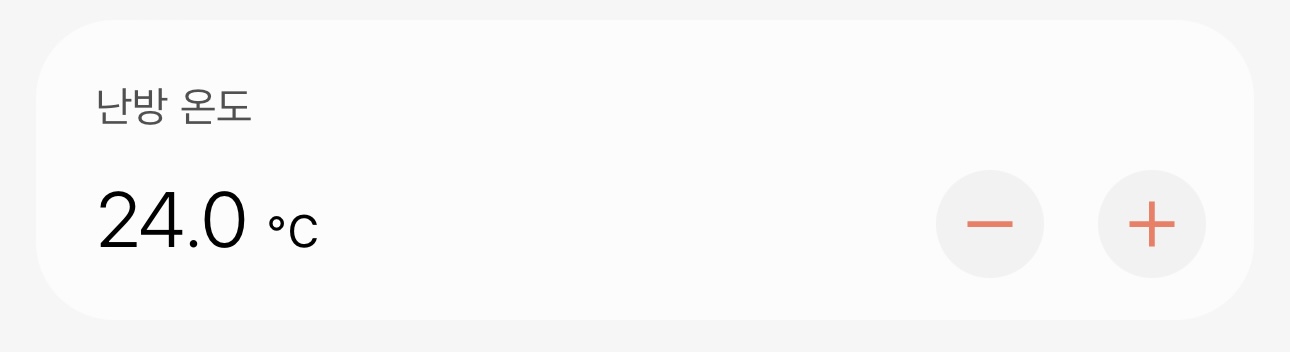
Because the only way I can control the “thermostat” aspect of it is setting it as a light slider
Do you mean thermostatCoolingSetpoint / thermostatHeatingSetpoint ? Currently, no.
oh thats unfortunate. Anyway thank you for your kind advice  I’ll try to figure out some stuff with your driver
Found some JS versions of the functions and fingerprint data I needed (designed for MQTT I think) but as you are probably aware your commands are in Lua form and I’m no programmer so I’m roadblocked here.
If you are interested in supporting these types of devices you can take a look, but if not I’ll have to ask around or wait ChatGPT to be available to me again to mess around with haha.
Anyway thank you for your driver 
I just added thermostatHeatingSetpoint and thermostatCoolingSetpoint.
I can’t test them by myself because I don’t have any thermostat.