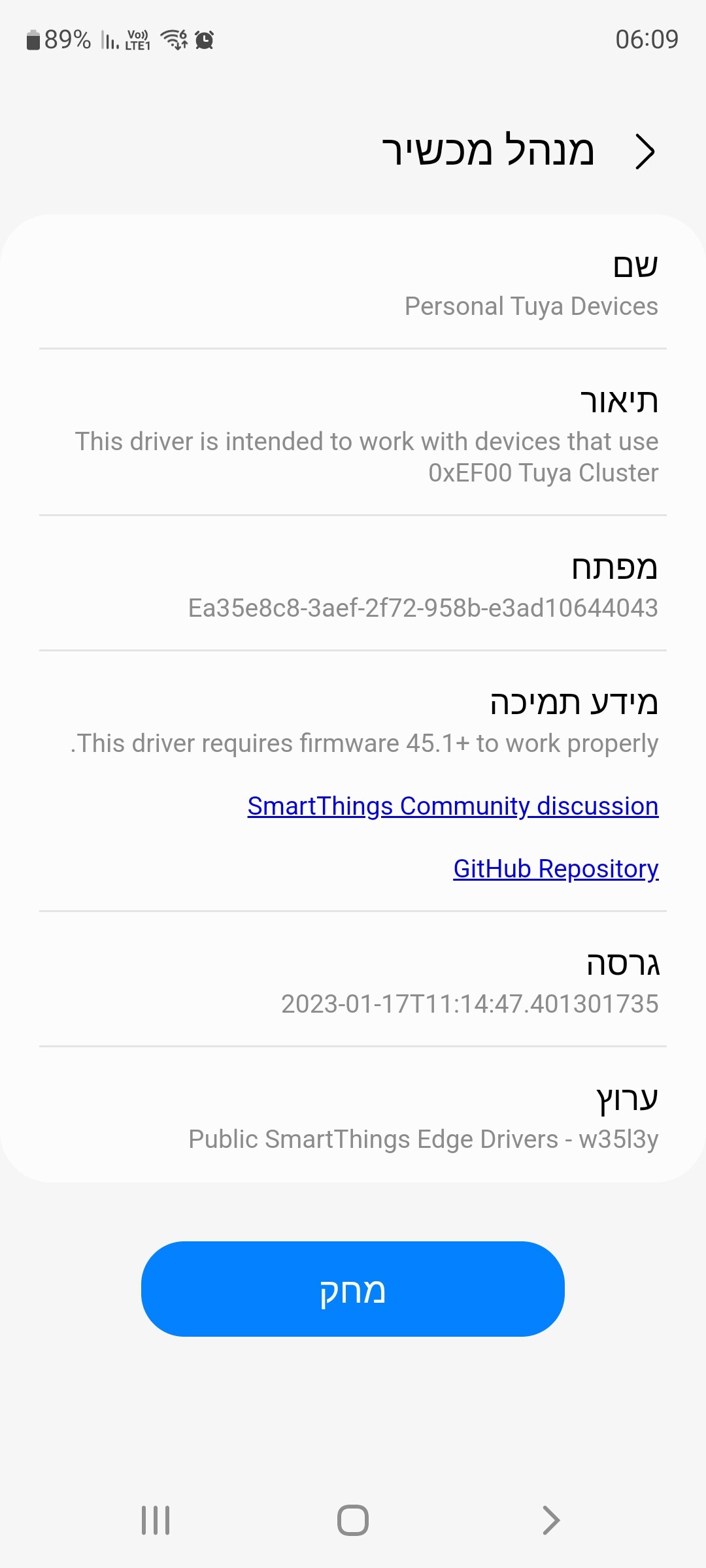
Very sorry. im a novice so not sure about it but i found this on the web. Hope this is the right one.

I meant this detail page.
If there isn’t datapoints table, then interact with the device sensors/actuators.
@w35l3y I ordered this power monitor on aliexpress a while ago
Tuya Smart Wifi Zigbee Elektriciteit Kwh Meter Din Rail Eenfase Ac 110V 240V 50A 63A Ct Ac meter App Real Time Monitor Power| | - AliExpress.
I want to use it to measure the power generation of my solar panels. I received the device yesterday, but when I install it with your “Personal Tuya Devices - main” edge driver I can’t customize the profile. I can only choose the Normal or Generic profile, but this means I can’t read the data points.

Is it possible that you add the device to the driver so that I can read the datapoint?


This device doesn’t have the same concept of datapoints used in the cluster 0xEF00.
You probably are using the driver “Default Clusters”, which is out of the scope of this thread.
EDIT: I saw you are using a subdriver of this driver that was designed to work for switches.
If you need other capabilities, change it to “Default Clusters”
You may create a new thread for this case, but I will need a lot of effort from you because it will require a lot of logs from smartthings cli.
okay i’ve never used Smartthings-CLI, but i’m eager to learn. When I get home I’ll see if I can get it to work


Resolved. Big thanx!
Hello @w35l3y , I’m trying to add a Siren to ST.
I’m using Default Cluster driver and Default profile.
This is what it shows:

I do not see datapoints. Which profile should I use to test it?
Hi! Can you please add this device? It is the Tuya Smart Zigbee Button Wireless Switch.


I don’t have a driver for this kind of device.
It doesn’t seem to use cluster 0xEF00.
It probably will work partially using driver “Default Clusters”
Anyway, thanks for the answer.
Just yesterday I was buying this device, and only today I saw this tread. I didn’t understand in the end if it’s possible to make it work by installing a drive, or if they need special settings. I’m not a programmer and I’m not very good with English, so before buying it I wanted to understand if I can do it 
Edit June 1, 2023:
for those who will read this message, I confirm that it works well, I bought it from here: https://s.click.aliexpress.com/e/_Dl0YI6z
Hi, i did not succed do it
This device was added to integrate without any settings.
If your device has the exact same model/manufacturer, it will work automatically.
Otherwise, you may change the profile to “Power Meter” and it might work in “Similarity Mode”
Lastly, if still doesn’t work, you will need to interact with the device.
It will list the datapoints in the detail page and you will need to figure it out what is each one and override the datapoints in the settings.
What version are you using?
Have you tried to pair the device again?
It is in the driver at least since February 15th
Thank you very much, your answer convinced me to buy a pair and try. I’m sure with some testing and your help I could do it thanks

What version are you using?