I see custom iconds. I am on 2.18.1
I never noticed any lost icons.
Version 2.18.1
I wasn’t notified of a version 2.18.2 on any of my devices, Android 6, 8 or 9.
I am on 2.18.1 and have missing icons and when I go to change the icon the categories show up but nothing under the categories. I had to roll back to 2.17 in order to change and see them. I am on a Samsung Galaxy 9+ running android 9
The missing icons in the Classic app 2.18.x for Android is scheduled to be fixed by SmartThings in the upcoming 2.19 release.
I see the ticket for the icons work has been assigned a sprint for the upcoming 2.19 release. We anticipate it there.
1 Like
great. Do you have any info on when it is coming ?
Really? It sound incredible after the Make the switch announcement. 
I just noticed that my classic app updated to v2.19, and still the icon problem. This is on my S10 with android 10. My wife’s phone, on android 8 (?), doesn’t have the problem. So, I’m thinking this is making a connection to some web site with no/old security certificate and so it fails on the latest Android versions, leading to no icons.
1 Like
Try to uninstall and reinstall it again. With which device DTH do you see the missing icons? I am using a Galaxy S10 as well and have no problems.
Pictures are worth a thousand words, so this is what my app looks like:


None of the icons for the all my things can be changed, as nothing shows:

Uninstalling and reinstalling does nothing either.
1 Like
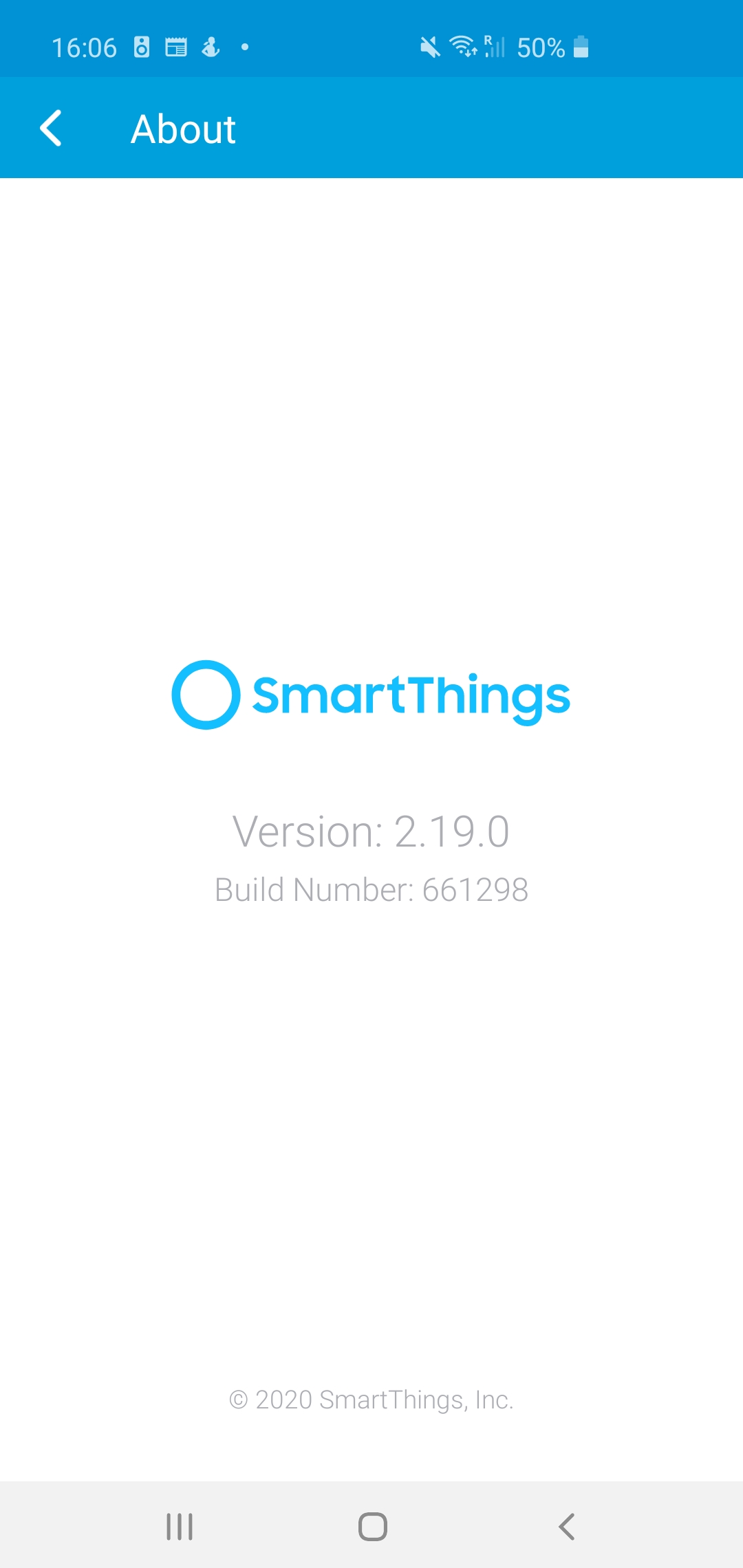
Same for me. I am using Samsung S10Plus. I updated to the new version 2.19, no icons, messed up the presence, etc.
I cleared cache, restarted and nothing. Tried fresh install and same thing.
I went back to 2.17 and everything works.
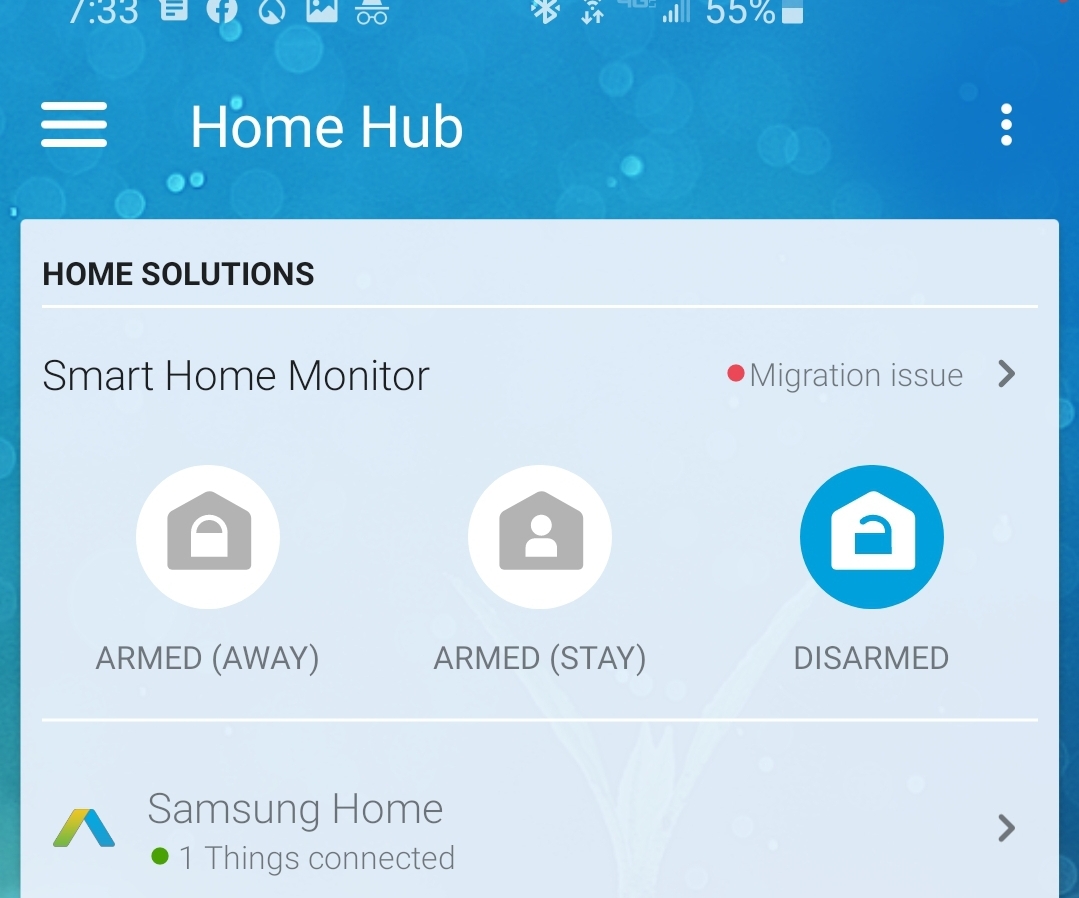
With 2.19 version I get a “Migration issue” message with no details.
Yup, exact same version and build number.
I get that migration issue also in my SHM. I clear the app and reload it, and then it goes away. Wish I knew what that is about…
1 Like
FYI @Augustin
I believe it may have to do with a custom rule you may have set up in SHM that can’t be converted to a Scene or Automation in the new app.
1 Like
With routines or smart apps? Or both?
SmartApps should be fine, but certainly some Routines. I was specifically referring to the custom rules within SHM where that message shows up.
Just out of curiosity, have you updated before to 2.18? Or did you updated 2.17 to 2.19? I believe, I have updated 2.17 to 2.19 straight. But my wife’s S10 updated from 2.18 to 2.19 without issues and it has all icons.
Anyhow, I will tag @jody.albritton and @Brad_ST, to make them aware that the issue of missing icons hasn’t resolved fully.
Otherwise please report the issue to support.
(Look around at the app permissions as well just to see that it has all required ones.)
Thanks for giving my direction on where to look, although I can’t think of anything unusual with my routines, unless it has to do with the new app which I have setup to keep its STHM in sync with the classic app SHM.
Yup, I have updated as the apps have come out from 2.17, to 2.18, to 2.19, and never sideloaded to downgrade. Is your wife’s s10 on android 10? Is it on OneUI 2.1?
App permissions all set for it. Like many others, the icons were all there with 2.17, but then starting with 2.18, all the icons just vanished.
1 Like
Maybe, but within Classic’s SHM, what custom rules do you have set up besides Security, Smoke, and/or Leaks? Is that what you mean by routines?
I don’t have access to SHM in Classic anymore to show you examples of custom rules I use to have that I know wouldn’t work, but I did have some that required being split into a Scene and Automation. I believe I did have one that I haven’t yet been able to replicate in the new app, but it’s been so long that it must not have been important!