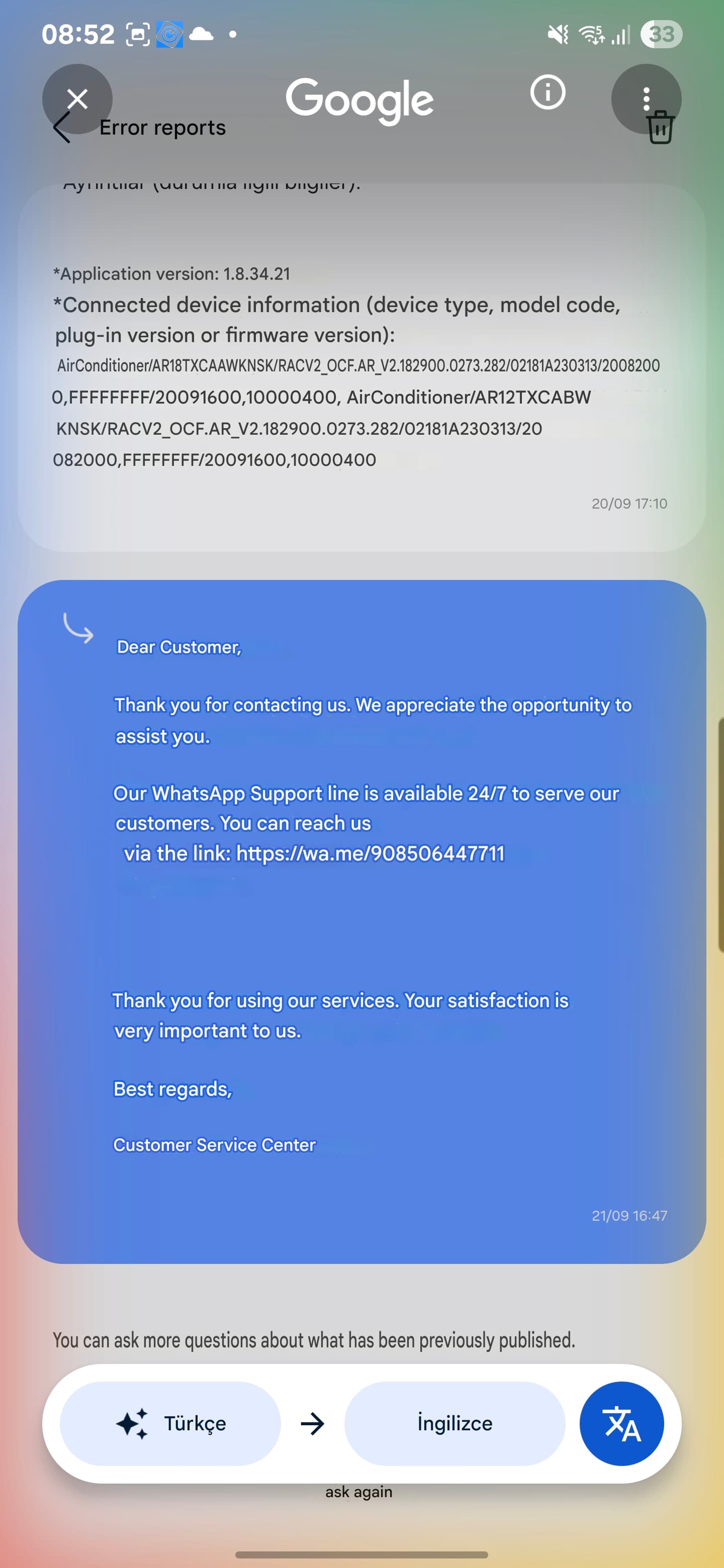
My AC model is the Samsung WindFree Premium Plus (AR18TXCAAWKNSK).
I am using a Samsung S24+ with Android 15 (One UI 7.0). My SmartThings app version is 1.8.34.21. My hub model is V3, with firmware version 000.057.00014 and SmartApps version 1.0.37-8.
The SmartThings interface for my Samsung air conditioner still shows the old version, despite the new UI update being released. To troubleshoot, I have already tried uninstalling and reinstalling the app, clearing the cache, removing and re-adding the device, and confirming that the AC’s firmware is up to date. However, the issue persists.
Could you please help me with what I need to do to get the new interface?
Thanks for the feedback. However, even though I tried what you wrote, it didn’t work. I’ll try contacting the support team. Is there a direct link I can use?
Three days ago, I did what you said and asked me to report it on the WhatsApp line. They opened a support record on the subject and I am waiting for a response.
My problem still hasn’t been resolved. It’s been a month since I posted. Customer service is inadequate and completely clueless. They sell Smartthings products, but they have no knowledge of how to use them. There are no knowledgeable staff on the subject. Can I get support through the forum?
Thanks again for your report. To help our team investigate this further, could you please do the following:
Confirm whether both AC devices shown in your screenshots belong to the same account and are the same model.
We’re trying to understand where the new UI is coming from and why only one device shows it.
Confirm your current SmartThings app version.
Record a short screen recording showing you opening both AC devices in the SmartThings app so we can compare the interfaces.
Right after that, please generate and send SmartThings app logs so we can review them together with the recording.
Go to Menu > Gear Icon > About SmartThings
Tap the SmartThings logo 10 times.
This will open the developer’s space > tap ‘report a problem’
This will send you to the report page. Select a frequency and write a short description of the issue.
Click on “Report” and a log file will be generated for you to send over email, please do to build@smartthings.com
Let me know once you have this information or if you need help with any of the steps.
I have same UI issue with recently installed AC unit (Model AR12TXCACWKNEE). We use SmartThings app on three different devices and all of them have the same problem. App version is 1.8.37.23.
Did you ever get this resolved? I still have the old UI which doesn’t work well in dark mode, nor in landscape on the tablet. I’ve tried to get this fixed by contacting Samsung customer service via Samsung Members and submitting a system log, but nothing seems to be happening.
No, my problem hasn’t been solved. I opened a case through the app, but customer service doesn’t have enough information. Five months have passed and no solution has been provided.