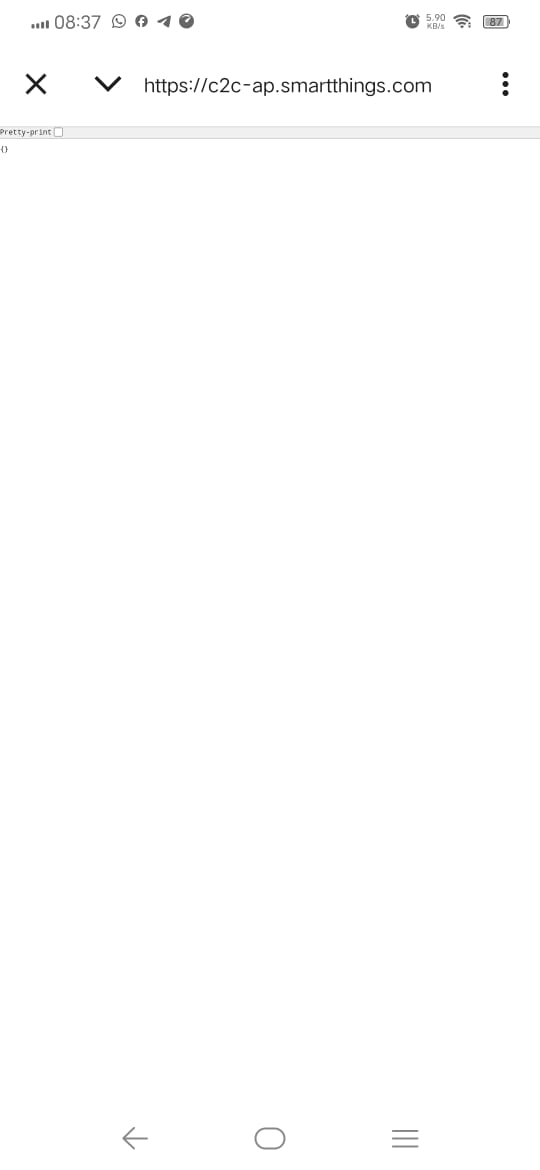
As shown in the attached image, I encountered a ‘pretty-print’ error while attempting to link my TAPO device to the SmartThings app. The error details are available at the provided link. For troubleshooting, please note that I’m using the same email account for both services. Could you advise on resolving this issue?
You should reach out to Tapo support . They own and maintain the cloud to cloud integration to SmartThings. From the error message, it appears they are restricting access in your Country. Reach out to Tapo support on that.
Which Tapo device? Brazil? I have several Tapo devices integrated into the ST, about 25 in total… Now, if it isn’t and there isn’t this integration in your country, then a VPN should solve the problem…