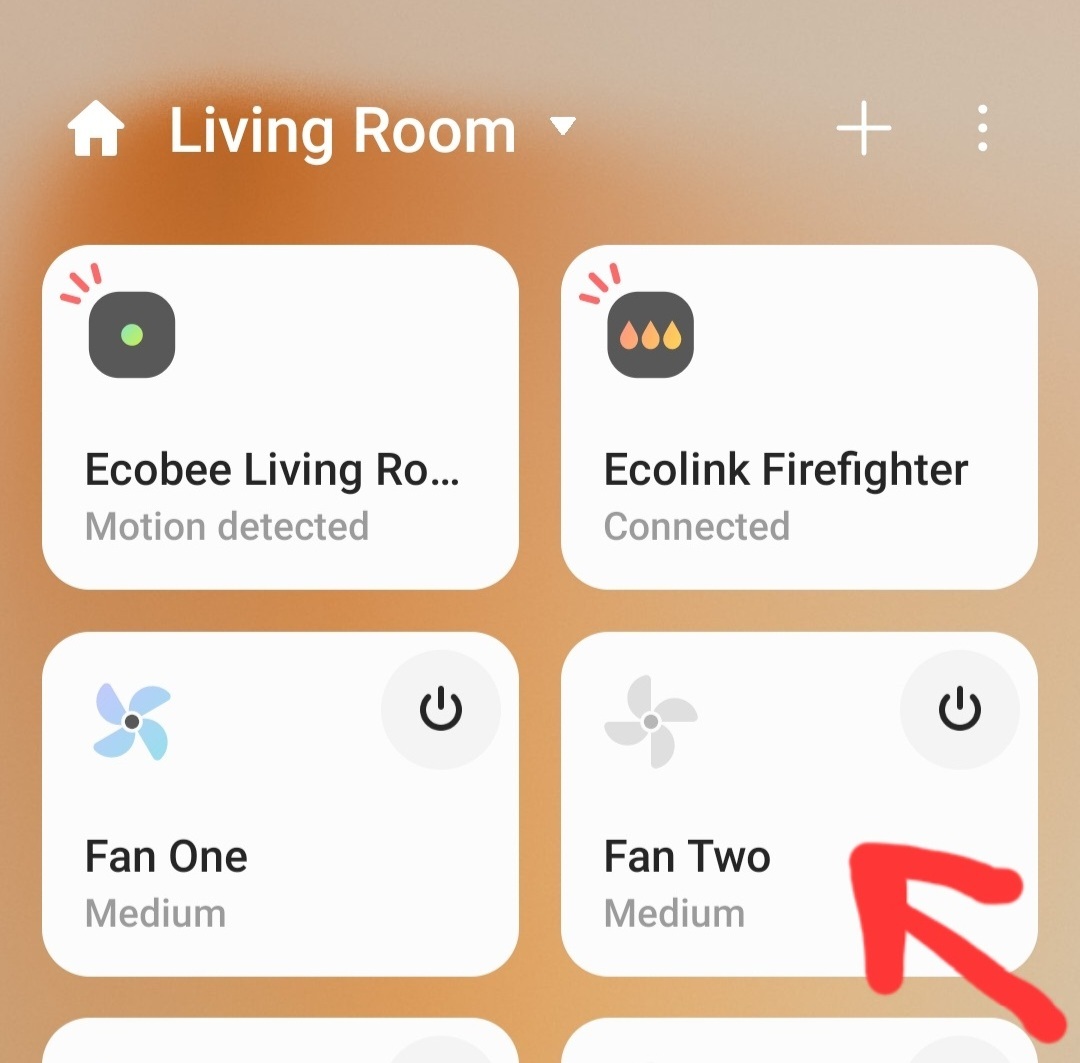
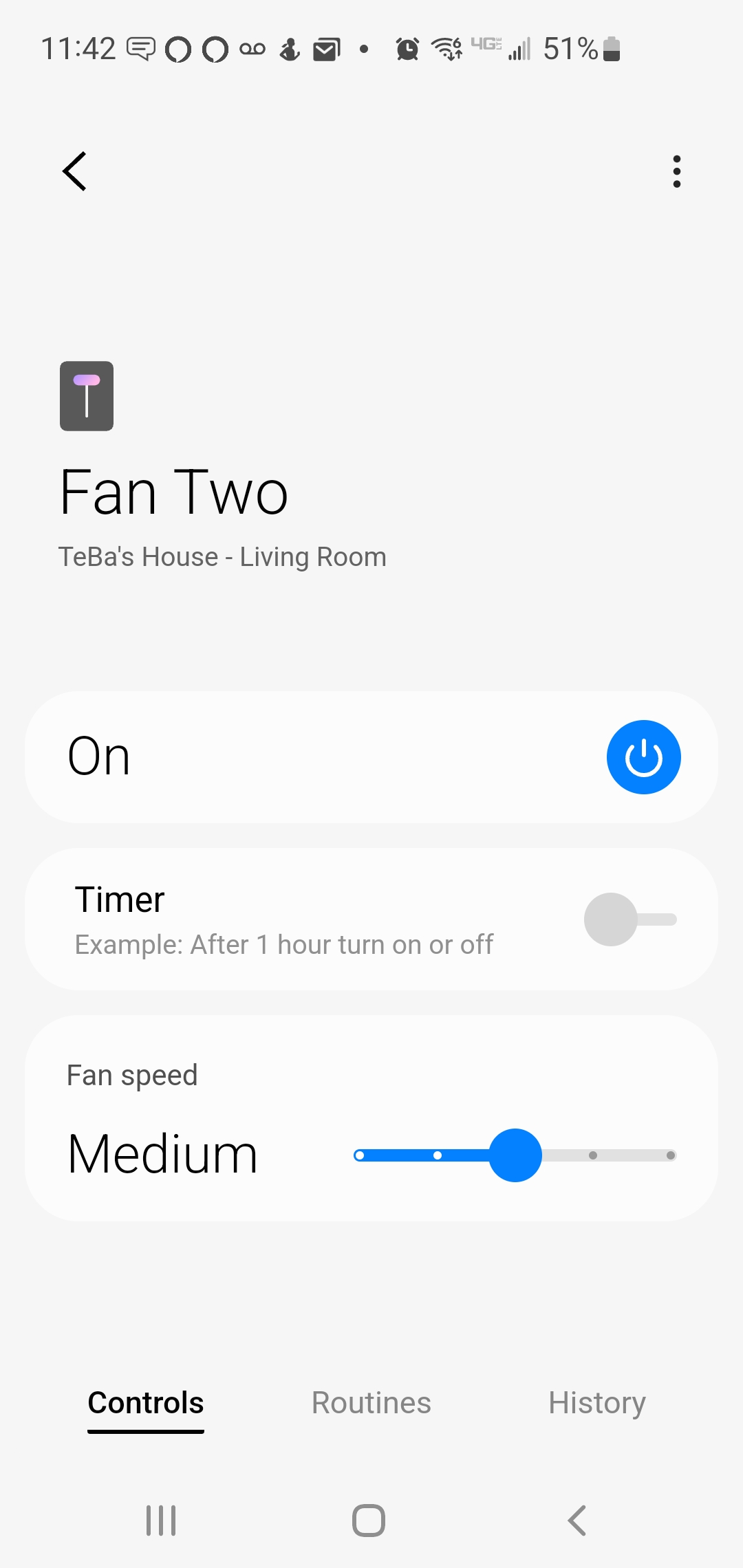
I am trying to add a new Leviton Z-wave 4 speed fan controller. By default it is adding using z-wave switch mc driver by @Mariano_Colmenarejo as a dimmer.
I have changed the driver to the stock z-wave fan, cleared cache and rebooted the hub however the display remains incorrect.
The tile shows the fan icon but is not animated.
The detailes view shows the switch icon.
Device id
id: “Leviton/001D/0038/0002”
deviceLabel: Leviton Fan 4 speed
manufacturerId: 0x001D
productType: 0x0038
productId: 0x0002
deviceProfileName: fan-4speed
Both the stock z-wave switch driver and mine have a generic fingerprint and that is why it is paired to one of the two, although if its fingerprint is in the z-wave fan driver it should be paired to that one, I think
  - id: "GenericDimmerSwitch/1"
    deviceLabel: Dimmer Switch
    commandClasses:
      supported:
        - 0x26 # switch multilevel
    deviceProfileName: switch-level
  - id: "GenericDimmerSwitch/2"
    deviceLabel: Dimmer Switch
    genericType: 0x11 # GENERIC_TYPE_SWITCH_MULTILEVEL
    deviceProfileName: switch-level
In my android phone there are also some animated icons that don’t work well, the fan is one of them.
Try changing the icon in the device edit menu
It doesn’t give the option to change the icon