I have multiple Matter Thread Devices. Which are paired to an Amazon Thread Border Router and work fine when controlled by Alexa.
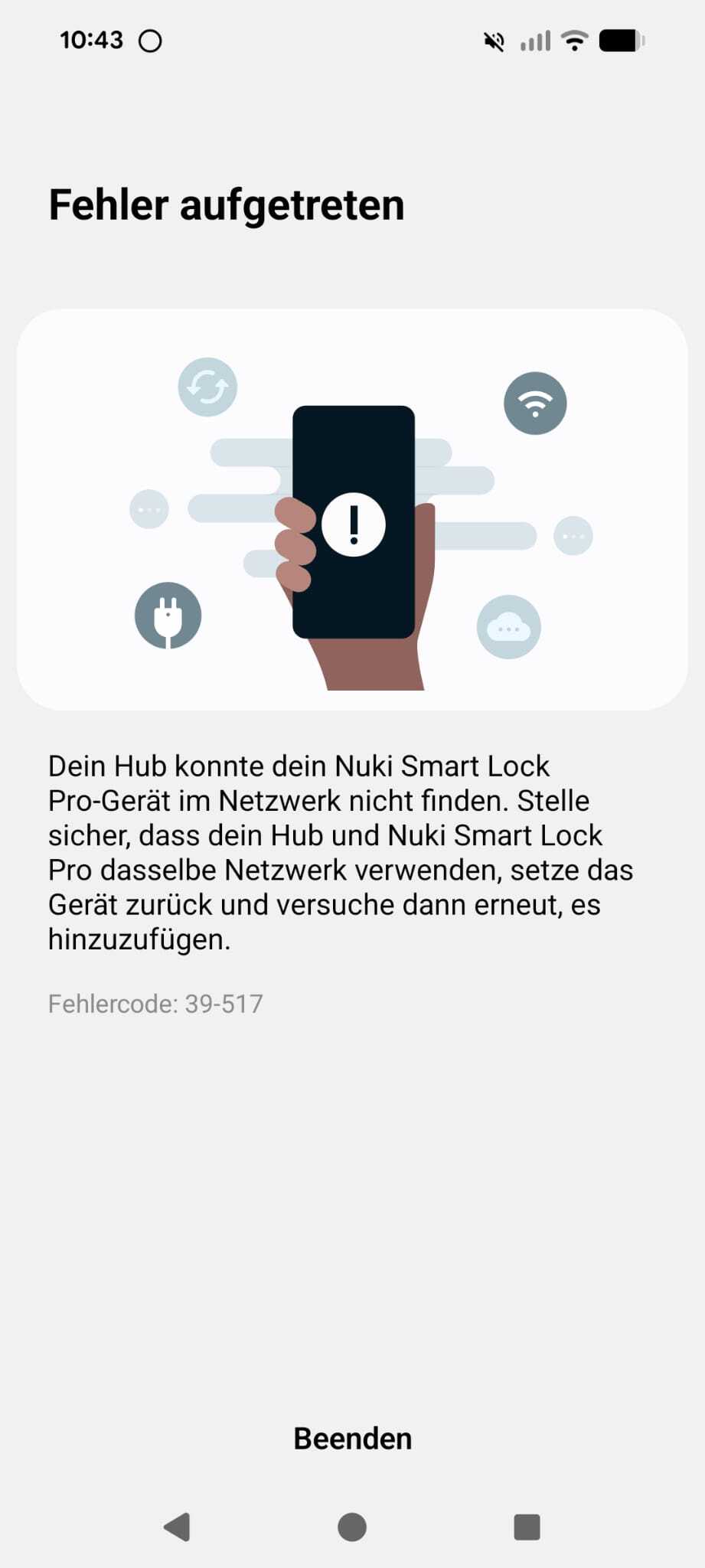
When I try to connect them to SmartThings via the Amazon “Share to other App” feature. The device gets recognized and it is stuck forever on the “Registering Device Page” and then throws error code 39-517
This problem is one the SmartThings part because the same workflows works fine on Apple.
Did you fix this issue? I have the same error when trying to add the Aqara Motion and Light Sensor P2 to SmartThings while that device is already connected to the Aqara M3 hub.
I suspect that the error occurs because ST is trying to add the sensor to its own Thread network but it’s already connected to the Aqara network so it fails. Shouldn’t the “share to other network” process retain the original network?
I also noticed that before the pairing process fails, the ST is present in the sensor’s connected ecosystems list in the Aqara’s app but dissappears after that error.
When I try it the other way around (first add it to the ST network and then share it to the Aqara app) it works but my intention is to connect it to the Aqara hub network as it is closer.
For the Aqara sensor FP2, we have reported before issues during discovery and the team shared these comments in the past:
In the current implementation, FP2 has the following features:
When the user starts onboarding in the SmartThings app, theSmartThings Hub finds the device FP2 if it’s connected to the same network using mDNS.
In the SmartThings onboarding process, the FP2 creates a token.
If the FP2, already created a token, it won’t connect to other hubs.
If it’s explicitly erased from the ST app or the Aqara app or if the user presses the button for more than 5 seconds, the token generation history is deleted and becomes reconnectable.
Also, if the device registration is cancelled after the token is issued in step 2 above, the FP2 won’t reconnect until it’s reset again.
I checked, and the error code of 39-517 means there are issues trying to find the device during mDNS resolution, which matches the description above, I don’t know if they have a similar behavior.
I suggest you and @dos-ise report this to Customer Support since they can escalate the issue to the corresponding engineering team that might have more information on how the devices you’re trying to integrate work. You should provide the brand and model of such devices in your report.
Open the SmartThings app
Go to the menu tab at the bottom-right corner.
On this page, select the option “contact us” and then go to “Error reports”
Select the topic related to your issue and follow the steps to submit your support request
Hi, I think you meant the Aqara Presence Sensor FP2 not the Aqara Motion and Light Sensor P2. Actually I also have Aqara Presence Sensor FP2 but it uses normal WiFi not Thread and it is automatically added to the ST app after adding the M3 hub, no problem there.
The problems I described occurs only with the native Thread/Matter Aqara devices I have:
Aqara Door and Window Sensor P2
Aqara Motion and Light Sensor P2
I’ll report this to Customer Support in the app, thanks for the suggestion.