Maybe Comcast edition are more sensitive than Iris ?
That could be it, I have the iris version.
2 of the 3 were open box so I only got one. However, the Iris Button was marked down to $10 as well and I got all 4 of those! So cool!
Now that I have the keypad, I have absolutely no use for it…SHM is armed by presence and motion automations. Doors have keypads on them…Old DSC alarm system is already intergrated in ST. We have 2 existing keypads that we can arm or disarm Alarm which is tied into SHM…
I have to stop buying stuff that I don’t need. I need professional help! 
You can still use it as a temperature sensor! $10 for a temperature sensor is still not a bad deal at all. Even if it isn’t quite the point of the device.
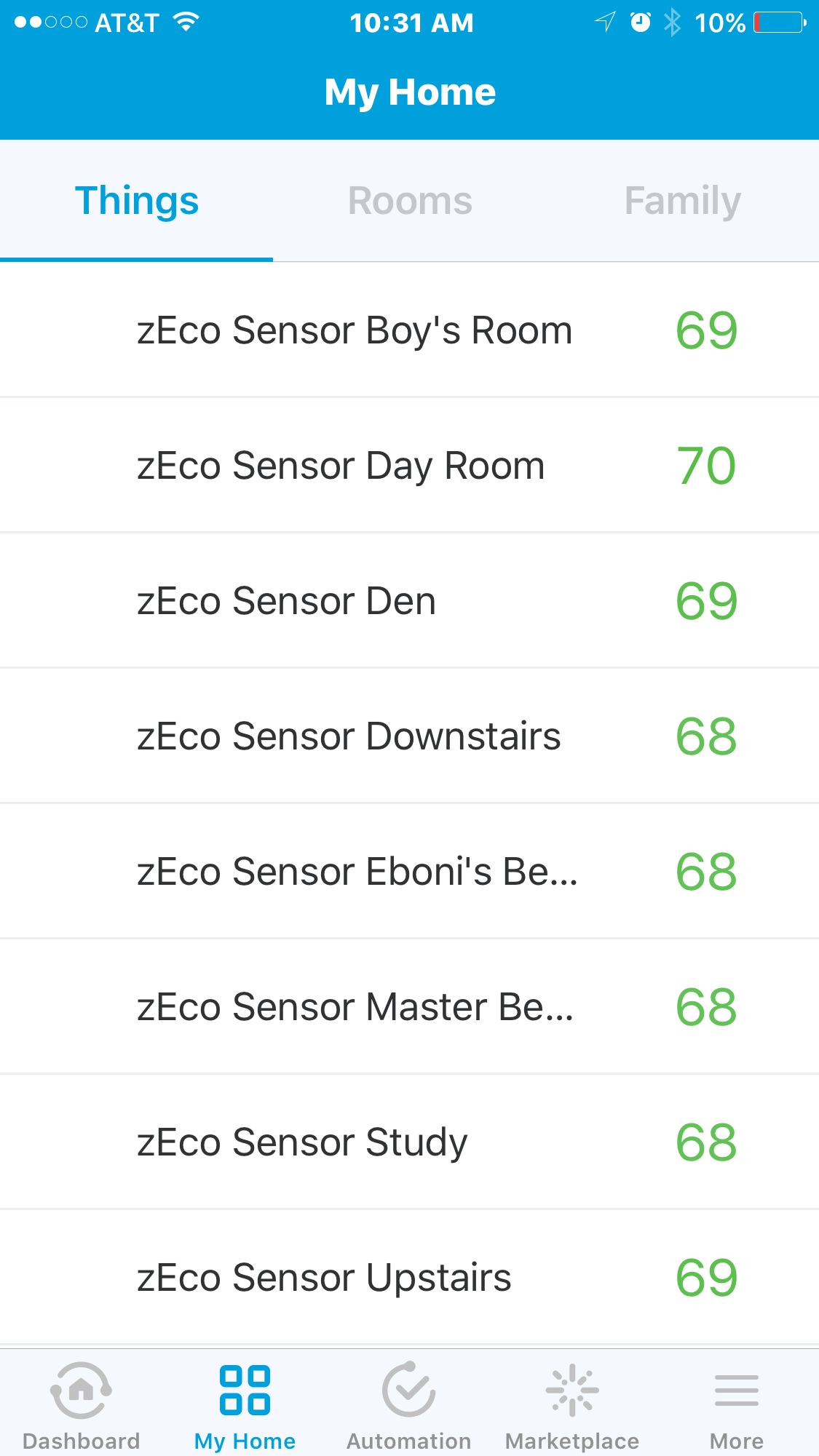
I really wish now that I would have held off on buying so many things at once. I have 8 temp sensors with the Ecobee, 5 with Blink cameras, 10 with Iris contact sensors, 5 with Samsung multi and 5 with Zooz multis…
Only use the Ecobees but could have done without them but they do make life easier. Before it was typical for rooms to be 10 degrees off from each other.

Couldn’t you do that all in CoRE?
All what in CoRE ? The keypad DOES NOT report individual key presses.
Right, but couldn’t we ‘capture’ a keypad event and save it in the ‘ON’ state of a virtual switch somewhere, and then do something else based on that?
If so, then just have a series of virtual devices that represent desired codes, and have the delay built into the rules engine’s (CoRE’s) entries (Pistons), etc.
e.g.
PISTON1
IF KEYPAD-CODE-1234 is entered,
turn ON VIRTUAL-SWITCH-NAMED-1234.
PISTON2
IF VIRTUAL-SWITCH-NAMED-1234 changes to ON,
WAIT X-seconds,
-then-
DO-WHATEVER
What part of “keypad does not report key presses” do you not understand ?
Pretty sure the way it works is, enter 4 digits on keypad then push arm home/arm away/disarm, then the keypad tells ST that a user successfully entered the pin and changed SHM state.
ST doesn’t know if you pushed 1234, 4321, etc.
Why do you have to be such a ***** about it, dude?
Obviously, I’m genuinely attempting to understand by asking questions (which is how I thought it’s supposed to work).
What part of ‘investigation’ don’t you understand?
So, are you saying that SmartThings never knows what has been pressed?
How can SmartThings ever know that the correct sequence of buttons was pressed to come up with the correct CODE in order to perform anything in SHM if the sequence of numbers is never known?
Seems like something, somewhere along the line, inside of SmartThings must know the sequence of numbers.
Right now I’m just kinda guessing, but once you set the pin #, the keypad must know whether you entered it correctly or not, it just doesn’t pass the actual button presses back to your hub. I’m out of the house but when I get home I’ll play with it and see what exactly is showing in the logs.
Oh…So, are you saying that the monitoring for button presses, AND the knowledge of what sequence does what, AND the decision-making power to say whether or not a correct sequence was pressed only exists within the keypad itself?
That seems strange. Seems more likely that the keypad is NOT that sophisticated, and all of that processing is actually taking place outside of the keypad unit itself. I wouldn’t be too surprised if it were, but it just doesn’t seem that sophisticated of a device for some reason.
Not really sure, just brainstorming based on the fact that @RLDreams seems pretty sure that the keypad’s not reporting he actual button presses to the hub.
it’s definitely not reporting individual button presses.
but the device handler and the smartapp that i’m using with it (the first one written by @mitchp originally for the infinity x-3400) are logging which buttons i pushed when i enter a pin and arm or disarm the keypad. both the correct pin and a random one i put in show up in the logs. so you could do with that what you will in core or another smartapp i guess.
Are you using this?
I am using his connect app but not the above. I already have 8 Ecobee Remote Sensors that cover the house but will have to add more motions in order for the above to be beneficial to me.
Well, there it is.
@marktheknife (& @RLDreams )
Thank you, very much!  ( lol )
This would seem to prove my point (which, if you go back and actually read it, was only a question to be answered in the first place; not a claim to be argued against)…that the sequence of numbers being pressed on the keypad is indeed being sent to SmartThings; in one way or another.
Now…
Does anybody have any idea how to monitor for and grab stuff out of the logs so that we can have rules act on it?
…or even better… could somebody write/re-write a SmartApp that would output the sequence to a variable, or something like that instead?
Yeah, seems like a DTH could be wrote to send key combos.
1 then On=Some variable in CoRE
23 then Off=Some variable in CoRE
5 then On=Turn Scene 5 On
5 then Off=Turn Scene 5 Off
Or
2 then On=Turn Hall Light On
2 then Off=Turn Hall Light Off
Come on guys this should be doable especially with all the creative people in this community!
@RLDreams & @sgnihttrams – Guess what?! The Iris Keypad DOES report individual codes. I have it working and working great in CORE. Took a very simple edit to the DH but working great; I am only about 90 minutes into this so I still have testing and would appreciate any feedback or ideas. It will not report key-presses “1” or “2” but it will report individual codes “1234” ON… Pretty awesome because you you CAN use it as a scene selector and to control devices depending on which code you enter. Maybe someone can re-write these instructions so they are easy to follow, but here she goes:
Step 1: Edit the DH to add the attribute “codeEntered”. It should look like this:
attribute “armMode”, "String"
attribute “lastUpdate”, "String"
attribute “codeEntered”, “String”
Step 2: Go to CoRE settings and enable Expert Mode
Step 3: Capture the Changed Code that was entered. Piston. IF. Battery Device. this is the trick Change Attribute from “battery” to “codeEntered”. Changes To. Value “1234” or whatever code you need.
I need help here… I am only able to capture when the code changes… “1234” followed by “1234” later only reports the first time… it needs to change to something else such as “0000” when you hit alarm for “1234” to ever register again. I would like someone to help me automatically clear the code in CoRE once it is entered so that entering the same code always performs the action. UPDATE: if I use codeEntered “is” instead of “Changes To” it appears to be working anytime… need more testing though
Step 4. DO anything. control a lamp. set off a siren. change a mode. even Battery Device (select your keypad). setArmedAway() or setDisarmed(). Pretty neat.
Sure would appreciate everyone testing and providing feedback and more thoughts as I just got this working a few minutes ago…