
Hi When I press manage hub on smarthings The screen keep loading as I have two smarthings hub usually I should see the primary and secondary hub, I tried delete the cash, delete the data, uninstall and re install the app restart the device all didn’t solve the issue my mobile is samsung s24 ultra
Same here. With Samsung A54 and S6 tablet since the last app update.
I have s24 ultra two devices, s24 plus and s25 plus all wil same issue at same time I have one iphone with same account of samsung devices it work normally I sent many emails to Samsung without any clear solution until now
Tagging @nayelyz
This seems to be an Android app issue as the manage hub download is working fine on iOS.
Works fine here with AOS 1.8.41.23.
I tried downgrade smartthings app on Android from the latest Ver 1.8.41.23 to Version 1.8.37.23 and all issue solved….for last 1 week I talked with samsung that there is a bug with your Android app and they give me the traditional solution like delete your cash or delete your app it seems that samsung engineering need help from the users to diagnostic their failure.


@nayelyz can you help me please
Thank You, I have reported this situation through the app support as well.
Already I reported this through app support but actually the person who trying to solve the issue know nothing about smartthings and hubs
I see the same problem with the ‘Manage hubs’ plugin on the app.
‘Create a hub group’ is also broken, and I can’t manage the thread networks on my hubs.
As an aside, when you get bored of the revolving icon you can choose ‘Information’ from the options menu and click on ‘Manage hubs’ about eleven times to see …
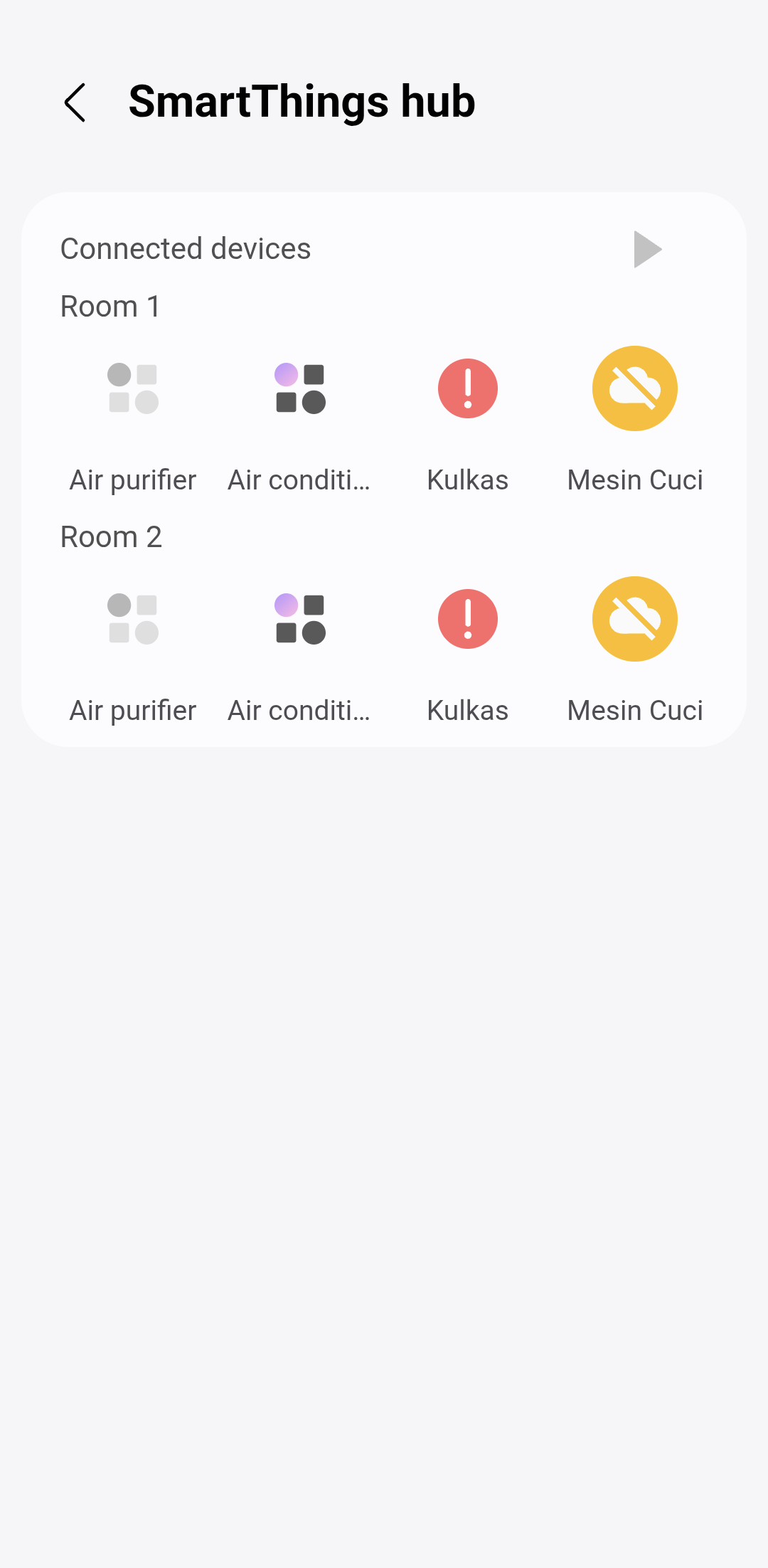
Then if you hit the play button it gets weirder.


As mentioned in the report you submitted via email, a ticket has already been created and the engineering team is aware of the issue.
We kindly ask for your patience while the team investigates. Resolution timelines may vary depending on current workload and the complexity of the issue, but we’ll provide updates as soon as more information becomes available.
Thank you for your reply, please note that I got new Aeotec hub 2 version 4 which is the latest hub two days ago and I can’t add it as primary hub due to this issue so I hope the development team will solve the issue very soon.
Hi dear any update?
Hi, at the moment I don’t have any new updates from the engineering team, but I am actively following up and pushing the ticket. As soon as I have more information, I’ll let you know.
Hi Itati, it is more than 2 weeks with no news as you aware with current situation all hubs management has been stopped like hub replacement.
Hi we will complete more than 22 days without any response from samsung ! please no one from samsung engineering find a solution as well as it seems hub management is not important to samsung !
I have a Location where I keep my V2 hubs parked so I can update them. The phone controlling that Location has never had the problem.
The phone is normally off so the mobile app and the Hub management app may have been updated in a different order to those I use with my main Location.
Long time and still no update as well no reply from Samsung! Please update the case
Helo again no update or response from samsung!
Hi,
Thanks for following up.
The team has already worked on this, and it is expected to be available in an upcoming release. As soon as we have more information, we’ll let you know.