How to retrieve zigbee application version in edge driver?
In DTH, you can get the zigbee application version as following.
device.getDataValue("application")
Is there equivalent method in Edge driver?
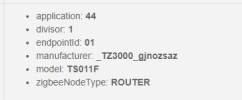
Some of the tuya zigbee plugs (with model name TS011F) have different way of action by zigbee application version. (Application version 0x45, 0x44, 0x41, 0x40, like the one as the screenshot below, requires polling of the power, but other application version supports power reporting.)
FYI, TS011F tuya plugs look like these.
and below is how I handle the zigbee application version in the DTH, to check whether polling is required.
Hi, @iquix
I haven’t seen this property in the device variable but I’m checking with the team if there’s an equivalent in Lua.
I’ll get back to you as soon as I can.
Update:
The team mentioned there’s a driver where they also use this value, so you can take a reference from it:
I’m using your DTH and it works great with a TS011F running Application version 0x45. Have you managed to create an edge Driver what works with these for Power Monitoring ?
RBoy
(www.rboyapps.com - Making SmartThings Easy!)
4
I don’t think that’s going to happen. I believe that attribute is part in the OTA Upgrade cluster and the hub blocks/intercepts any calls from the drivers to the OTA cluster. So there’s no way to communicate with the OTA cluster to retrieve the firmware version. With DTH’s the hub would capture that information during device discovery and save it. Unfortunately the edge drivers framework doesn’t do that either. So for how you’re out of luck unless the engineers decide to change something. I’ve raised this issue with them but I haven’t seen any solution as of today.
I successfully got the applicationVersion data with the code above. It’s whole different thing that whether custom Edge driver devices could get the firmware “updates” though…
[Oct 8, 2022] Contents modified to apply the latest information.
Since there’s no way to force apply arbitrary Edge driver, I’ve added zigbeeThing fingerprint Edge driver, which cannot be used for pairing, but can be applied to any devices, using the method below.
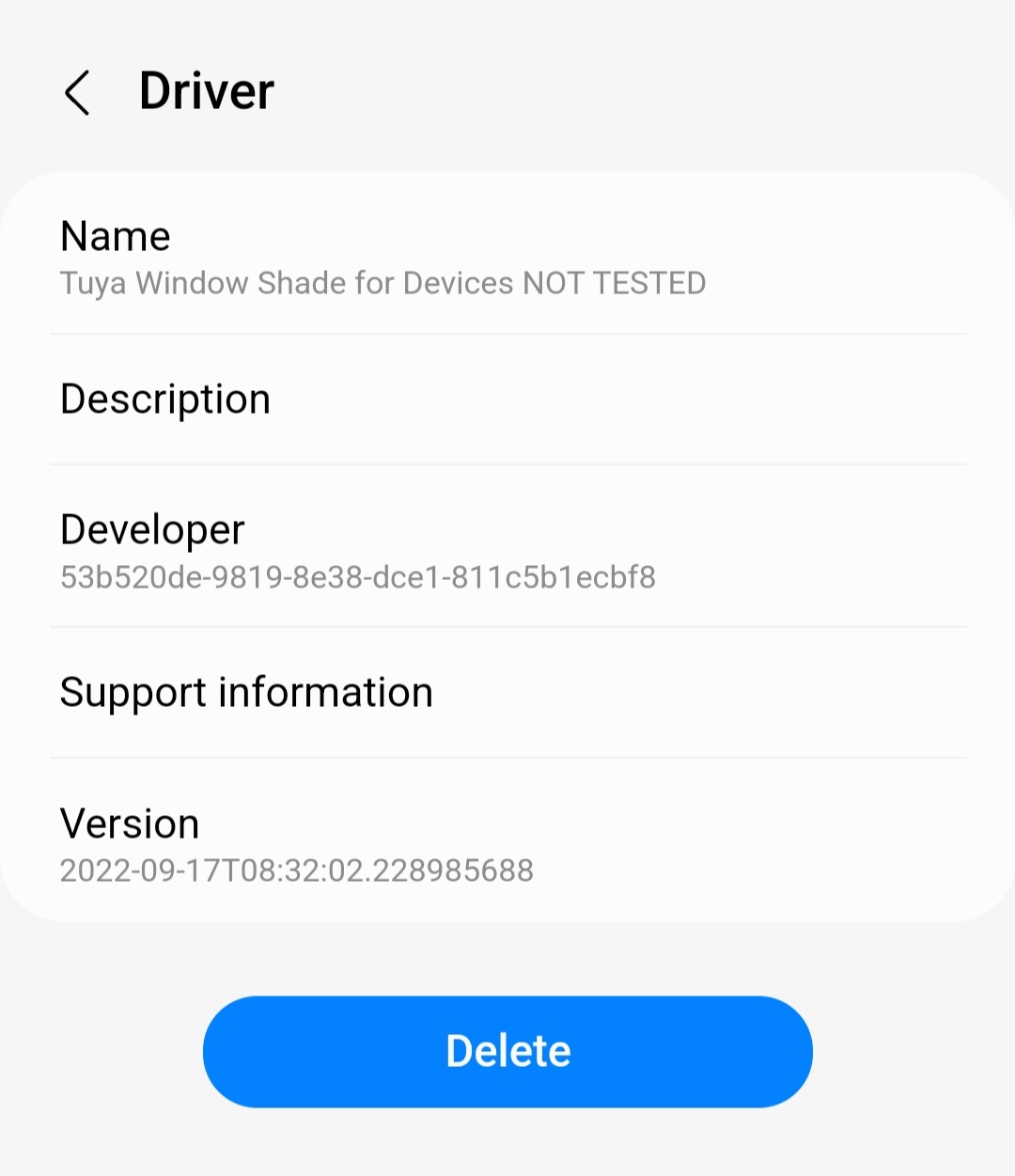
You can apply this Tuya Window Shade using the method below.
Install Zigbee Thing edge driver from official ST beta Edge chanel.
Install Tuya Window Shade edge driver from my channel.
Delete the Tuya Window Shade DTH from IDE
Pair the shade. It will be paird with Zigbee Thing Edge driver.
In the detailView of the zigbee thing device in the ST app, Press 3 dots on the right upper corner, and change the driver to Tuya Window Shade for Devices
I hope SmartThings allow arbitrary Edge driver to be force applied to any devices.
[Oct 8, 2022] Contents modified to apply the latest information.
Limits of the both end can be set even without zigbee hub. Setting the limits is not something that is related with the edge driver.
When the limit is set, by making the curtain move between both ends several times (with remote control or by pulling the curtain to move), the curtain slows down just before it reaches to the ends.
Hi @iquix
I bought a exact same curtain motor to replace this
manufacturer: _TZE200_cowvfni3
model: TS0601
But the new motor has fingerprint ID that was the below instead
manufacturer: _TZE200_3i3exuay
model: TS0601
Anyway I used the “Tuya Window Shade for Devices NOT TESTED” driver on it and it worked without any issues.
Can you update your driver to include the new fingerprint ID. Thank you.
Hi @iquix this device has a solar panel with light sensor and internal battery is it possible to add this information to the device panel in smartthings?
I think with this information we will be able to create routines with the light sensor or with the battery level to show alerts.