Where do I find the “Detail View”? I have the Driver set as “Zigbee Thing” in the Driver Screen. But I have no idea were to fine this “DetailView”. The only other available installed driver is “Zigbee Thing [YG] v1.0.2”. Do I need to install your channel to gent the “Tuya Window Shade” channel?
Thanks iquix, but these are the only two other available dtivers and neither of them work. I need to find a compatible driver but I do not think one has been developed. I’ve searched the forums and asked for help on this site to no avail
Great work Jaewon, the Tuya app shows % of battery left on the rechargeable battery any chance of incorporating that feature in your driver.
Thanks again.
I have a tuya wireless motor in my house, but it never displays battery info in the tuya app. Also, I have never seen the battery packet sent from the device in the live log of the ST hub.
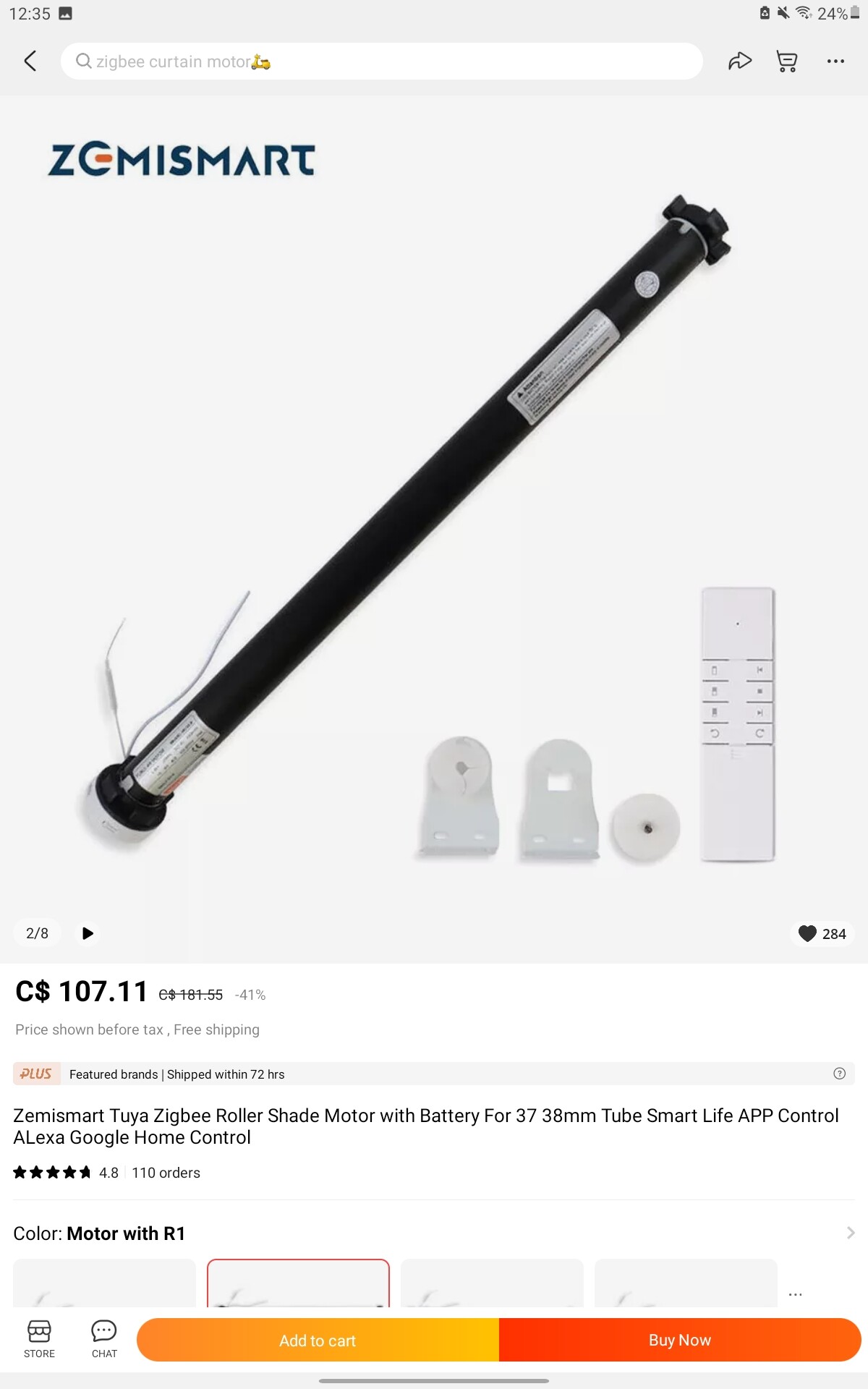
Hello Jaewon, here are 2 screenshots from the product description of my ZigBee roller blind from Zemismart maybe that particular model might have the power show option.
so, i purchased the zemismart curtain track zigbee system, is there a specific way to integrate these into smartthings with a new edge driver? im not having any luck, its appearing as a thing device and im not able to change the driver because of this.
Hi there, the first thing was to install from Yakov’s channel the beta edge drivers,[ST Edge/Beta] Xiaomi/Aqara/Tuya zigbee sensors driver , select and install the Thing driver from his list , finally install from Iquix’s chanel which we will find in the current thread his curtain edge driver and then you can change driver in order to use the driver you have just installed.
I will be removing the smart blinds from my SmartThings hub for 2 specific reasons and use a Tuya hub, first my blinds are zebra blinds and when I set my limits with the remote the limits are not fully transported in Iquix’s driver, there is preset position in the setting menu which doesn’t work for my blinds and secondly my motos are able to report battery capacity left by using the Tuya app which I find is very important for my needs.
Thanks! I finally got the right driver to start with and switched to yours right after. I see the shade motor in my devices now! When I click the device icon, I see basicHtml with device data, but no way to activate the shade motor. I see “Standby” under momentary. Should I see anything like “Up,” or “Down?”