After some help/suggestions here please. I run several Fibaro ZWave Keyfob devices on the stock ST ZWave Button driver. These fobs have 6 buttons each with Press, Double Press, Triple Press, Held and Held Down functionality. As of sometime overnight (UK 11-12 Nov) Triple Press and Held Down events are no longer registering. Other actions are still OK and this is across 5 identical keyfobs.
I am on v2 Hub, Android and all f/w is up to date. As far as I can see there has been no recent update to either Hub or driver that could have caused this. I have actioned a hub reboot (soft), ZWave network repair and a swap to the ST Switch driver and back - to no avail…
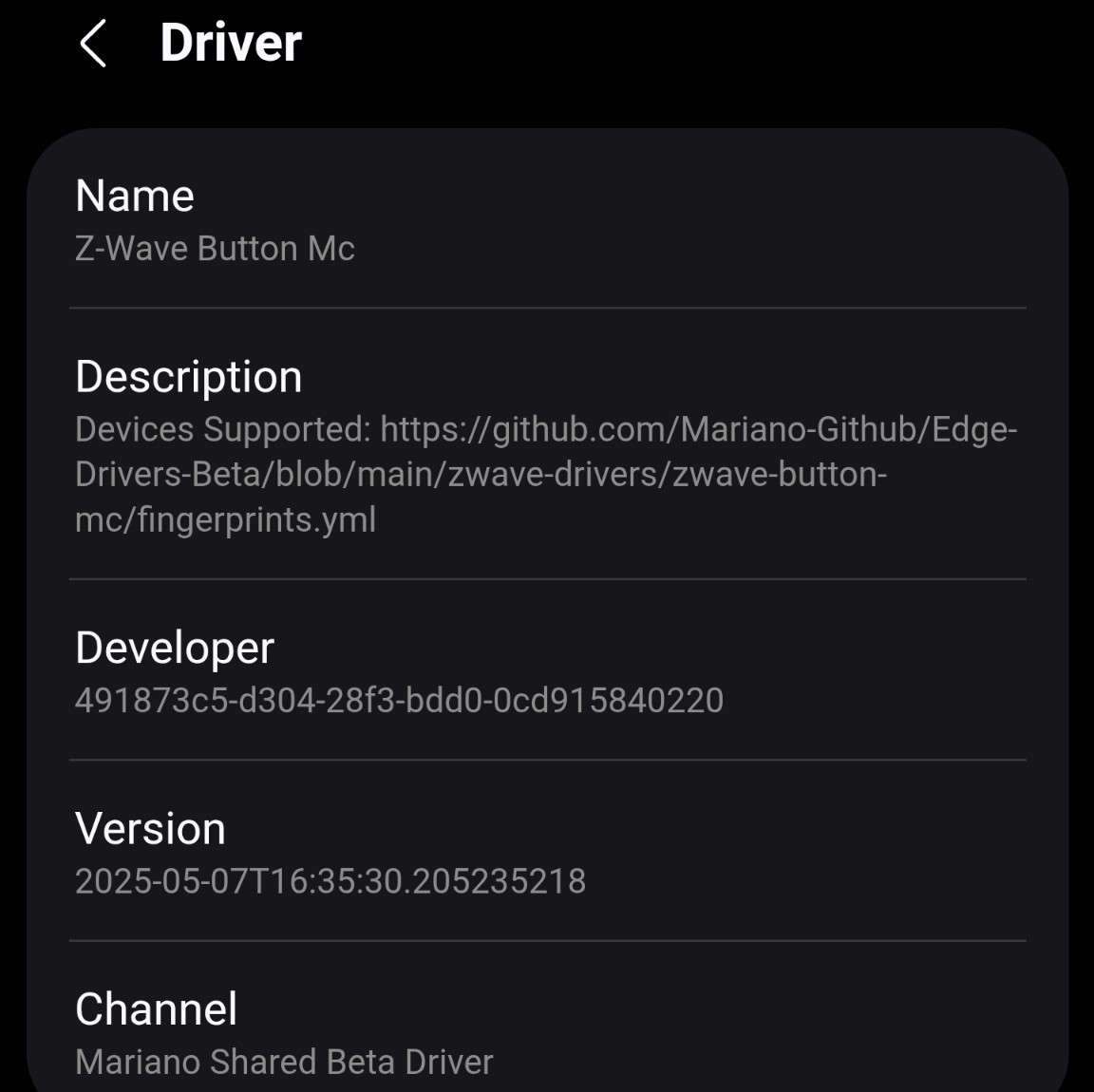
Well, swapped ST stock driver for @Mariano_Colmenarejo’s and all button combinations working consistently… swapping back to the ST driver and issue is re-introduced.
To fix this, you should exclude the keyfob and add it again so that the values sent by the keyfob are configured correctly.
The Mc driver performs the configuration when you change drivers, if it’s awake, which is why it might have worked for you when you switched to the Mc driver. The stock driver only configures the device during installation.
This did not work, removed your driver and device. Reinstalled key fob on ST driver and the same behaviour occured. Reinstalled and swapped to your driver and, again, all good
I can confirm that this behaviour manifested sometime on the 11/12 Nov. I was definately using triple press early morning (between 00:01 and 08:00) at times on the 11th and it failed next use which was again early morning sometime on the 12th and has been doing so since.
So… I removed and re-paired the device with the ST stock driver and created a routine (a notification) on triple press and then pressed button 1 through all 5 options. Behaviour as reported in that triple press and held down events did not report in the app and triple press did not trigger routine. I then swapped to Mariano’s driver and repeated button presses and again it was as reported. Triple press and held down both reported in the app and the triple press routine was triggered.
In both instances events were logged in the CLI but in the case of the ST stock driver there were no emitting event’s logged for the problematic button presses.
I have mailed the logs from the CLI and have dumped the hub logs as requested. Access is granted and the device name was Fibaro KeyFob.
If there is anything else I can provide please ask but for the moment I will be running on @Mariano_Colmenarejo’s driver…
Hi, @TheHundredthIdiot
Thank you for the information. I could see how the events are received but they aren’t handled properly.
Since I reported it to the engineering team, they checked the hub logs saved for your hub and the most recent one is from June.
Can you reproduce the error and submit the hub logs again, please? Please share the date and time of the test, including your timezone to find them easily (this is to replace the driver logs).
@TheHundredthIdiot, an update from the engineering team:
They performed some tests on their side, and it seems that messages similar to the ones you shared are handled correctly.
Therefore, they want to verify if the device is being registered with the correct “supportedButtonValues”. To do so, can you switch back to the SmartThings driver and let us know when it’s done for the engineering team to check the corresponding info, please?
Keyfob began on Mariano’s driver and I re-ran the test, switched back the driver and ran again. Saw the same results from the CLI and requested 2 sets of hub logs as follows:
16/11/2025 UK - Button press set with Mariano’s driver @ 10:32-33
16/11/2025 UK - Driver Swap to ST stock then then button press set with ST stock driver @ 10:34-35
Behaviour remains as detailed earlier. The device is the same but now named ‘Sonos Control (Kitchen)’. It remains on the ST driver with all routines turned off.
Hope this is of help and the logs actually got taken this time around , ask if you need anything further
The engineering team created that driver to analyze the issue further because the information collected so far has little details on why the issue is happening.
The driver of the invitation that @Andreas_Roedl mentioned will be used to verify other things, therefore, we need you to :
Accept the invitation
Install the driver in that channel.
Perform a driver switch to this new driver
Run the button commands that don’t work while you’re listening for the driver logs so you can share them with us again, please
Note: In this case, re-pairing the device isn’t necessary.
Posting it here again, just in case:
And, @Andreas_Roedl, although we appreciate your motivation to help others. Sometimes it’s confusing if you just tell them to do something, especially because this is not the solution, but something else to keep working on the issue, and there were extra instructions we wanted to provide.
All done, CLI logs sent via e-mail as previously and hub dump taken on 23/11/2025 @ 12:08 GMT. With this driver the problematic button presses registered in the app whereas previously they did not.
Hi, @TheHundredthIdiot
The engineering team found the root cause of the issue. There was a configuration in the background that caused some conflicts with the type of enum of these button options, which had a special symbol (“_”).
The engineering team made the corresponding change, so the “Production” version of the Z-Wave Button driver should work correctly now, so, you can move your device to that one if you want.
Thank you again for the report and the cooperation to help collect the information needed.




 , ask if you need anything further