Hi SmartThings support team,
I am implementing Oauth2.0 Google sign-in with our cloud connected devices. I have a question why SmartThings app will open a Safari browser again especially while redirecting to the url with domain https://accounts.google.com ??? And why even the Google sign-in process is done the SmartThings app will show a SmartThings 404 page??? Although the account linking is successfully done.
I noticed that while adding my device, firstly the SmartThings app will open an embedded browser. Then when I click my google sign-in button which will redirect to the url to start Oauth2.0 process:
https://accounts.google.com/o/oauth2/v2/auth?client_id={{google_client_id}}&redirect_uri={{google_redirect_uri}}&response_type=code&scope={{google_scope}}
The SmartThings app will open an additional Safari browser.
I have done some tests to make my button redirect to other urls. Only the url with domain https://accounts.google.com will open an additional Safari browser. Other domains won’t. And Facebook sign-in won’t open an additional Safari browser either.
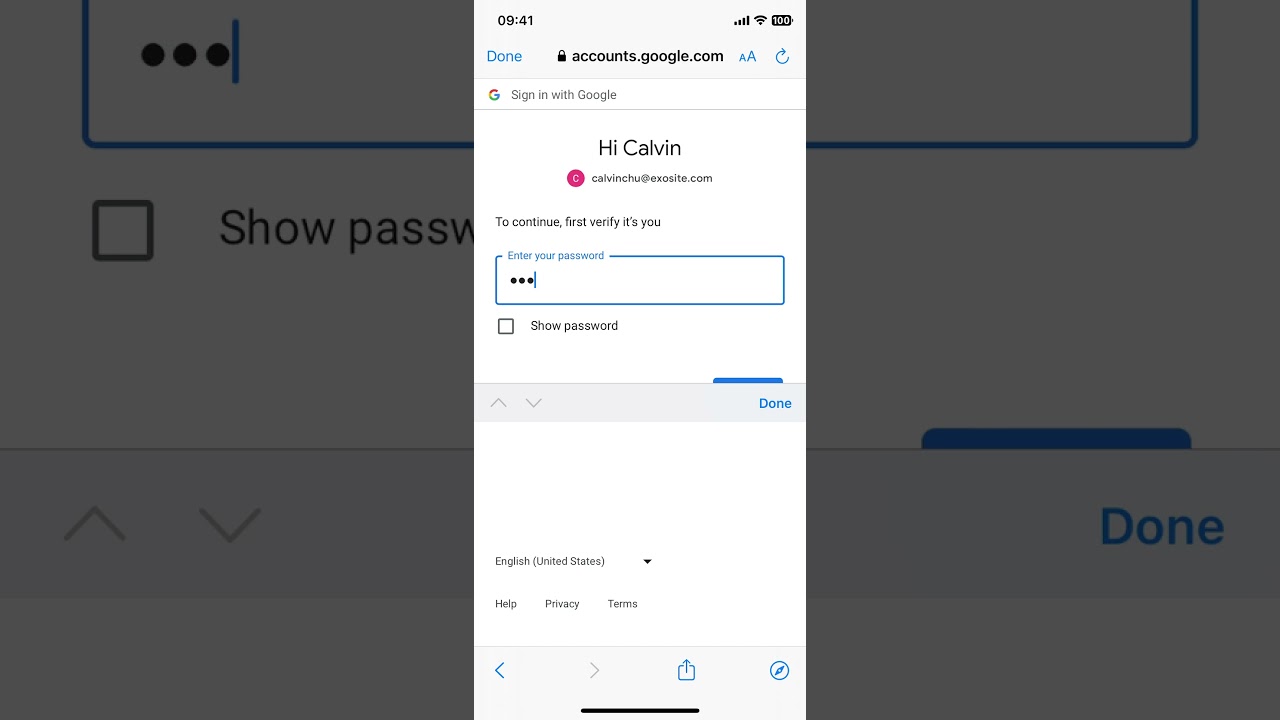
iOS Google sign will open an additional Safari browser. And will return 404 page. The device was linked though.
iOS I make my button redirect to https://www.google.com/ won’t open an additional Safari browser.
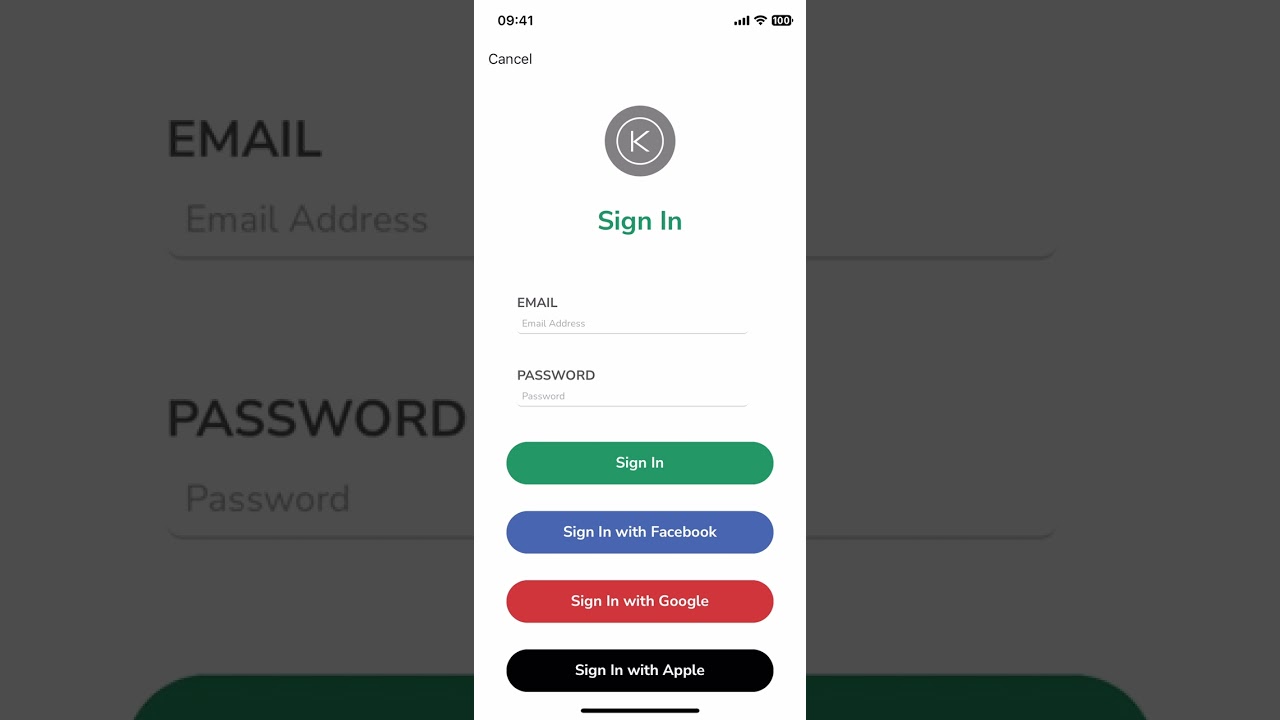
iOS I make my button redirect to https://maps.google.com/ won’t open an additional Safari browser.
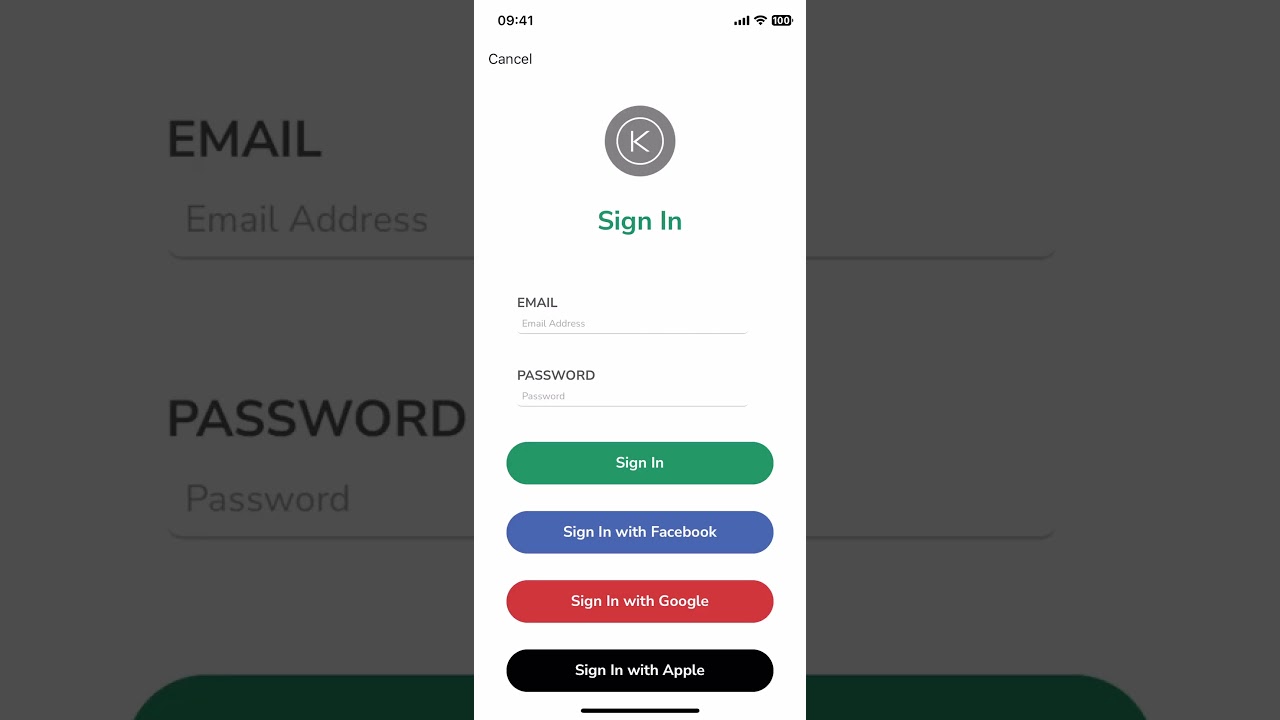
iOS I make my button redirect to https://www.smartthings.com/ won’t open an additional Safari browser.

iOS I make my button redirect to https://accounts.google.com/ even without query strings will open an additional Safari browser.

iOS Facebook sign-in won’t open an additional Safari browser.

This issue only happens in iOS devices. Android Google sign-in is normal. Won’t open browser twice. Won’t return 404 page. The password was changed after the demo by the way.
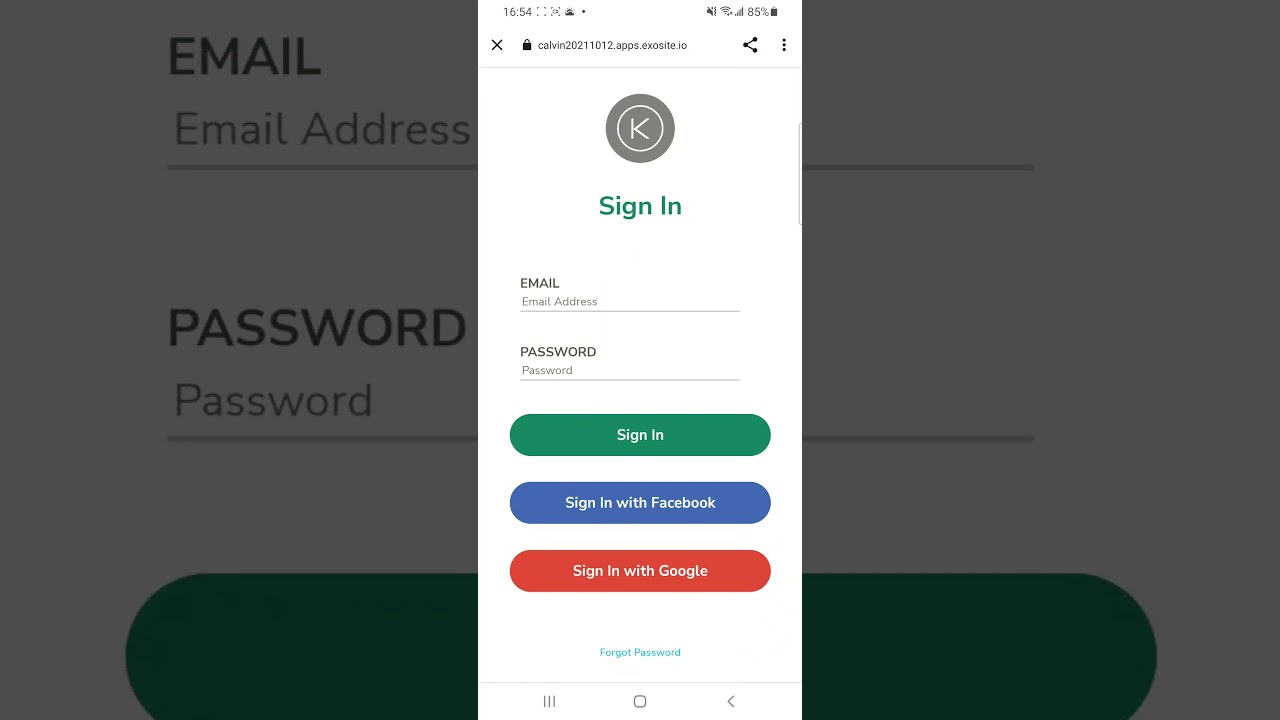
Why the special treatment is done for the domain https://accounts.google.com/? Can you please tell me why and is there anything I can do to solve this issue on my side?