Hi, I have over 30 of the Aeotec 4-in-1 window and door sensors called the “Aeotec SmartThings Multipurpose Sensor - Zigbee - Door and Window Sensor.” I ordered them from Amazon. They can monitor open/close, temperature, and vibration.
I am wondering if there’s a different driver I can install for these. Right now, Home Monitor in the SmartThings app will not report when they vibrate. It doesn’t even see them as vibration sensors - I’m unable to select them from the Vibration menu. Of course Home Monitor does alert me when they open/close, and I can see when they vibrate on their individual device pages, but that’s it.
I can make a custom routine that alerts me when there’s vibrations, but this isn’t ideal since I can’t see the names of which sensors sent the alert. I would have to make 30+ routines that includes each one’s name.
Is there a driver out there that will allow these to be seen as vibration sensors in Home Monitor? And maybe even adjust their sensitivity levels? Thank you!
(Currently they use the “Zigbee Contact” driver from SmartThings.)
What you can do is a bit convoluted, but you can create a virtual contact sensor (or virtual motion sensor), and actuate that when the real sensor detects vibration, and have smartthings home monitor (STHM) use the virtual sensor. So you can still get the alerts and stuff it’s just that it’s going to tell you that it was opened or motion instead of telling you that it was vibration. I don’t know if that’s useful to you or not, and it is a bit complicated to set up, but it can be done if you’re interested.
Aeotec provides Edge drivers for their devices. Don’t know if that will get you what you want. @JDRoberts idea of using virtual devices is probably your best bet.
Enroll your hub in the channel and install the contact Mc zigbee driver.
The ideal is to uninstall the devices with the app and pair them again with the driver, but you can try changing the driver.
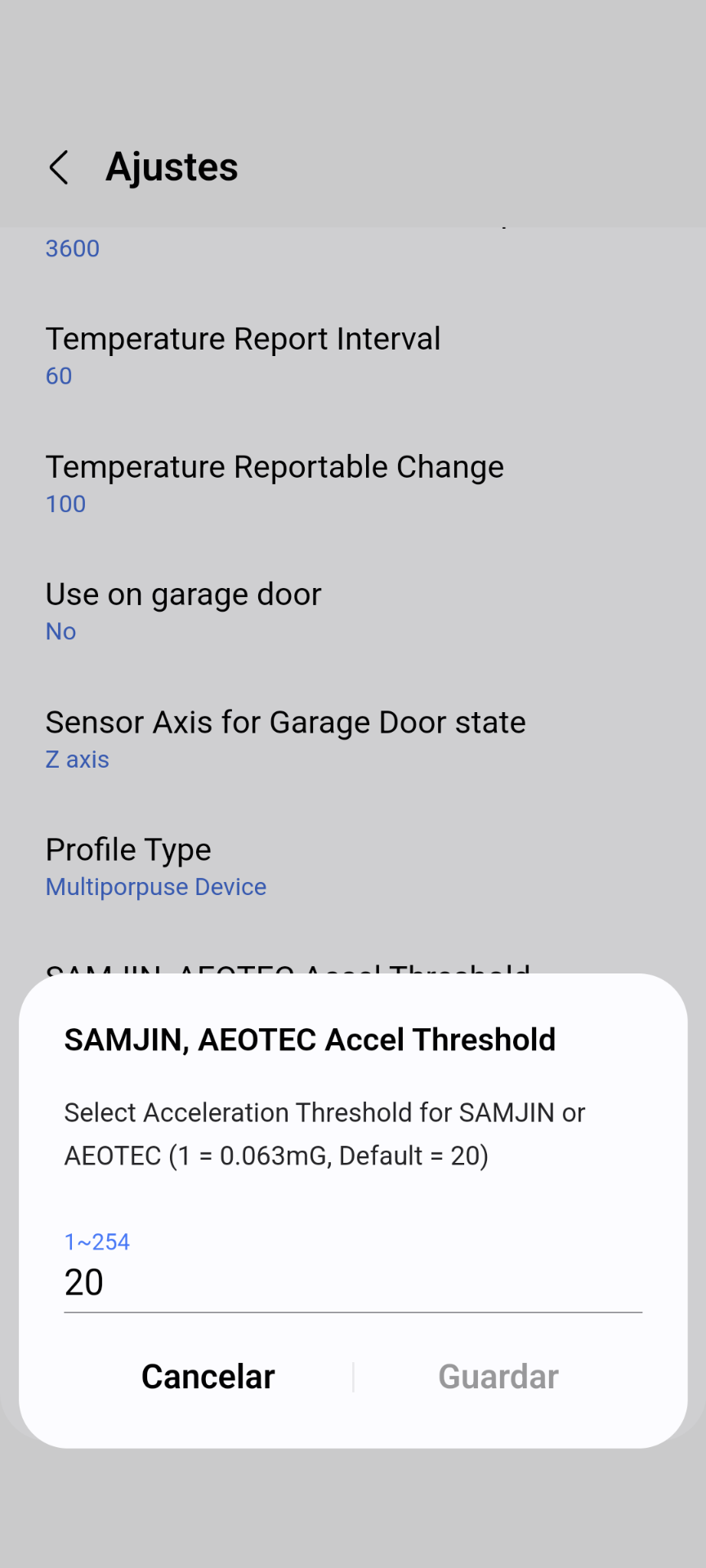
In the settings menu you have a preference to adjust the sensitivity, choose the setting for aeotec, samjin.
Each unit is equivalent to 0.063 mG of acceleration threshold.
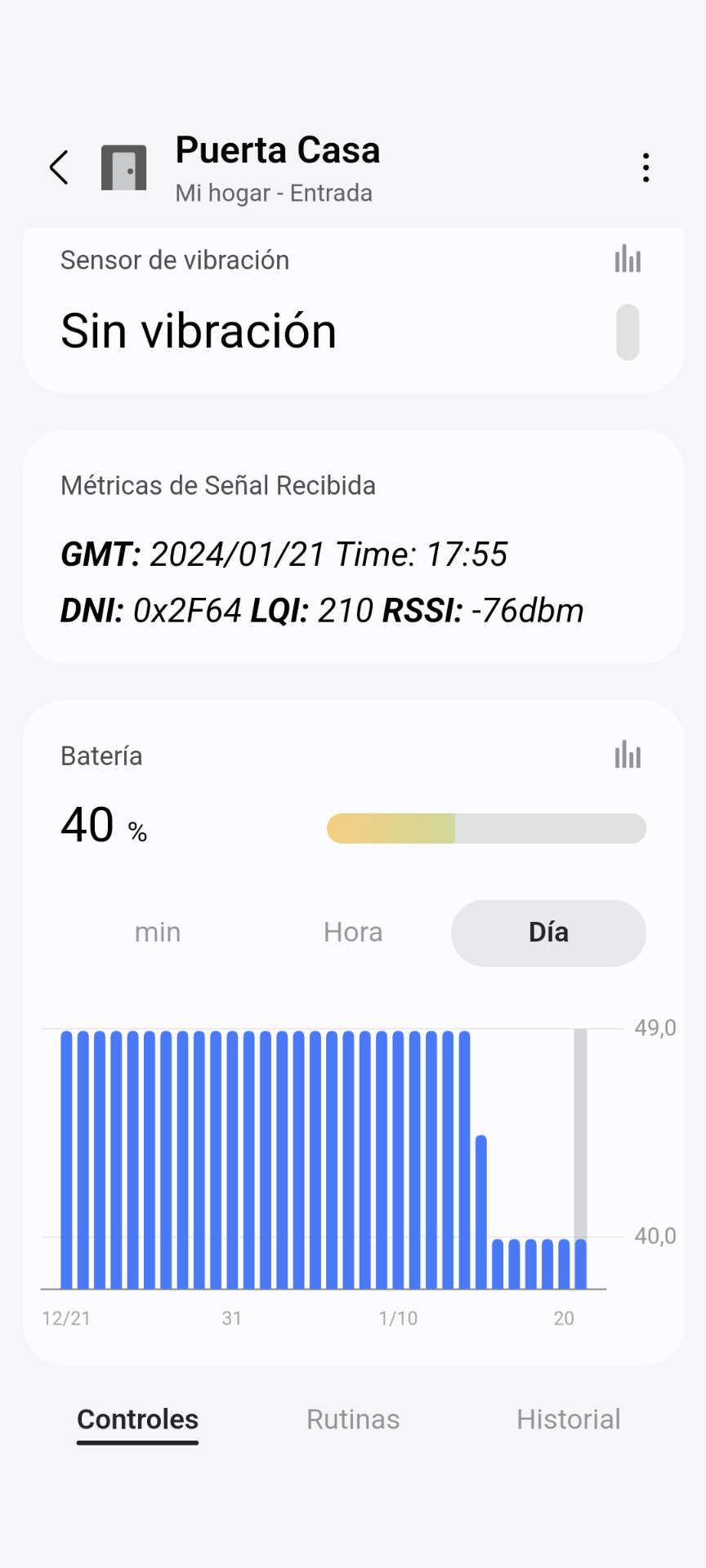
for made easy the @JDRoberts suggestion, to create virtual contact sensor devices then, If the driver date version of zigbee contact Mc installed in your hub is 2024-01-21T12:42:40.021253163 then you can create virtual devices for vibration events that you coud add to STHM and activate warning when vibration, acceleration is detected
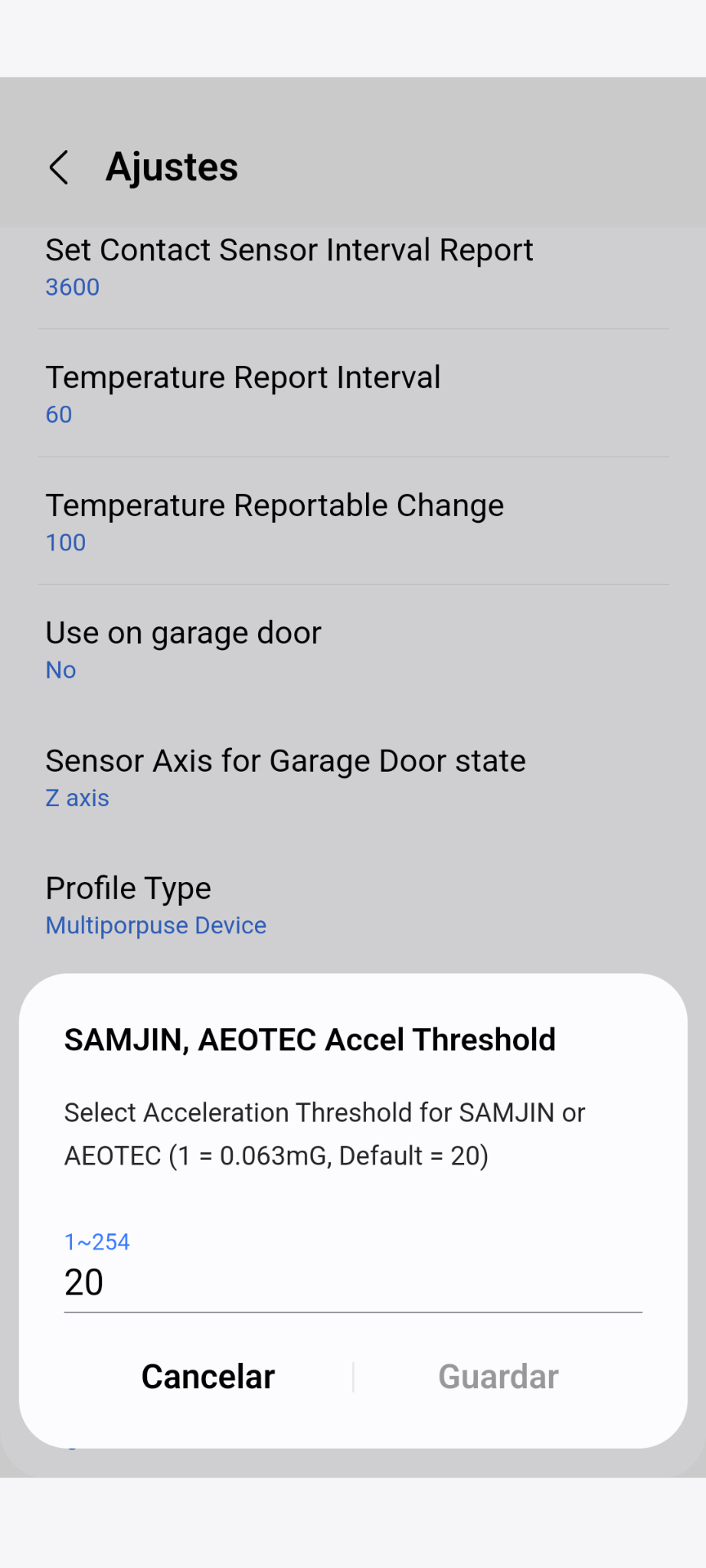
Since you are going to play to configure devices and if you are not going to use the sensors to control temperature, only to monitor them and you want to save battery, I would recommend using this configuration, which I also use:
Maximum temperature reporting interval 60 minutes
Always reportable temperature changes: 1°c, (1.8°F). Preference value = 100.
With this configuration any change >= 1°c (1.8°F) will be reported immediatelyand any change less than 1°c will be reported every hour.
Maximum periodic reporting interval of contact sensor status: 3600 sec. The current default value is 300 sec.
With this configuration, the messages sent by the 30 devices to the hub are greatly reduced, reducing the zigbee mesh traffic and workload of the Hub and the battery consumption of the 30 sensors.
This is a screenshot of my setup and it works perfectly.
Thanks to you @Mariano_Colmenarejo , I’m using it very well. I have one question. I’d like to adjust the vibration sensitivity. How can I do that? I’m using the Samsung SmartThings Station. Should I adjust the ‘SAMJIN, AEOTEC Accel Threshold’ value, or should I adjust the ‘SmartThings Threshold’ value? Should I increase or decrease the value?
To reduce the sensitivity you have to increase the detection threshold value.
To increase the sensitivity you have to decrease the detection threshold value