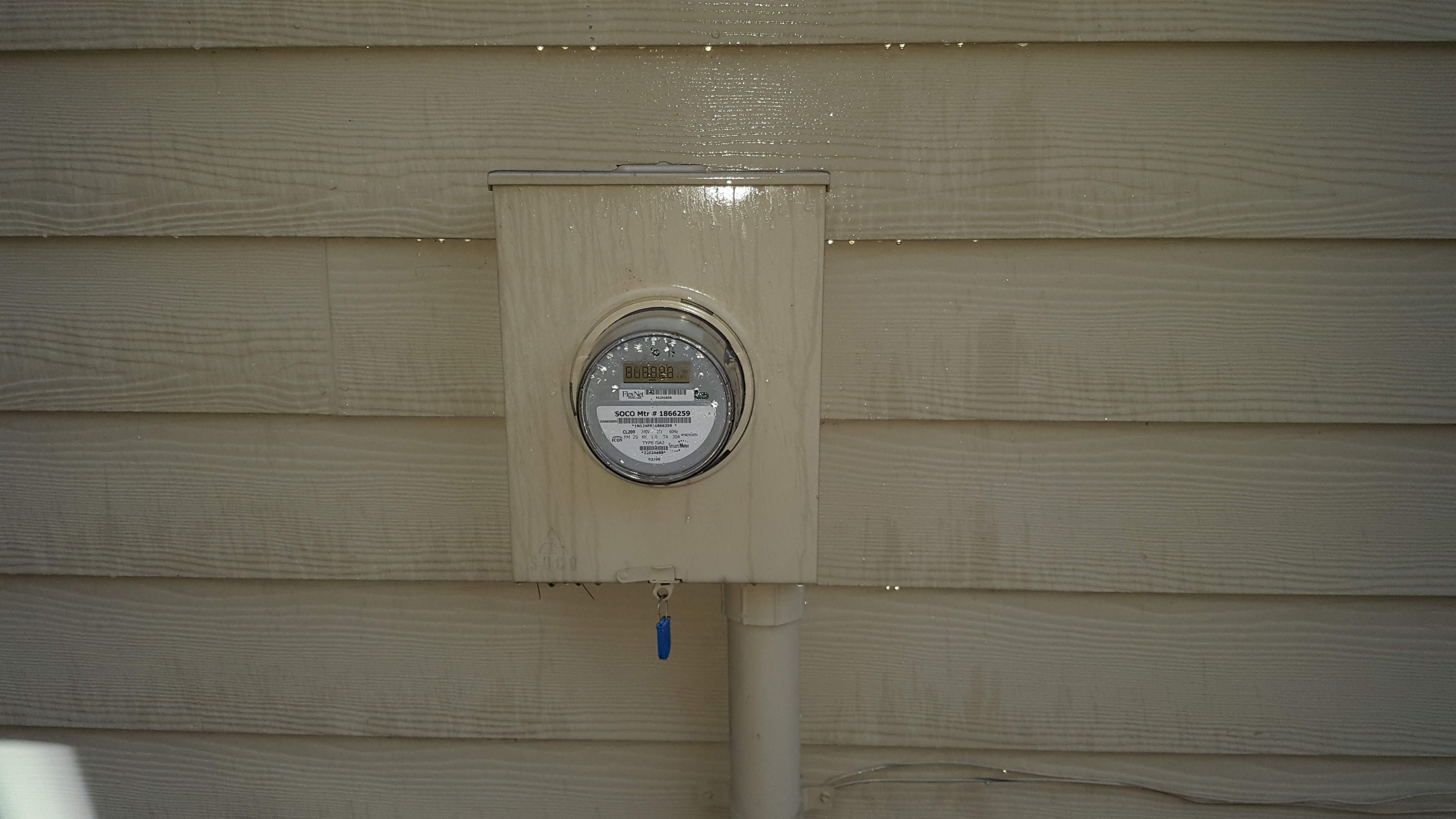
For those of us with whatever it is that’s preventing my brain from fully getting it, would you be willing to add words and arrows to the pics…or maybe do a quick video (with audio) to point things out?
I press the button and it slow flashes continuously, i then go to add
device on my smartthings and then the meter goes solid but nothing comes
up in ST. Each time i press the action button now, it fast flashes for 1
second then goes solid, so it would make me think its paired but i
didnt get the option to add the device in the ST app (also cant find a
device created anywhere).
I have to exclude the device to get it to slow flash constantly again, then have tried the inclusion process probably 40 times.
1./ Sitting right next to the hub
2./ Tried with and without batteries
3./ Tried on AC only
4./ tried with clamps on and with clamps unplugged
Any chance you could walk me through getting this set up. So far, I have never been able to make anything involving code work. Would love to see a graph from my hem v1 data.
Is this your most current DTH for using the Aeon-HEM v1 as a laundry monitor? I have successfully created a custom DTH and assigned it to my Aeon-HEM v1. It properly reports the overall laundry state in the MultiAttribute tile, and the per device power usage, however the state of the Washer and Dryer tiles never seems to change. Any idea of what I am doing wrong?
For testing, I am simply changing the threshold in the preferences section for the washer and dryer, and then waiting for an update to occur.
I think I know what the delio is…
The clamps must be placed around the hot or neutral lead, if you place the clamp around both the net measurement will be 0 (since the current through the hot and neutral will cancel each other out from the meters perspective)
1 Like
Synthesis
(The Viking AKA "Holy Crap You're a Giant!")
288
That would be it…
You need one clamp around each pole of the circuit. Neutral won’t work though as far as I know, but I don’t remember if you can run a single clamp.
The above DTH specifically configures the device to read each clamp independently (rather then summing as you would need when measuring each leg at your panel)
Yep, I understand the need to only put the CT around one leg of the circuit (I am an electrical engineer .) So that’s not the issue. It appears to be an issue with how the iOS version of the ST App is trying to render the two valueTiles for the Washer and Dryer State. Otherwise, the latest DTH you pointed me to appears to be working well. I’ll try tweaking the DTH to make it suit my needs.
Tried repeatedly and SmartThings just doesn’t see the meter. Appreciate any suggestions…I don’t have to be actively metering power to get SmartThings to see and add the meter do I?
I was able to get this up and running for the laundry room with your advice and your DTH. I have the washer monitored on clamp #1 and the dryer on clamp #2. I installed the washer clamp in the junction box behind the outlet and stripped the insulation on the dryer cord around 2-inches lower than it already was to be able to fit the second clamp.
I tweaked the DTH a bit to be recognized as multi-button, and pushed on start and held on finish. I customized the base Button Controller Smartapp to send custom messages on pushed and held, which now allows notifications on start and finish of the washer and dryer runs.
This was probably my favorite HA install. I did the main breaker panel as well, so I have whole-house monitoring using the v2 DTH and laundry room using @Mike_Maxwell’s custom laundry v1 DTH.
@MEarly
Can you please post your tweaked DTH?
Your tweaked DTH might be what I need since I have been unsuccessful getting up and running pulling attributes washerState and dryerState with CoRE.
FYI - I created this modified DTH from @Mike_Maxwell’s HEM DTH with customizations that @MEarly shared on the thread below. Follow that link - I posted the code there.
Let me know if Dana’s works for you. If not, I can post mine when I get home tomorrow. They should have almost the same functionality and work fine with core, though I believe @Danabw added some nifty little tweaks.
I recently purchased the aeon HEM, and want to be prepared. My main question right now is how do I make sure the main power is off. I have large switch at the top of my breaker, but I don’t believe that’s really cutting the main power, just the power to all the circuits in my home. I have the power meter outside, can it be turned off from there or do I need to contact the power company.


 .) So that’s not the issue. It appears to be an issue with how the iOS version of the ST App is trying to render the two valueTiles for the Washer and Dryer State. Otherwise, the latest DTH you pointed me to appears to be working well. I’ll try tweaking the DTH to make it suit my needs.