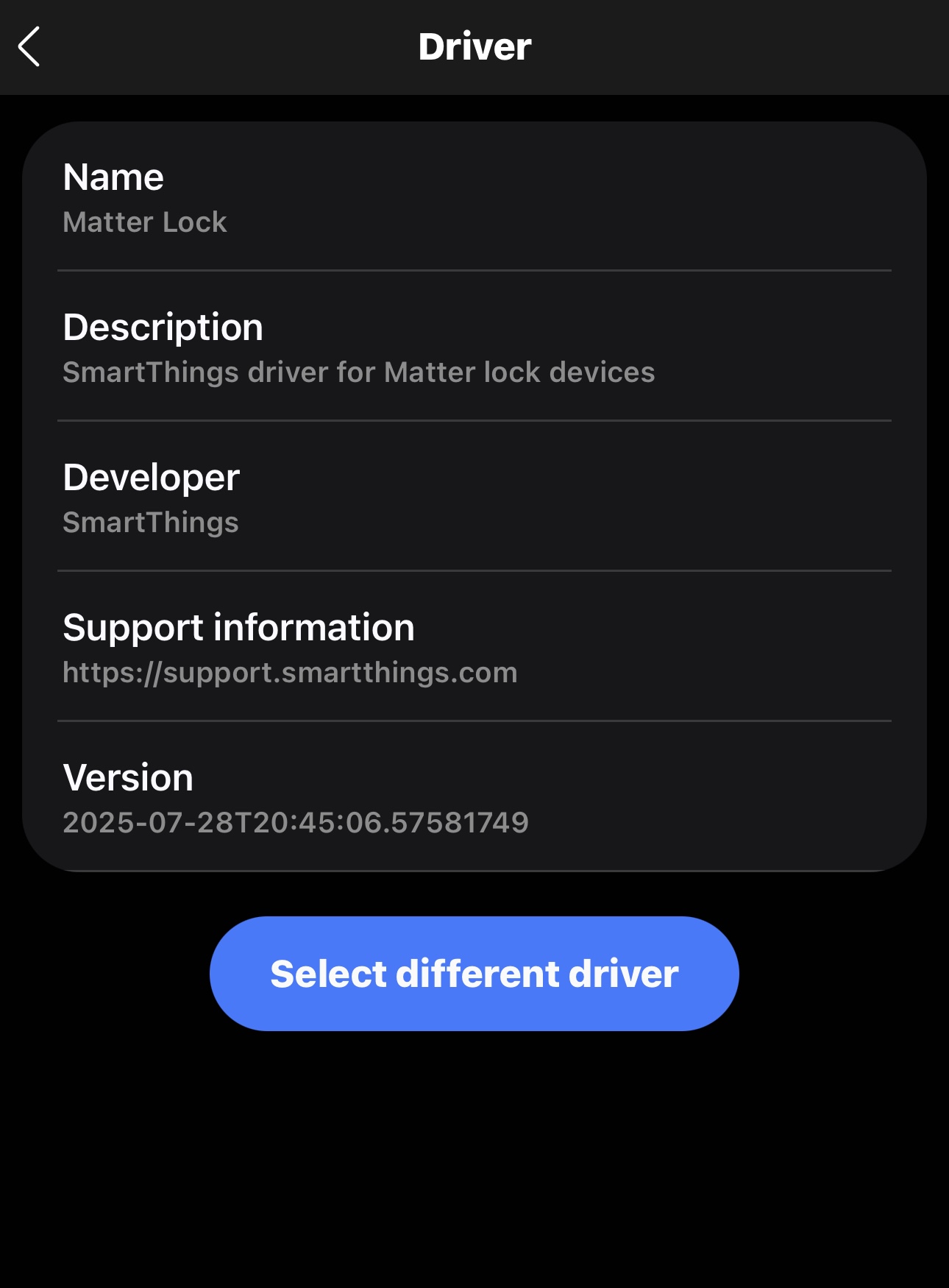
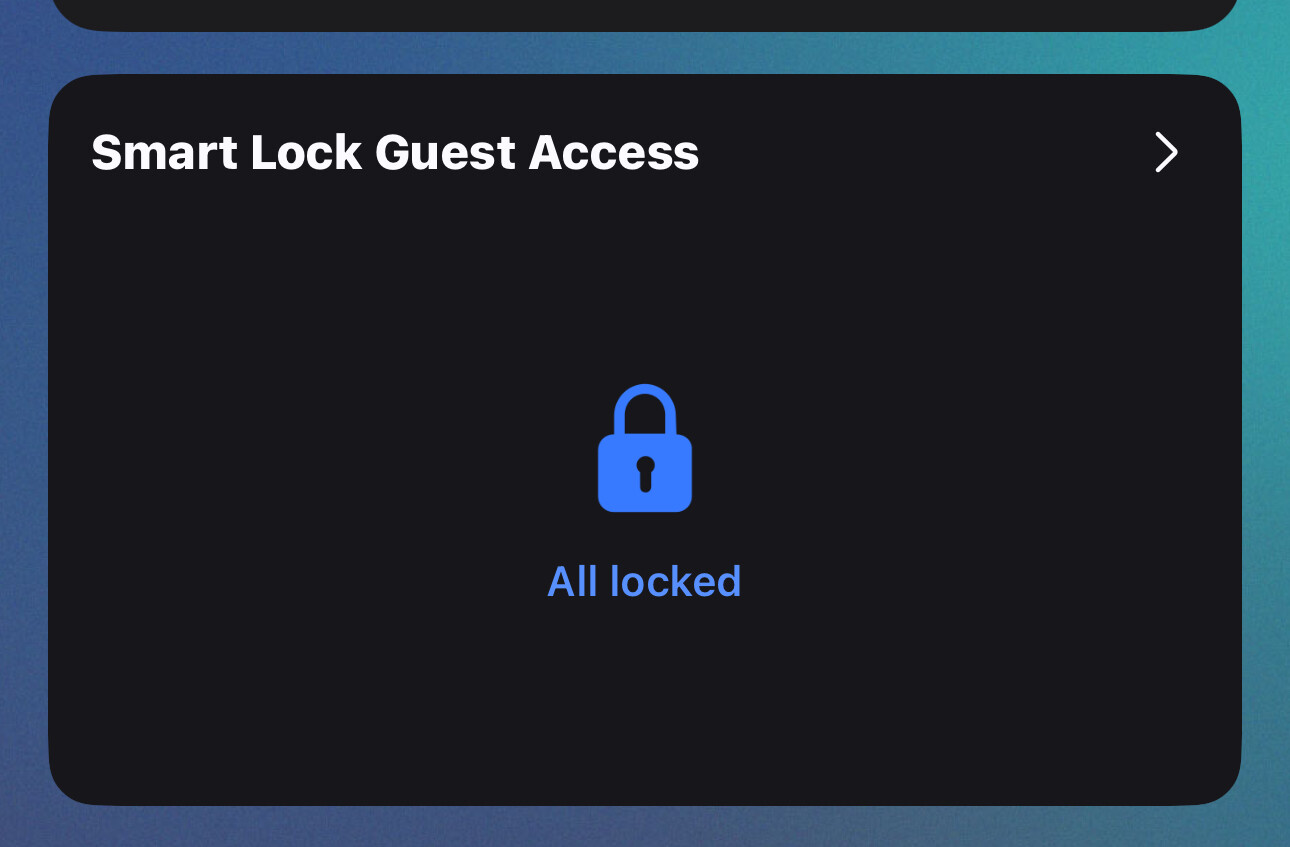
Hi. Since ive had a smartlock ive used the Smart Lock Guest Access app. If i pressed unlock, it moved my lock to the unlatch/open position.
Yesterday i noticed its not doing that. I recalibrated my lock and still not. Now it only turns enough to unlock my door but does not pull back the lock enough to unlatch it.
This has never been the case.
With it being a matter lock, i cant seem to be abke to make any changes!
There is nothing in the native app to change and that behaves as it should
I noticed tonight on insta that ST are announcing their new ios updates for watches and it specifically mentions unlocking doors.
Yes I have those buttons on my device but ive never had to use them. I just used the app. I only ever used the smart lock guest access app and my door would fully open. Never opened the device card ever.
I used to click the toggle switch and my door would unlatch open
Do i have to put up with attitude? Im on a forum for some help not to answer your beck and call
You have no clue of my circumstances or work. I dont sit on here waiting for a reply. My life certainly doesnt revolve around you or this forum. I pick it up when i see ut
You may well be someone very helpful and posting lots of advice and comments on here, and im not saying for a moment your not helpful, and i am grateful for your comments. But, you can wait as long as bloody it takes me for an answer. Ultimately the answer is for my benefit anyway, so if it takes me 6 weeks to read your comments then its only me that its affecting.
i couldnt care less if you were the inventor and all knowing master of smartthings. Comments like that put people off forums and then they dont get the help they need.
absolutely no need for that reply at all.
Yes it does unlatch with that button. Ive never said it didnt. My question was relating to the SmartLock Guest Access app. Not my device card.
The general expectation in many communities, including platforms like SmartThings, is that users check back reasonably soon after posting a question, as this helps keep the conversation productive and respects the time of those offering help. Traditional netiquette guidelines, like those from the early internet (e.g., RFC 1855), emphasize prompt responses to maintain effective communication, especially in technical forums where troubleshooting often requires back-and-forth.
Keep in mind that I always answered within ten minutes after your question and your answer to my question.
This is a bit contradictory, isn’t it?
Anyway: after your initial question I wanted to quickly check if the lock reveives the Matter unlatch command (which was introduced not too long ago). This was to make sure that your lock uses the correct (sub-)driver (new-matter-lock). There are reports in the Nuki forums that some locks forget the setting that determines that a lock should not only unlock but also unlatch.
It’s a smart lock, after all. There’s a lot that can go wrong between the press of a button in the app and actually spinning the motor.
I agree that that’s true in many forums, but it has never been the practice here in the 15 years that I have been a member.
we’ve had lots of people who only post once a week, or sometimes who even take multiple weeks to get back. (Even @Mariano_Colmenarejo on occasion, who was one of the most helpful community members ever.)
if you are uncomfortable with conversations that can take a long time to complete, then you might want to go to real-time chat rooms to offer your expertise there.
but for this forum, I think it’s fine if people post at their own pace. It’s what we’ve always done here.
It’s just that the first follow-up questions to a problem are often the most important, because they help guide the thinking in the right direction - something that can really take time.
Is it really too much these days to at least check back 10 minutes after posting a question to see if any follow-up questions came in? It would never occur to me to ask a question and then just disappear.
Most issues could be solved within a few hours, but in these days it can take weeks. And most people don’t want to re-read the thread every other day to get back on the same page - “wait… what was his issue again?”.
Yes it requires back and forth but this isnt a chat room. People have lives, jobs, family commitments etc. then there are time zone differences. Have you considered shift work and sleeping patterns - i think your expectations of how and when people reply are wrong. As JD roberts said people post here when they can and sometimes That takes a while and I agree thats how it should be.
I dont think any of my comments are contradictory.
I use the smartlock guest access button. Ive never ever had to select my device card.
The button on the smartlock app unlatched my door for me, now it doesnt.
Ive never said that the unlatch button in the device card doesnt do it. As per my original post i wanted to know if there had been any changes to the app that anyone was aware of.
and no its not quite the opposite. How do you know that there isnt a new user on here who has or is having the same issue, they see this post and then think better of asking for fear of someone like you “telling them off” for not answering immediately.
Anyway. Moving on. The lock is getting the commands, its the smart app thats changed, not the device. That works fine.
This app. On my home screen. When i toggle the button, my door used to unlatch. Now it wont
5. Select the time period and confirm - In this step, please select “Until turned off”, once the team finishes, we’ll let you know so you can disable it again.