Was Frient Motion Sensor Pro, now general edge discussion

Hi @barron

Are you tried with this driver from this shared Channel?

┌─────────────┬──────────────────────────────────────┐
│ Name        │ Zigbee Motion Sensor Frient          │
│ Version     │ 2022-09-10T09:24:18.98014306         │
└─────────────┴──────────────────────────────────────┘

Wow that’s worked…

Thanks for that.

Don’t suppose you have one for a frient heat detector?

Is there a full list of channels that have drivers to them? I’m assuming this is the new way the community shares there own drivers. If so is the a list of channels.

Thanks again

I don’t know if there is a list of channels for drivers

This device supports the occupancy capability, do you want I add It when I can and and you test It?

I don’t known this device

Thanks @Mariano_Colmenarejo.

Yes I’m happy to test it as occupancy. I’ll be using it in a small toilet but I have a toggle switch in place that will work with occupancy too.

1 Like

I’ll let you know when I have it, if I can I’ll do it tomorrow

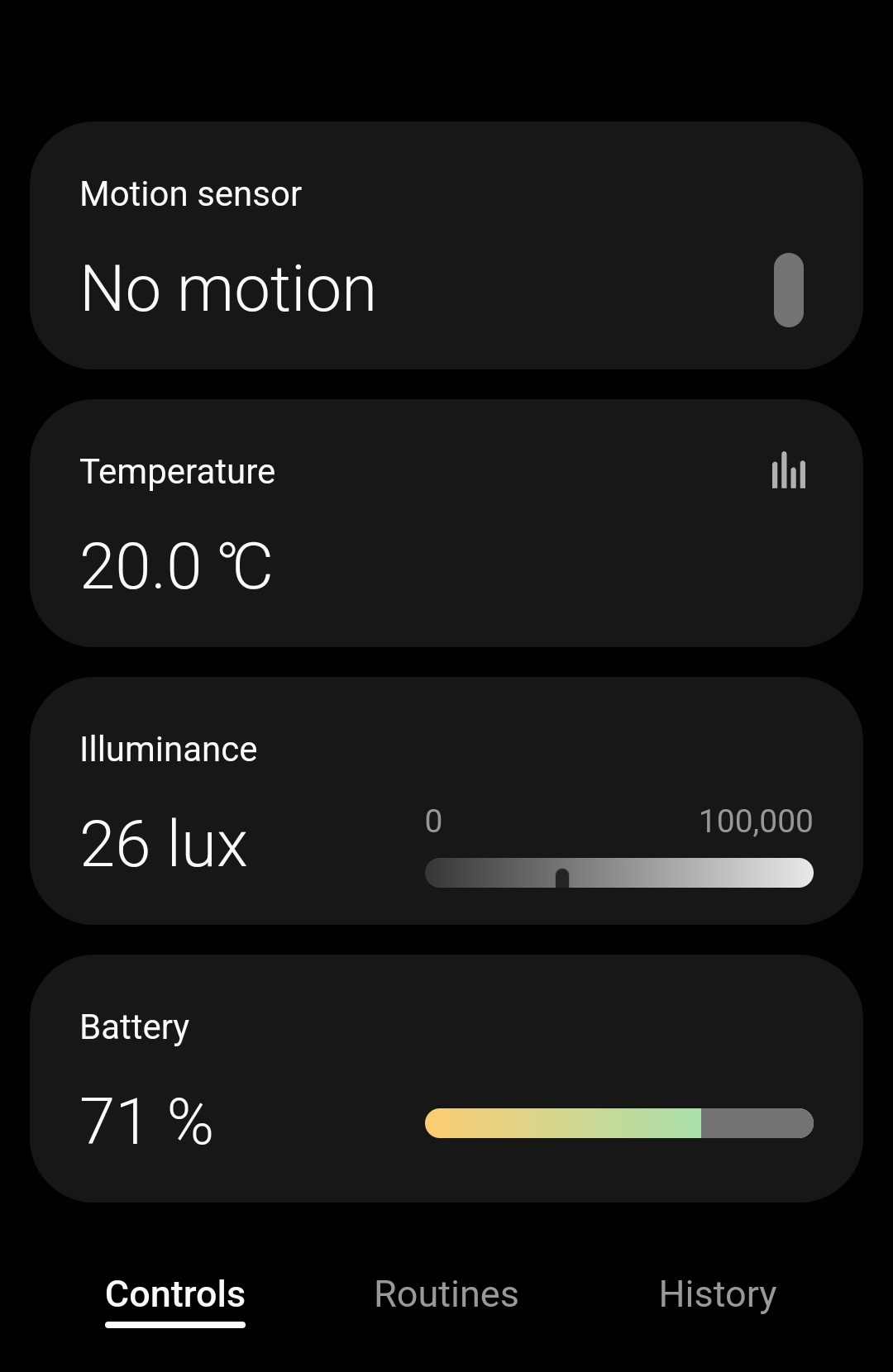
@barron what device is registering both the LUX and Temp ?. I had given up on getting Lux working. My Lux is just showing the a cloud.

I’m using the frient A/S Model MOSZB-140.

@barron @Jeff_Gallagher

In this version added occupancySensonr capability

┌─────────────┬──────────────────────────────────────┐
│ Name        │ Zigbee Motion Sensor Frient          │
│ Version     │ 2022-09-11T15:59:29.170032633        │
└─────────────┴──────────────────────────────────────┘

@Jeff_Gallagher That’s the same device I’m using.

@Mariano_Colmenarejo thanks I’ll give that a go

@Mariano_Colmenarejo

Any chance you could give me an idiot’s guide to updating that driver. When I use the link I did before to enroll, it only gives me the option to uninstall the one I am using now?

I can’t tell how to install the driver you have identified in your latest post.

Thanks

The driver it will be updated automatically in 12 hours max.
If you want update manually then can do wit CLI or if you uninstall the device from app and then remove the ols version driver from your hub, you can now install new version from the channel

It’s ok mate I’ll wait till it updates automatically.

Thanks

1 Like

Your a genius. It’s working now.

2 Likes

Hi @Jeff_Gallagher

Works the accupancySensor too?

It seems that although nobody has said anything since we reported in May that the libraries or the Hub did not manage more than 4 endpoints well, something has been fixed since it is the same driver that we tested in May, with the help of the documentation provided by @philh30, and it didn’t work.

I’m glad it works!

Yes everything is working fine now. I’ve all my devices on Edge now and all routines sorted.

Only 2 minor issues to sort out. A replacement for the SmartWeather LUX for outdoor lighting. Worst case I’ll pickup an Outdoor PIR with LUX.

And just waiting on confirmation that Action Tiles is using the new API.

Mostly that’s to your work :+1:

1 Like

@Jeff_Gallagher ,

I just point my motion sensor to a window which also serves as a Motion Sensor for a small toilet.

Over time I’ve figured out what lux level outside is required for each area.

@Jeff_Gallagher @barron

Driver has been included in the Zigbee Motion Sensor Mc driver

1 Like

Yes, I was having issues already. I haven’t reached the 50 Driver limit, but I’m having issues with the Hub reporting that it has no Memory. So having to add devices to a Second Hub.

Do you know if “Local” devices on one hub will communicate locally to devices on a Second Hub provided they are on the same vLAN ?
@Mariano_Colmenarejo .

Can you add this device to your Zigbee Motion Sensor Mc driver please.

HEIMAN
Vibration-EF_3.0

Thanks in advance

I’ll do it as soon as I can
I’m going to be offside for a few days, without access to the cli

No Rush. I’ve added it to my test hub and it’s working fine. But there may be other users that will want it when they finally remove IDE.

Enjoy your few days away

1 Like