Every few days, some of my routines stop working due to some (not all) of my tapo cameras showing errors in the routines. The routines themselves show no indication of a problem within the routines tab unless I go into them. Then I just refresh the connection, and it works! What’s going on here? I’ve done this 3 times in about a week! @nayelyz

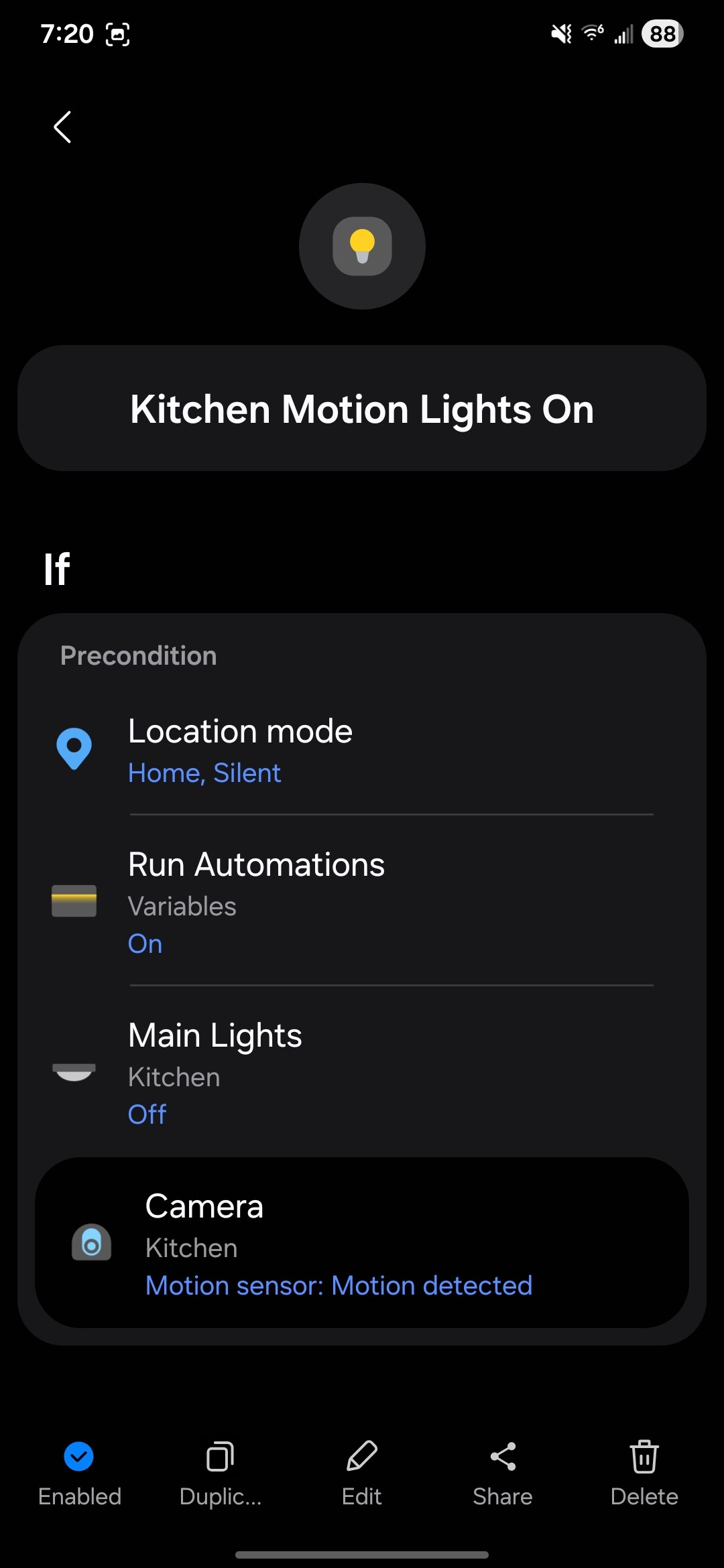
Hi, @Wajo357. Please provide more information:
- Is this happening only for certain devices of the same Tapo integration?
- Are the routines failing only using the Motion sensor capability as the condition that fails?
- Based on your description, it seems the routine works for a few days and then it fails showing this error when you enter its details, correct?
- When you took the first screenshot, the issue happened recently? Can you provide the date and let us know if the time shown there is AM/PM and in which timezone, please?
-It seems random. Different days have different cameras with the issue.
-Yes. All other routines are fine, except for the ones that have these cameras as triggers. No indication that there is a failure to the routine, like when a device is removed and the routine gets disabled.
-Different cameras have different routines. So one day, one routine stops working. I check the routine, I see the issue in the routine. I go to the linked connection, refresh, and then it works again. Another day, a new routine. Rinse and repeat.
-Yes, the time stamp is accurate for AM EST.
Thanks!

Thanks for the info, @Wajo357
I created the corresponding report, once I get more info, I’ll let you know.
Thank you very much!
I have set up a test routine right after reading the original post:
IF Tapo C225 - motion detected
THEN Send message
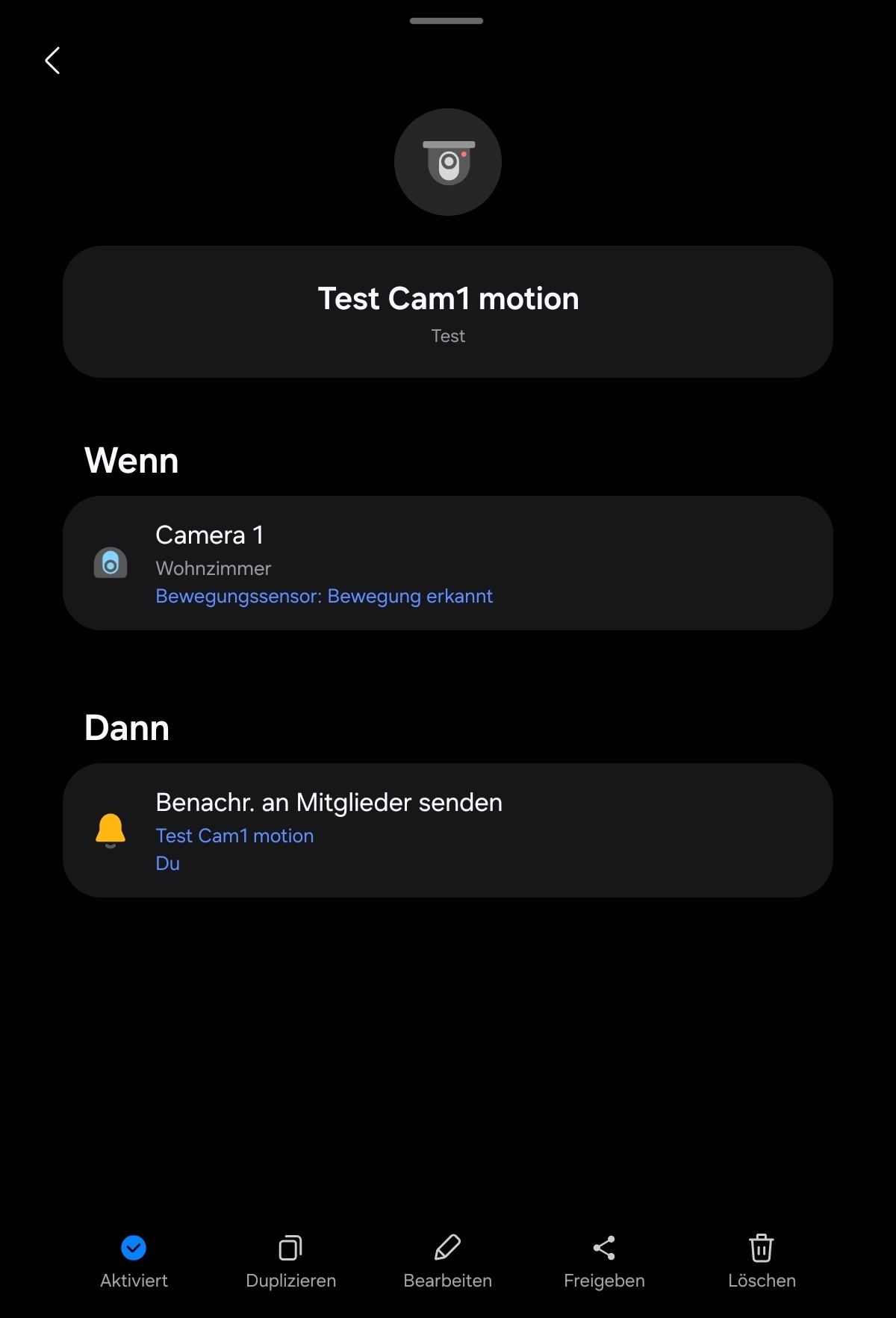
No issues since I set it up four days ago.
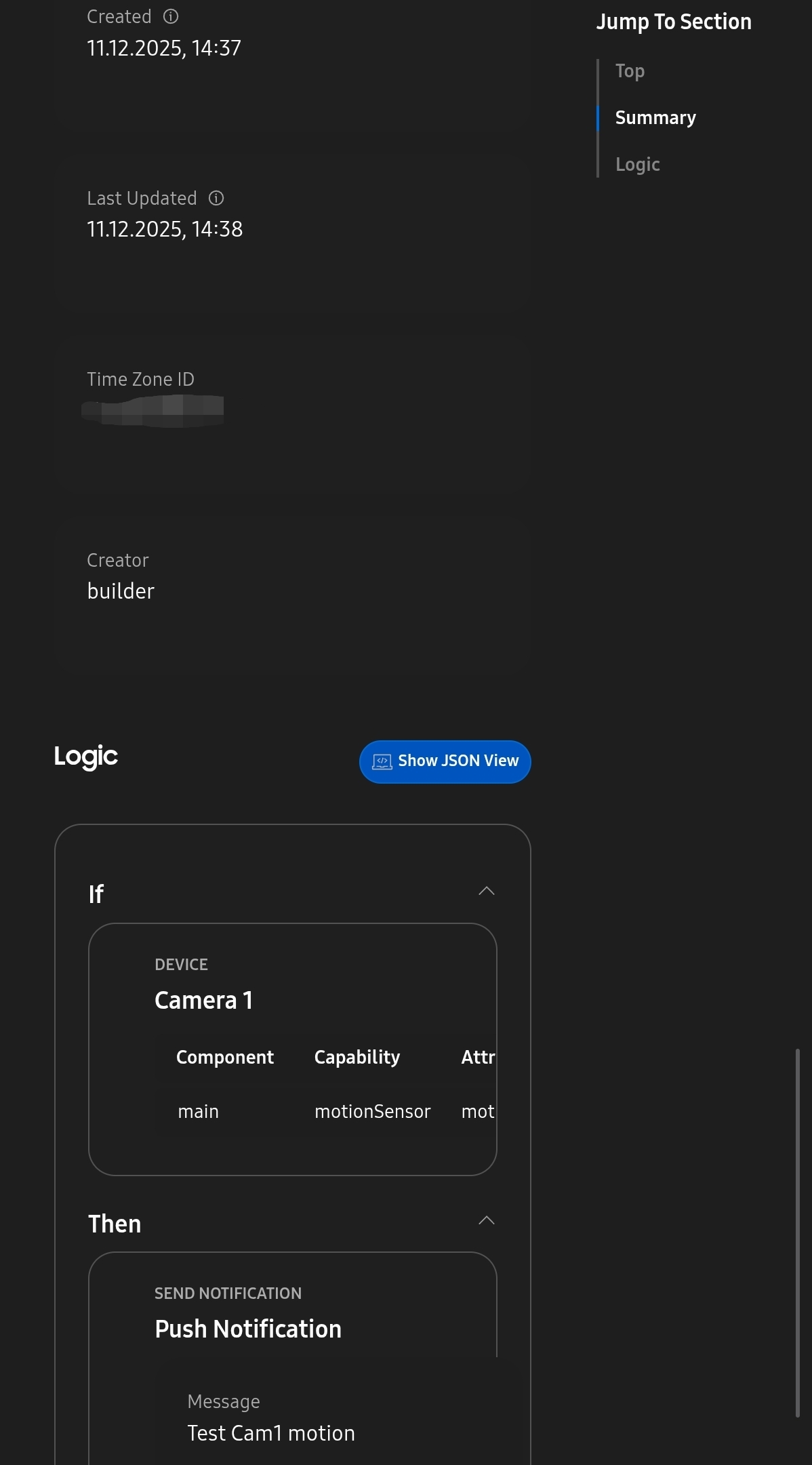
Fun fact: if I unplug the camera, SmartThings is sending me a notification that the camera is offline - Tapo doesn’t. It’s one of the most requested features in the TP-Link forums.
I have 14 camera on my account (not all mine, some are shared to me). Maybe the sheer number of cameras is the culprit. Not all cameras have this issue - a different subset each time.
Perhaps, since you mentioned the issue was solved by going to “linked services”, I suspected the service had something to do. So I added a comment about this to see if the team that handles C2C services can see any logs that could be causing an interruption in this one specifically.
Perfect! Thank you!
@nayelyz , do you want me to keep on posting every time I find an issue?

Hi, @Wajo357
I think it isn’t necessary for now.
If I need more info, I’ll let you know.
Hi, @Wajo357
Sorry for the delay.
Our team reached out to TP-Link about this behavior in the Tapo Connector because they noticed that there are discovery interactions where a different profile was sent for the device.
This causes the capabilities change for the device resulting in the error for the configuration of the Routine.
It gets solved when you refresh the integration because another discovery is triggered which has the correct device profile included.
Since we haven’t received a reply from them in order to solve it, we suggest you contact their Customer Support so they can see the impact of the issue.
Thank you for getting back to me. I haven’t seen this issue crop up over the last few weeks, but I’ve also been away. Maybe they fixed it after your team made contact. If it happens again, I’ll reach out to them.
Thanks!