Ok, I have also ordered 4 other sensors from Amazon so I can test and return them. Just need to know the correct offset for temp and humidity in the Tuya sensor.
Worst case, might even return this and use my Nest’s temp and humidity to drive automations.
Hi,
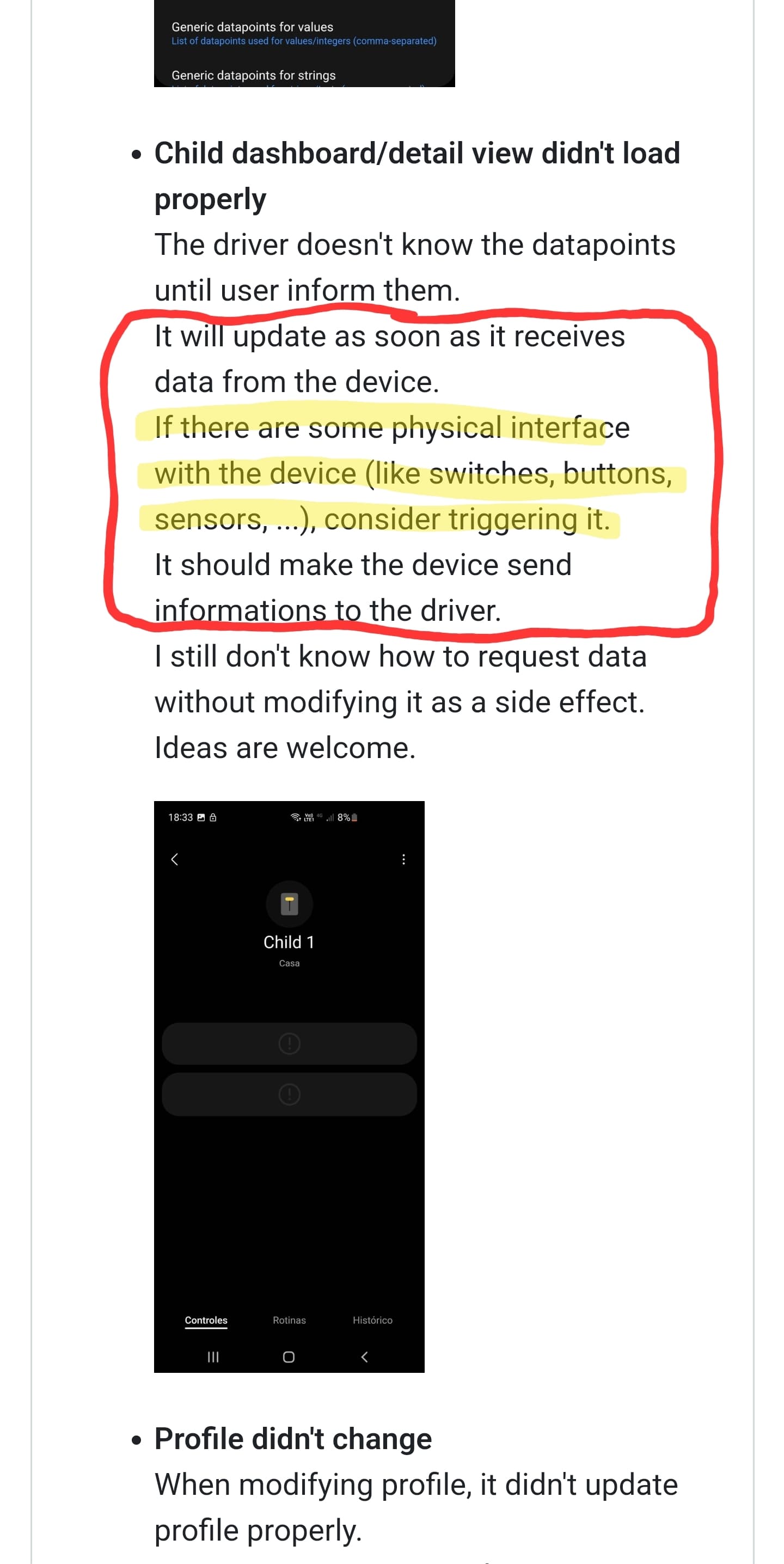
I bought a zigbee smart water valve and installed it with your driver. The driver detected some controls but could not update all the fields. I think it detects the battery, but no more.
I tested this against Sonoff, switchbot meter, Aqara and switchbot outdoor hygrometer for the last 2 days and my observation is that our Tuya needs a ‘-2’ humidity offset and a ‘+0.5’ temp offset
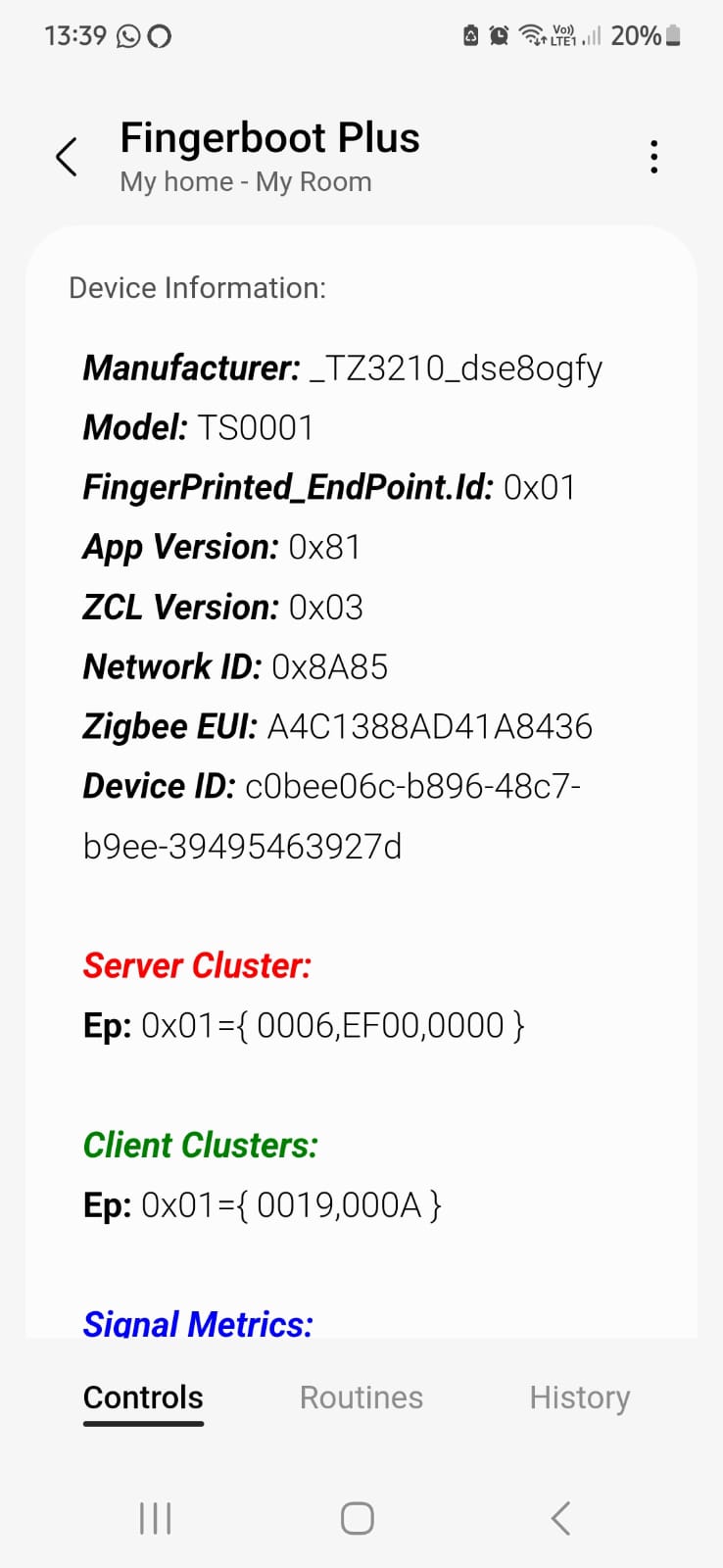
This is a ZigBee finger bot. @Mariano_Colmenarejo already add this to his channel but with without the ability to change configurations, since configurations are all via DP’s. Here all the DP’s that are relevant:
Is it possible to add in setting ? @Haim_Azulay has this device and willing to help test if required
We already had a conversation about adding settings to devices.
As you are a developer, in the occasion, I invited you to modify the files for your needs and then send pull request.
Here is a very simple example how to add some datapoints in the preferences:
In summary, you will need the following:
A file in the profiles folder containing the preferences
All settings that are datapoints must have the name prefixed with “pref” (camel case)
This name must match with the one that is in the model below
In the example, there are “prefMelody” and “prefDuration”
A file in the models folder to represent the device and its datapoints
Add a name (snake case) to the datapoints you want to be in the settings.
This name must match with the one that is in the profile above
In the example, there are “melody” and “duration”
This way, the driver will match the right datapoint with the corresponding preference…
profile (camelCase)
model (snake_case)
prefMelody
melody
prefDuration
duration
Everyone with developer skills are welcome to send pull requests to the repository.
Just remember that everything that is in the settings won’t be available in the routines.
You would need a component in the profile to make it configurable by a routine.
@w35l3y - Couple of things that I observed a couple of issues with my temperature sensor (_TZE200_znbl8dj5) and presence sensor ZY-M100
The temperature sensor tile in smartthings is showing several decimal points but when I click on it, it shows the correct temperature and humidity with 1 decimal point
When the presence sensor detects no motion, it sets the status as ‘not present’ after the fading time has been reached, then come back to ‘present’ after 10 seconds and then goes back to ‘not present’ within 30 seconds even if there is truly no presence. This was not happening till Mon this week as before, it went to ‘not present’ and stayed in that state till there was a genuine presence
Any way we can add suport for a zigbee solar water valve. Model is qt-05m. It seems like dp 108 is open and close, but i cant figure out the battery percentage or all the other dps. Seems like the valve has a timer function aswell. I tried using the irrigation profile. Also i noticed on a different driver for curtain blinds that i can control the percentage of how open or closed the water flows.
Well it worked for a day and then stopped. Every morning the valve is offline. When I refresh or press it’s button it comes back, but today it hasn’t came back.
I’m attaching a few pictures of its status and settings. Is it configured wrong?
As @w35l3y said, that RSSI indicates that the device is barely able to reach the network. A lot of messages are going to be lost, and eventually that will cause it to be marked off-line.
You need to add another zigbee repeater about halfway between that device and the next repeater so you can improve the strength of the mesh.
Pretty much any mainspowered zigbee device will act as a repeater, even just a smart plug.
If you want more details on setting up a strong network, see the following community FAQ. The information there is old, but still valid.