1. Batch Update for Routine Devices
Replacing a device is now easier than ever. Previously, you had to update every routine manually when a device was replaced. Now, you can swap an old device with a new one (of the same functionality) across all your routines simultaneously. For example, when you replace a living room bulb with a new one, you can update all routines containing that bulb at once, significantly reducing setup time.
How to use: Go to the Automation tab > Menu (⋯) > Routine update.
2. Detailed Routine History
Gain full transparency into your home’s automation with detailed execution records. You can now review exactly when a routine ran, the specific conditions that triggered it, the actions performed, and the final results. This makes it easier to troubleshoot routines that may not be working as intended. Additionally, long-pressing a routine allows you to view a full week of execution history at once.
How to use: Go to the Menu tab > History > select the ‘>’ button.
Here are some entries that Claude.Ai was able to detect from Crash Log generated by my mobile.
[ATM]AutomationLocalPresetRepository.loadFromDb - com.google.gson.JsonIOException: Interfaces can’t be instantiated! Interface name: com.samsung.android.smartthings.automation.data.action.Action
DeviceEphemeralCapabilityStatusResource.subscribeSse - java.lang.NullPointerException: Attempt to invoke virtual method ‘int java.lang.String.hashCode()’ on a null object reference
I currently see that for one of my lights. It is perhaps worth noting that ‘SmartThings’ is a hub name in your example.
In the Health Diagnostics the device ID is not a typical ST ID. It is has the format of a UUID but has lots of leading zeroes in it. I have seen it before with another device in the fairly recent past, but not before that.
My network has three TBRs on it. I don’t know how you know which is active but all mine are V3 hubs so there shouldn’t be anything unknown about any of them as far as SmartThings is concerned.
My thought was that the routing might have been via an inactive TBR over ethernet to the active TBR. I forget what they call that but I know it was enabled on ST relatively recently.
I suppose it could just be the inactive TBR acting as a thread router but I thought it recognised the device when that happened (though I could be thinking of the Zigbee routing which I’ve seen a lot more of).
It appears that ‘Manage Hubs’ has finally been fixed. That’s been broken for the best part of four months. Good job I don’t use Hub Groups.
I tapped on Map View to see what is going on there. It has been messed around with a bit. It seems you can now specify the size of the room but I couldn’t seem to resize the interiors any more. However you could scale them up as a whole, which was a bit weird. The flow was so messed up I just lost interest. I do wish they’d offer a way to disable it completely. A 292 Mb download without a cancel button is a bit ridiculous.
Good to see some sensible improvements to Routines, not that I normally use them.
The notice mentioned some other crud I’m not interested in. I with they’d take all that stuff elsewhere instead of bloating the app with it.
I thought perhaps they might have made Sleep Environment usable by now, but no. It still only recognises one model of T/H sensor, one model of motion sensor (but only for its illuminance sensor), and most bizarrely a single smart plug despite my having many more of the same smart plug also powering lights. Not that I’m particularly interested.
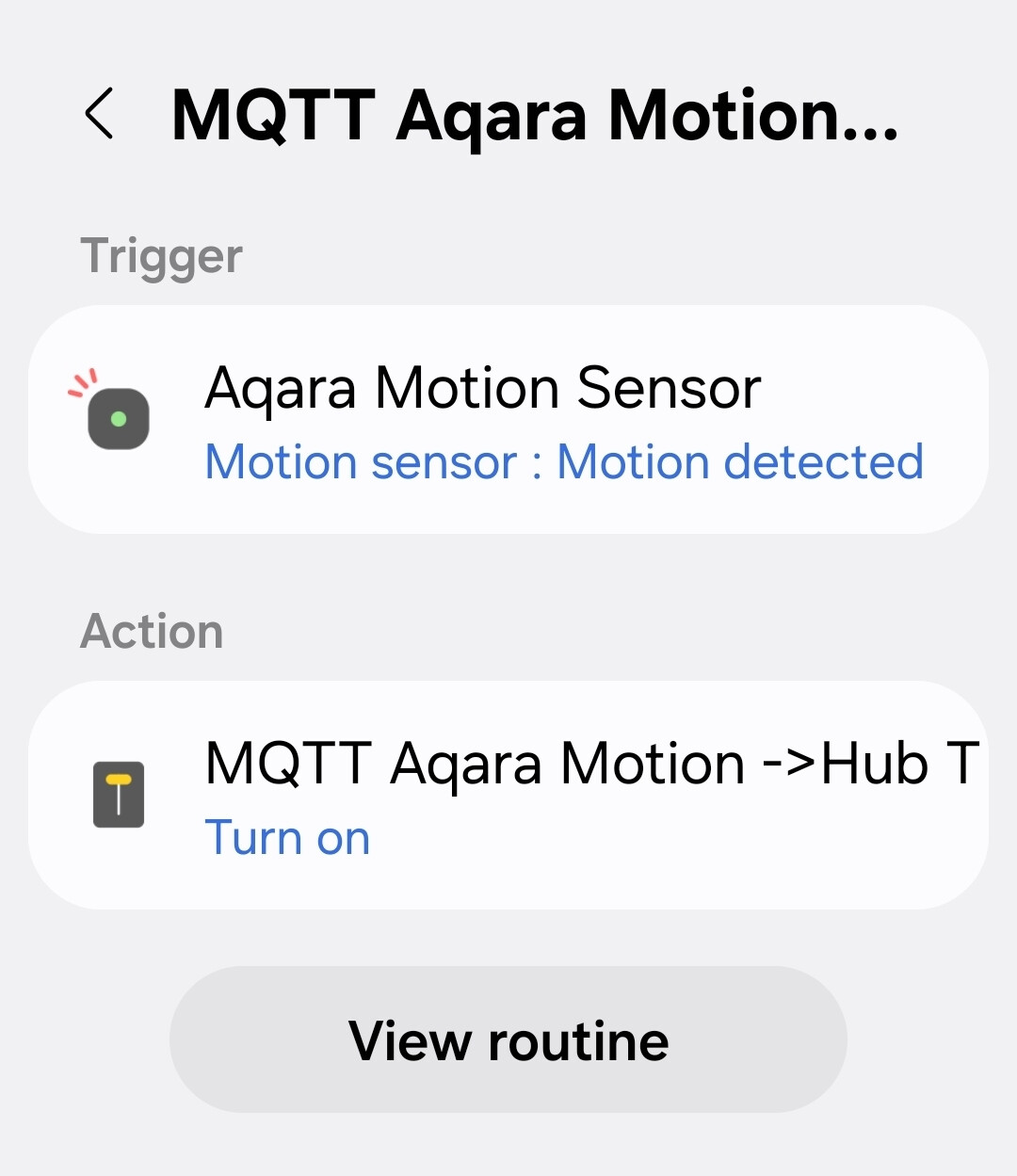
I could accept that if it didn’t claim that it couldn’t show the history for a Rule activation because the Routine has been deleted (or so I assume as it got truncated to “delete…”). That is quite pathetic.
In mine it’s recognizing everything I have in the bedroom. That includes an Aqara FP300 presence sensor for Temp, Humidity, and illuminance, 3 Ikea Kajplats, Honeywell t10 thermostat, and Samsung TV. I do like to fall asleep with the TV on and have it turn off an hour after the bedtime routine. So the report always complains about it on.
Replying my self. @nayelyz and her SW team release a new Build. The crashes is now gone. The Android app is stable and the version is showing 1.8.45.24. @nayelyz thank you for your effort
So I factory reset another IKEA scroll wheel because I wanted to stay away from the LIT aka Battery Saver mode that was enabled in the beta hub firmware back when it was the default.
Those buttons were a pain to reset since, unlike the Zigbee ones, in Matter the device ID changes and you had to rebuild many automations and even rules. Had, now it’s piece of cake! It even copies the “Control devices by rotating” actions (and pressing and rotating when the driver supports it).
I’ll have to remember that option exists and is there, it’s really useful and yesterday I completely forgot it with another unit and rebuilt things manually.