Have I followed the correct instructions? Is there something wrong with the way I attempted to do this?
Hi @mslayre
Just to confirm, did you follow the NTP blocking steps mentioned in the post first?
The initial router setup doesn’t permit this, so I retrieved and swapped in a different router and performed the NTP port blocking instructions.
This resulted in the same error code 33-303
Could you send me the hub logs where you see the 33-303 error?
Troubleshooting
Capture the hub logs via a USB log dump using the steps below:
- Insert Fat32-formatted USB drive to the USB slot on the back of the hub.
- Press and release the reset hole on the back of the hub.
- Hub LED will blink magenta while copying logs.
- After the Hub LED returns to normal from magenta blinking, extract the USB drive and connect it to a PC.
- File name will be “logdump_xxxx.tgz.enc”
- Leave a comment in this thread and we’ll send you a direct message (DM).
- Then send the package via direct message (DM) to our SmartThings support team.
Can you provide a screenshot of the configuration, please?
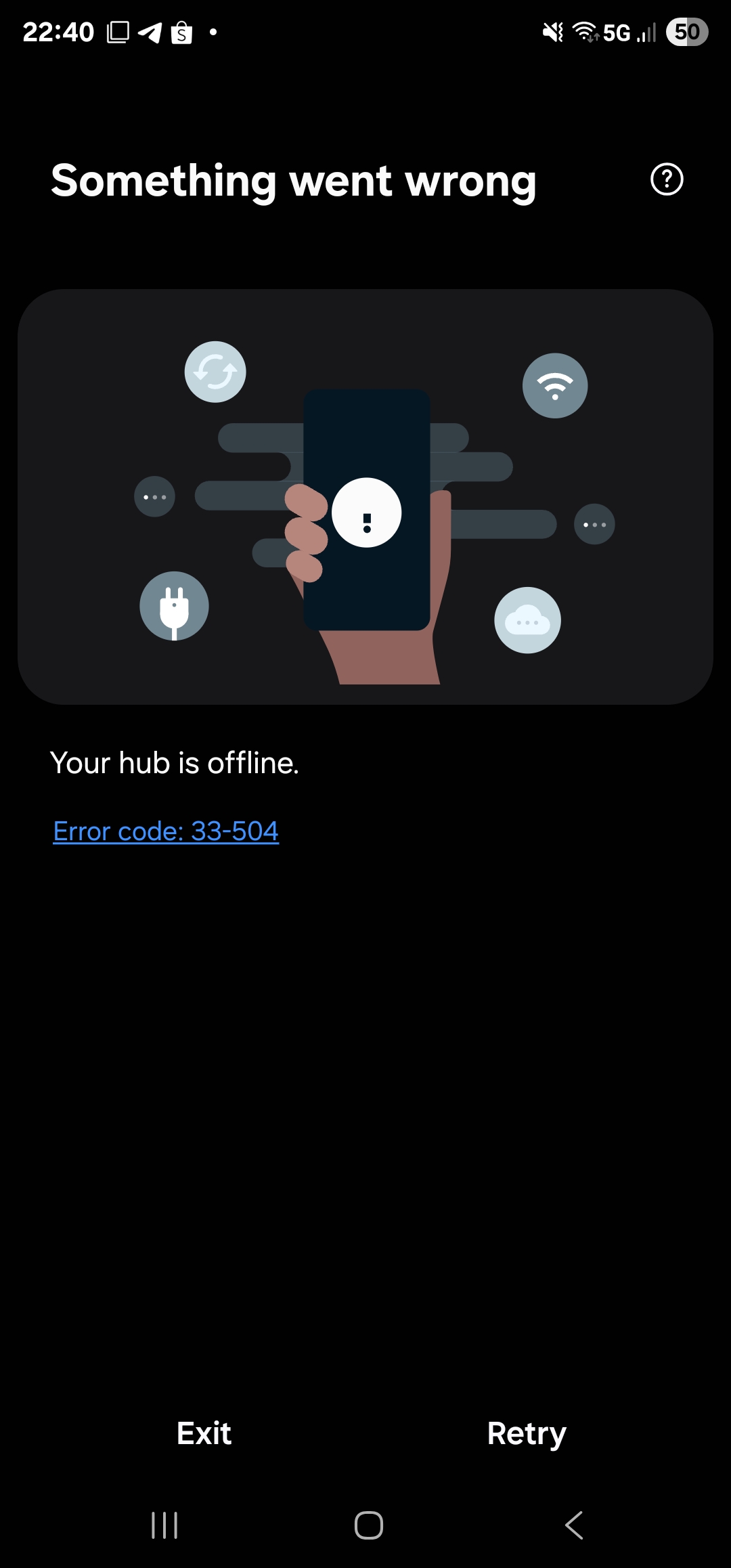
Hi. I am having the same issue. Error code 33-504. My serial number is 5011100630
Hi @Itati. I am having the same issue. Error code 33-504. My serial number is 5011100630.
Hi @Eric_Phua
Could you follow the instructions in the post below, please?
Blocking port 123 with UDP protocol in my Asus router settings (via firewall / network services filter) worked for me! Thanks @Itati
could you please help I am having much the same problems as all of the above I have now spent several hrs going through the trouble shotting etc. I am unable to block port 123 in my tp link router.
my router id is 4021231375
I also have the log dump file.
tia
Hi @barsteward
We found a couple of links from another user who had a similar issue with the same router brand. You might want to try the suggestions shared there and see if they work for you:
If the issue continues, please go ahead and send us the hub logs
No still having no luck
The hub is showing up on my tplink but does not seem to be able to getan ip address.
| Device Info | Real-time Rate | Tx/Rx Rate(Mbps) | Duration | Speed Limit | Operation |
|---|
| Dell | 90-65-84-93-AE-13 | 192.168.0.203 | 57.7Kbps | 53.9Kbps | 866 / 866 | 43 Minutes | -– | ||
|---|---|---|---|---|---|---|---|---|---|
| BackCam | 00-D6-52-5E-DF-AC | 192.168.0.217 | 0Kbps | 0Kbps | -– | 44 Minutes | -– | ||
| undefined | ---- | ---- | ---- | ---- | ---- | ---- | :—: | :—: | :—: |
| wlan0 | 10-D5-61-37-55-40 | 192.168.0.160 | 0Kbps | 0Kbps | 48 / 24 | 6 Minutes | -– | ||
| undefined | ---- | ---- | ---- | ---- | ---- | ---- | :—: | :—: | :—: |
| hub | 28-6D-97-91-E7-AC | 0.0.0.0 | 0Kbps | 0Kbps | -– | 9 Minutes | -– | ||
| undefined | ---- | ---- | ---- | ---- | ---- | ---- | :—: | :—: | :—: |
after following the troubleshooting – did you remove the block of ntp.org if that is the method you choose?
I tried to block the UDP Port123 and did several Reboot/ Factory reset but no luck. My Hub is not connecting to the internet. Can we go for a manual firmware upgrade by using the USB port at the hub ?
Follow the established instructions for updating the 2018 hub. You have to block NTP port 123 during the initial bootup/reset cycle so that it will download and apply current firmware.
Thanks, please guide me how to connect with SmartThings Technical Support?
I am having the same issue. The hub worked when it was purchased in 2018, but soon afterwards I found that it was not needed, so I removed it from my network and stored it. I am starting a new project and I want to use it to connect some new devices. I have not been able to get it to connect. I followed the instructions provided at the top of this thread without success. I could not block port 123 with my eero router, so I setup a mobile hotspot from my PC and used a firewall to block the port. I see the hub connected to the hotspot and that my phone connected to the hub’s wifi access. But still not joy after several attempts.
I pulled the logs.
S/N 3011044423
Hi, @biggass
Can you sent the logs to build@smartthings.com, please?
