I thought about this, especially given the debacle with expired certs plaguing some older routers. I just don’t want to destabilize a perfectly working system. If I do plug it in, will it automatically create a hub group or do anything?
This is a new one on me! I poked around in the app and am not seeing it. Got a pointer to more info?
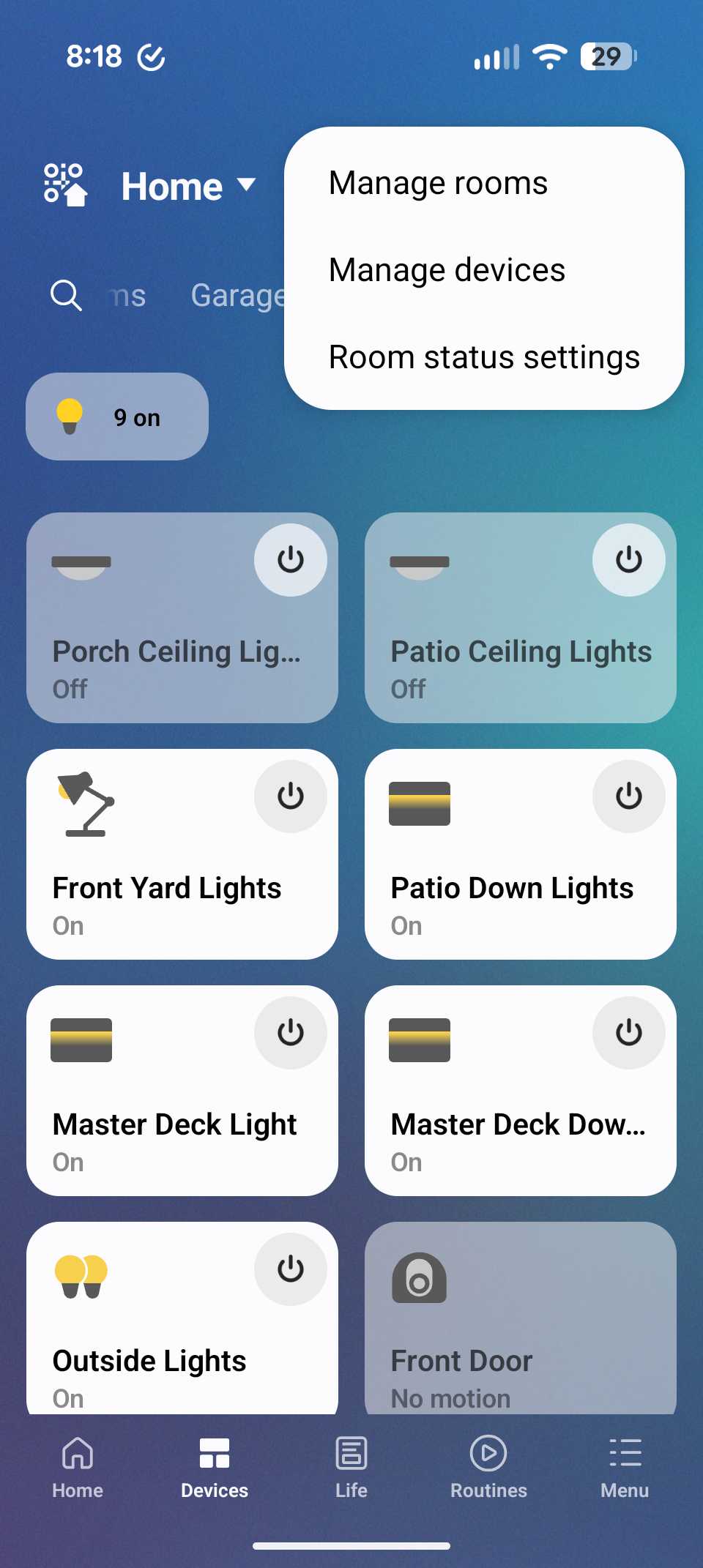
It’s in the three dot options/overflow menu on the Devices page. It appeared largely unheralded and is not terribly enthusiastically documented either.
Yes. I checked on both Samsung and non-Samsung devices, and on accounts that can access multiple Locations. It looks like it only appears if it can actually do anything in your currently selected Location.
Aside: I do wish they wouldn’t hide menus. They should either disable a menu but keep it visible, or have it open and explain why it can’t do anything. Don’t just hide it.
For a long time most devices did not have an ‘owner’, they just made do with a parent Location. It was back in February 2024 when I first noticed that all freshly installed devices now had an ownerId in the API, which was a UUID identifying the SmartThings user that onboarded them.
I wouldn’t notice if an ownerId was ever retrospectively added to devices as all of my devices have been reinstalled in the meantime.
The AWA has a ‘Raw JSON’ tile for each device with a ‘View’ button.
I should probably clarify that this is useful for changing the Owner and Location of devices in situ. It’s not going to move devices between hubs, for example. It is also not going to transfer Routines etc.
In the context of this thread the idea was to move devices from a V2 hub to a V3 hub with a different Owner and Location that could be left behind when moving house. It wouldn’t do that directly. What it would allow is for the V2 and all the devices connected to it to be moved to the new Owner and Location in a matter of minutes, and if the idea is to still to retain the V2 then a ‘hub replace’ to the V3 also only takes a few minutes. So it may suggest an alternate approach.
Via another forum thread I’ve found that the SmartThings 2015/V2 hub does not get backed up and cannot participate in fail over to another hub. The complete configuration of a V2 hub can be moved to a newer model hub via Hub Replace.
This leads me to believe that “Give devices to someone else” is also limited to SmartThings 2018/V3 and newer hubs.
So those of us on V2 hubs are seeing a slow erosion of support.