Sale at vesternet, good to see Aeotec home hub 2 (aka hub v4) finally reduced to £92, it will probably go up again next week mind you.

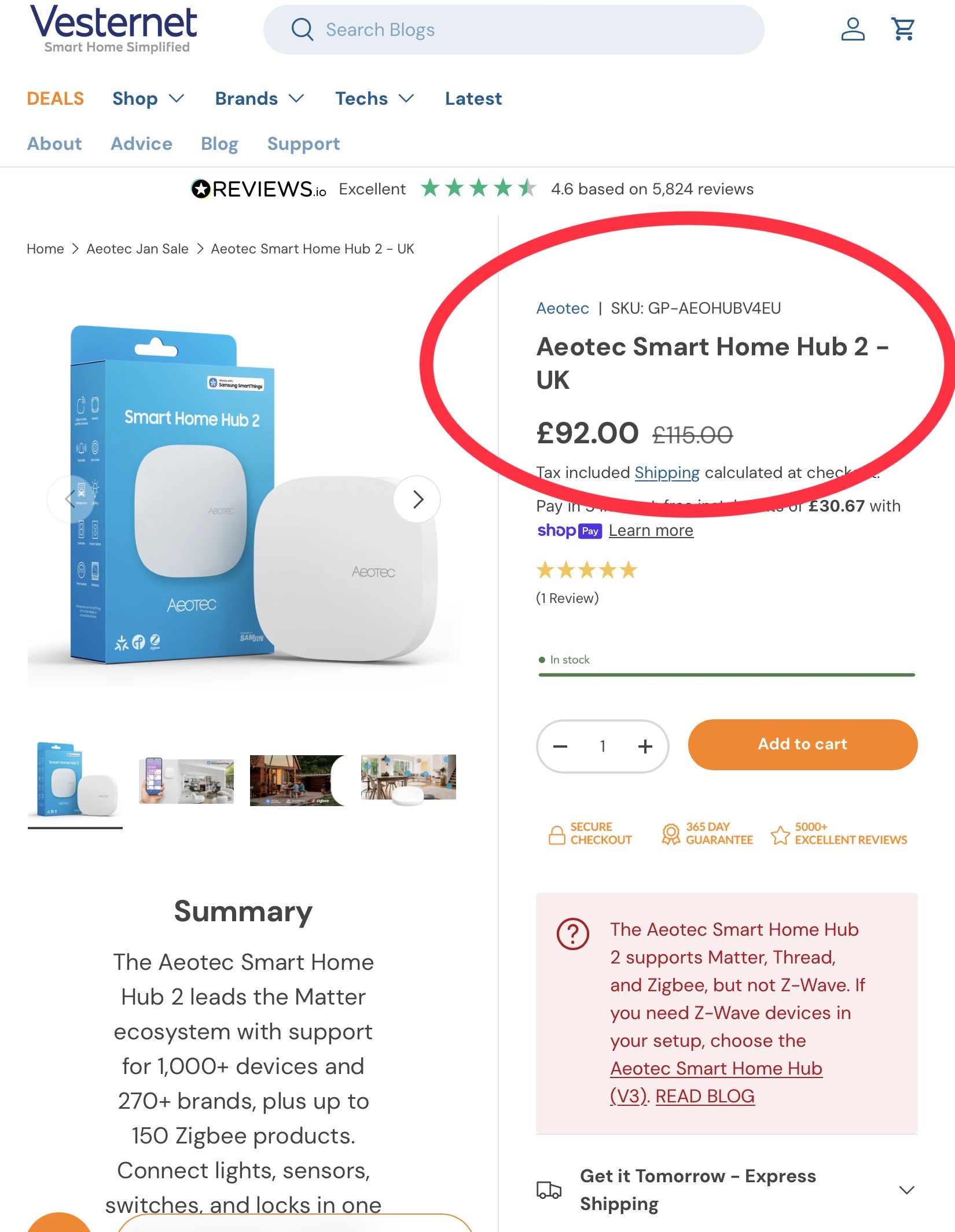
I have been eyeing a v4 hub but I have one question can I run my v2 for zwave only while moving all my zigbee devices to v4 hub? Ideally I can turn off the zigbee radio in v2 hub and both connect using network cable on the same location? I just want to reduce interference while keeping the function the same as before and I don’t mind to run two hub under the same location in smartthing, can smart home monitoring works across 2 hubs? I have an very old zwave aeotec siren I still use in my setup together with a bunch of contact sensors and motion sensor for my home setup for triggering the alarm during a certain period or when no one is home
Automations comprising devices on different hubs won’t run locally, and will be cloud based. For other complexities you’d be better getting advice from someone running multiple hubs, I’m currently only running v4, although I have a v3 I could use as backup. Sale ends this weekend, so not a lot of time to consider.
Hi @nychan ,
I’m in the same situation as you. I have only one zwave device left to migrate to either Zigbee or Matter off an old v2 hub, but I don’t expect that to happen anytime soon. It’s an old FortrezZ zwave water meter, which isn’t produced anymore, and there aren’t any other similar devices out there yet.
I have multiple hubs in one location, but NOT in any grouping. I didn’t need that capability because my mesh is very strong, and my hub layout is designed to cover certain parts of the house.
As @Declankh mentioned, automations using devices on different hubs don’t run locally, but I don’t prioritize running automations locally because of how that location set up with redundancy for power and network connectivity.
What you want to do can be done, and turning off the Zigbee radio is an interesting option I didn’t think about. I just bought the new Aeotec hub, so once I move all my Zigbee stuff over to that I’ll have to try turning off that radio.
Interference could potentially be something to deal with if you have both hubs too close to each other, so consider spreading them out if you can. I’m assuming you’ll use a dumb network switch to connect both hubs to your network, so perhaps you have room for long network cables to help you spread the hubs out. The other option would be to use a different Zigbee channel on your new hub if you can’t spread out the hubs.
I am kind of conscious about zigbee interference with wifi as well so even though my wifi router is next to my smartthing I don’t really have much issue with my zigbee devices and strong mesh throughout the house with the IKEA air quality device, smartthing outlet and IKEA outlet as repeater and has been working well without any issue
Was trying to look up some doc it seems like if we use a replace hub function to move from v2 to v4 (aeotec smart home hub 2) it will reset the hub and I assume I need to do a zwave exclude to remove those zwave devices while the zigbees will migrate automatically and will need to setup the v2 hub again as new on the same location and pair those old zwave devices there seems quite a bit of work involved and I am not sure if I still have the smart thing welcome code somewhere, I also seems find the option to disable the zigbee/zwave radio is gone now from the smartthing advanced web app which used to be there in the ide