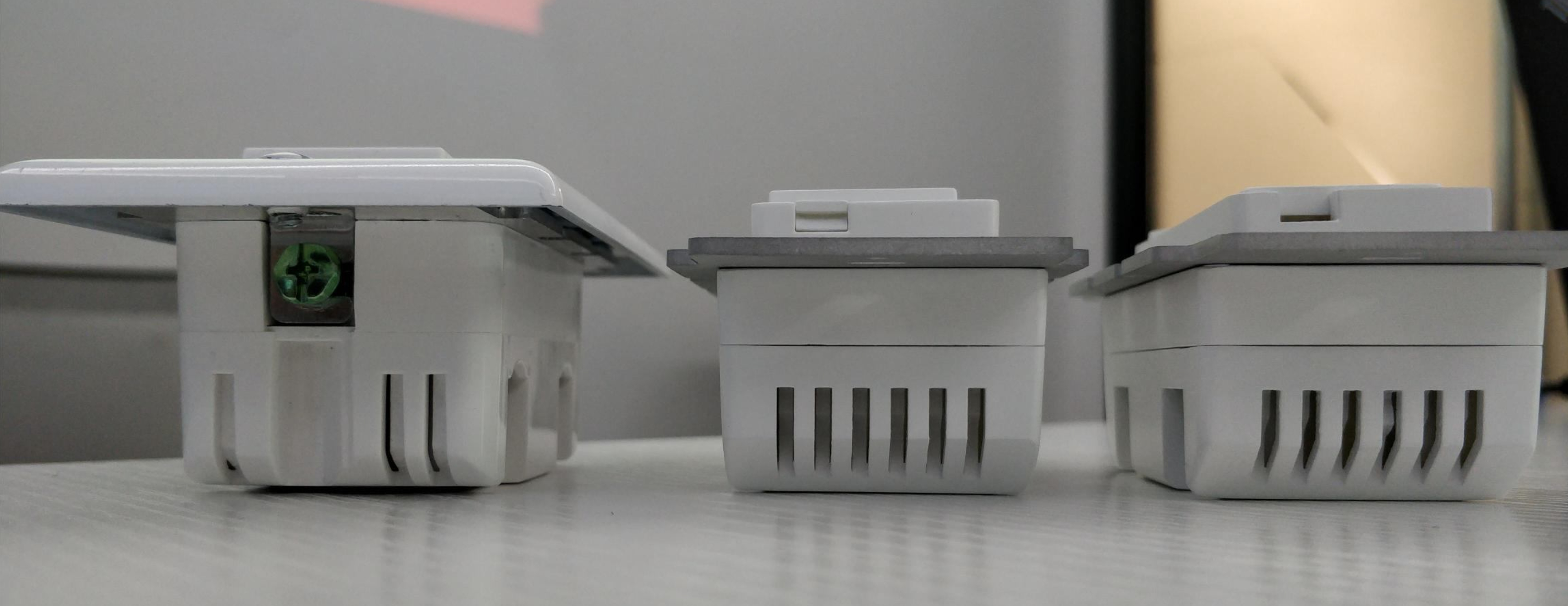
For my Zooz ZEN21 switches I use this custom DTH for setting parameters:
Then I switch them to the Z-Wave Switch DTH. That handler will run local. Then I use SmartLighting for the automatons so that they also run local.
For my Zooz ZEN21 switches I use this custom DTH for setting parameters:
Then I switch them to the Z-Wave Switch DTH. That handler will run local. Then I use SmartLighting for the automatons so that they also run local.
I use the same Zooz Zen21 Switch v2 DTH, except my code shows there was an update made on 8/31/2018.
Zooz Zen21 Switch v2
*
I do not care much about the LED parameters. Will change DTH and see if it starts to run locally.
Thanks,
Dave
I guess I’ll have to try the new DTH. When I flip the switch manually, it registers in ST, but when I use ST, it doesn’t switch on or off. Very frustrating.
[EDIT]
I found a guy selling an Inovelli NZW31 switch. I’m going to get it and replace the farthest switch with it and see if it makes a difference.
To have the switch running locally, just choose “Z-Wave switch” from the drop down menu when editing the device type in IDE. Feel free to get in touch with our support for step-by-step instructions.
Some good news…I switched the switches, so that the farther one was closer to the hub. Now both are working better. Can’t wait 'til Inovelli starts making theirs again!
I have not lost connection since network repair. Everything seems to be working fine, no lag with local processing.
That’s great to hear. We’re working on official integration so hopefully everyone will be able to run the switches locally with the advanced settings on hand if needed, very soon 
So, I’m just getting started remodeling my home WITH neutral lines to each box, and debating hard between zooz (@TheSmartestHouse) and inovelli (@Eric_Inovelli). I’ll be going 100% led bulbs, some retrofit and some new, but tuning the lighting level and color during the day is very important to my wife. I have just started dabbling in ST and have a few locks/thermostats/dots etc set up reliably, but have full support during this remodel of going full out with ST. Looking at around 75-100 smart devices (~35 switches) plus led lights (TBD with architect).
I have the timeline to wait on inovelli, and like the led side bar for dimming level indication, coloring is a bonus.
Few questions:
@Eric_Inovelli Inovelli: will your device go completely dark when no “triggers” are up? I want to make sure bedrooms are dark at night, but the master can flash if something goes wrong.
Both: In a 3+ way setup, does a standard switch have dimmer control or just basic on/off? I have a fair amount of 3-ways and one 4-way.
Zooz, is the LED just for power or is it programmable to go on with a trigger? Again I am just looking for some alert in the Master if something is up then I can look at my phone to see what specifically is wrong.
Does either shop have a discount on a $2000+ order? (Inovelli would be ~$1000 for switches).
Final Note: Would either team be interested in using my home as a product showcase for their product? It’s 1970’s home that is undergoing a major rehaul in about half of it, going smart in all of it! I’m very new to this tech but also very supporting of people who are in the forums and know their clients needs and are willing to work with them. I’m not considering GE or others who would not provide effective support after the sale. No compensation either way needed, just want to help! I am in Kansas City.
Thanks in advance guys, big decision, and I like to be informed (engineer myself!).
Any news on this. Have some zooz switches and dimmers and would like official local integration.
In the garage I used your latest switch with a dumb switch for 3 way and it works great!
Wiring diagram was great!
And it worked without a neutral in one of the boxes!
We’re still waiting to hear from SmartThings, probably another couple of weeks before we have some good news. Will keep you posted!
Hi @Kevin_Reene,
Big decision indeed!
To answer your questions:
In a 3-way/4-way set-up, if you’re using a regular existing switch, it can only be an on/off mechanical switch (or witches when it comes to 4-ways or 5-ways). But if there are any locations you’d like to have dimming capability, you can always install 2 smart dimmers without wiring them together but setting up wireless control over one another and possibly the light, especially if you’re going to have the switches controlling smart bulbs (you wouldn’t wire the bulbs with switches for control because smart bulbs need to be powered at all times to react to triggers and commands). We’ll be happy to answer more specific questions and help you with the wiring / programming once you get in touch with Zooz support (http://www.support.getzooz.com/new)
The LED indicator is not programmable, it will just stay on if the switch is on (or off, however you prefer, you can also turn the LED light off completely) and will indicate when the switch is inclusion / exclusion mode
Sure, we always offer bulk pricing discount and if you’d like to order 1-2 samples to start, we’ll apply the bulk discount to that initial order as well. Just get in touch once you have the count and list of models you’ll be using in your installation: https://www.thesmartesthouse.com/pages/contact-us
We’d be delighted to feature your project on our blog and social media if you’d like to share the progress and final results with a wider audience, it will be really helpful to the community. Thank you for offering!
Good morning Kevin,
As @TheSmartestHouse said… big decision indeed!
First, welcome to ST, it’s a fun ride and gets addicting fast 
Second, let’s see if I can tackle some of these questions for you – feel free to ask any follow up questions, I’m happy to help and give my perspective as well from a ST standpoint as it’s what we use here in the office and also what I use personally.
Alright, here we go!
I am 99% sure this is possible, but I’m tagging the mastermind @erocm1231 for confirmation. To be clear on the ask, your saying that by default, you’d like the LED display to be OFF at night, but only flash if there’s some sort of emergency (ie: door is opened, alarm triggered, etc)?
Typically (and how our old switches operated) was that the, “dumb” switch would only have On/Off control. I believe that’s how it will work with our new switches as well, however, let me put this question into our manufacturer as they were going back and forth on this very question. I should know in a couple of weeks (note: if you don’t hear from me here, just mention my name again or shoot me a PM and I’ll respond, I promise).
However, if the new switch also operates like the old one where the, “dumb” switch only can do On/Off, we did make it so that the new switch will be able to be used with an aux switch as well (similar to what GE and HomeSeer has) and also it will have the ability to be wired to another smart switch and you’ll have dimming at both ends in either scenario.
Now you may be thinking, “why in the world would I want to have two smart switches?” – Yeah, I know… it’s crazy. But there’s a couple of reasons why.
First is you can have scene control on both sides of the 3-Way. Let’s say you have a switch at the bottom of the stairs and a switch at the top of the stairs (main floor and top floor). As you’re about to walk down the stairs in the morning you may want to, “double-tap” the switch which will turn on all your downstairs lights, starts your coffee machine, opens some blinds, etc. Whereas at night, as you’re about to walk up the stairs, you may double tap the light switch and it turns on your upstairs lights, turns your TV on in your room, closes some blinds, locks the doors and turns some Hue strips Purple or something.
Anyway, just rambling at this point, but I love the Z-Wave Scene function.
Happy to work something out with you. Shoot me a PM and we’ll figure something out.
Man, that would be cool – let’s definitely connect on this. I’d love to take the team down to KS and work on some videos or something to benefit the community. It would be cool to show people what you can really do with SmartThings and Z-Wave in general through some videos or something.
Feel free to shoot me an email (eric@inovelli.com) – let’s connect on that as well.
Have an awesome day!
Eric
Founder | Inovelli
Hi @Kevin_Reene, you will have the option to disable the LED if that is your preference. You could also just disable it at night, or just disable it until a notification is triggered.
Thanks for the comment! Just to further clarify, under normal working conditions, it will show light level, for example, then go dark after a delay, is that correct? I don’t really want to “disable”, more just confirm the LED’s are not on 24/7 (like some manufacturers are to show power) under normal conditions. @erocm1231
Yes, that is correct. The LED will show the level while adjusting the switch and then turn off after a short timeout.
Hey, any update on when the new switches will arrive? I’m dying to get some more!
Great question! We’re still tracking for the May 15th launch date. I’ll definitely keep everyone posted if that changes!
Hey what is the latest status on the upcoming Inovelli switch? The website hasn’t updated since 3/8, w/ final 3D rendering or beta status?
Hey @skiingyac – first, welcome to ST forums! Second, thanks for reaching out in regards to the status (and for the friendly reminder that I haven’t updated the site in almost a month – apologies there).
I just updated the site about 10 minutes ago with the overall status and sent an email out as well, but the gist of it is that we experienced a delay due to a patent issue that was brought to our attention right before we pulled the trigger on approving the tooling and internals, which caused a headache. This was Zooz’s patent around how the switch works in a 3-Way setting with a dumb switch that was literally just approved (congrats guys!)
So, we had to work through that and are excited to announce that we have come up with our own proprietary way to make the 3-Way setting work, so we’re good.
There are some other updates that I think are important as well that I can address here that went out in the email.
Clarification on Features:
With this change in internals to circumvent this patent, there are a few tweaks that will take place in terms of what can and cannot be done with our switches and this pertains to people who are NOT using a neutral wire (NOTE: our switch will work either with a neutral or without a neutral).
If you are planning to use this switch with a neutral wire, you can disregard the changes below as they do not affect you.
If you are not going to use a neutral wire, here are the changes that will be made:
Again, if you plan on installing with a neutral wire, these changes will not affect your experience.
Here are some pics of the prototypes that were just approved:
I will provide the 3D renderings later to show you the design (back of the switch will be black, screws will be black, red, and white – to match Inovelli colors and because that’s what typically is in a Romex cable).
Anyway, hope this helps. Any questions, let me know!
Eric
Founder | Inovelli