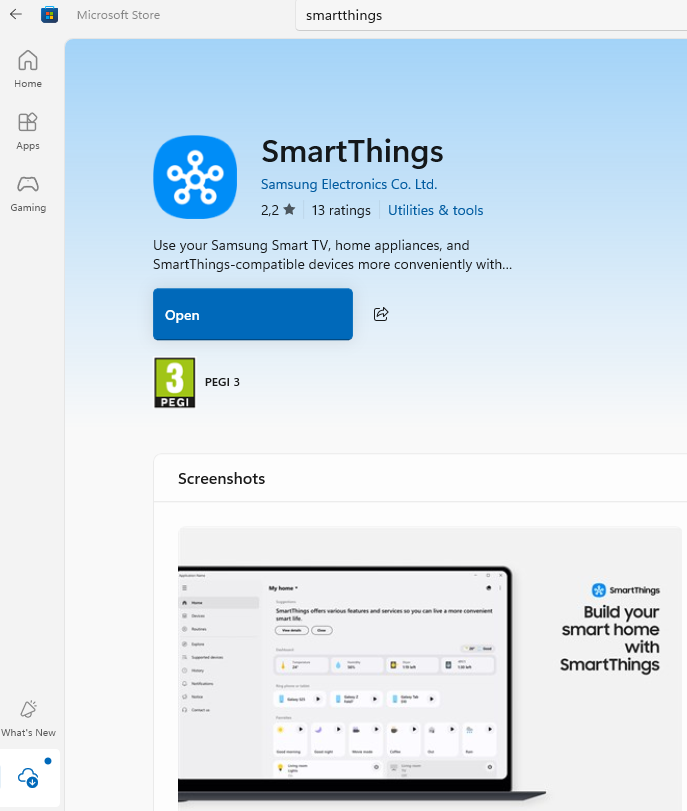
On September 17th, there was a SmartThings notice that the SmartThings Windows app would be getting a new UX and the Map View. They even show the same beautiful screenshots on their Microsoft Store app listing. However, I’m not seeing anything of the sort on my 2 years old Windows 11 PC with 16gb of ram. I’ve uninstalled and re-installed the SmartThings Windows app, but I still do not see any UX changes, or any access to the Map View at all.
I guess it is only for their Galaxy Book Windows computers perhaps???
Ditto for this version. Unless there’s an action for the tile, like a switch to turn on/off, tiles don’t open up to be able to control a device, at least for me that’s how it’s working. It’s useless to show my thermostat tiles but then be able to do nothing with them.
Well, this evening when I got on my Windows computer and opened SmartThings, it advised me that there was an update available. However, the update would not fully install. Probably since it wasn’t killing the SmartThings process that was currently running. No matter what I did, I could not stop the SmartThings process either. So, I uninstalled the SmartThings app and re-installed from the Microsoft Store, and now I’m seeing the new UX and Map View.
However, it appears to be simi-read-only like the SmartThings Advanced Web GUI since I can’t edit Routing Automations, and the Map View is also read-only, but I can toggle devices On/Off and run Manual Routine Automations. It also has a bit of Samsung Find available as I’m seeing my Samsung mobile phones on the Home Page where I can apparently Ring them, but I’m not seeing my other devices like Samsung Tablets, Buds, or Watch, and I don’t see iPads either.
At least it looks similar to the Android/iOS SmartThings apps now. I hope they eventually allow full editing mode like the Android/iOS apps.
The download failed because the old version was running. When the download restarted I used Task Manager → End Task to stop the old version. Now the download of the new version was successful.
The Detail View of the devices cannot be opened, but On / Off works.
History can be seen much better with this Windows App than with a mobile App.