Should I delete 2.91 and wait 12 hours or leave it as is for 12 hrs?
You can force an update using the ST CLI by using the command “smartthings edge:drivers:install” without having to delete the already installed driver.
Thanks! Try that tomorrow.
1 Like
Now a popup states “This device hasn’t updated all of it’s status information yet. Check again later”.
It has been doing that for over eight hours…
“Select & Create Virtual Device(s)” settings is not functional.
Delete and recreate the Creator device.
1 Like
Thanks! That worked. Appreciate the help.
1 Like
Can someone familiar with Vedge Creator virtual presence sensors help the OP in the following thread? I think they’re confused about switch vs presence sensor, but there may be more to it than that. 
Awesome work TAustin!
Is it possible that you can include, say a “digital switch” device as an option, for the vEdge Creator to make a Web Request instead?
This way I don’t have to create an automation routine to call the Web Req for every need
Thanks
Is it possible for the virtual presence sensor to have a built-in contact sensor (or Alexa switch) functionality, such that it can be sensed directly by Alexa?
Currently, I need to have both a virtual presence and a virtual contact sensor to both see the presence indication in the dashboard and to get Alexa to recognize it.
Thanks!
Alexa integration doesn’t function reliably anymore when you try to combine capabilities like that. The contact sensor needs to be a separate device to work reliably. It’s best you create an Alexa switch, enable a companion contact (-only) device through the device settings, and use an automation routine to trigger it based on the virtual presence device state.
3 Likes
Thanks, good to know. I’ve been doing it with a virtual contact (not an Alexa switch, specifically), and it appears to be working properly.
1 Like
Does the base switch or contact device type have the auto revert settings or is it just the Alexa targeted ones? I thought they did, but I just updated to the new version, and when I created new “plain” devices there aren’t settings options for that. Just to change the profile. Fine for me to use the Alexa version, just wasn’t sure if something had gone wrong. I’m not sure I’ve actually used the plain version.
No they don’t, and never have.
1 Like
Hi,
First, I love your drivers!
I have been using your vEdge Creator. I recently went to create a new device with it, another AlexaSwitch type, and got this message.

I checked the driver info, and this is what shows:

Is there something I can do to get this to update or is this a hub issue? I’m using the SmartThings Hub V3 wired.
Thanks!
Jonathan
Delete the creator device and then do a Scan Nearby so that it will update to the latest version, 2.94.
1 Like
Thanks Bruce!
This worked!
Jonathan
Thanks for the drivers, really great!
However it is getting stuck on Creating device, and i have to delete the creator and add it back. Any idea what is going wrong?
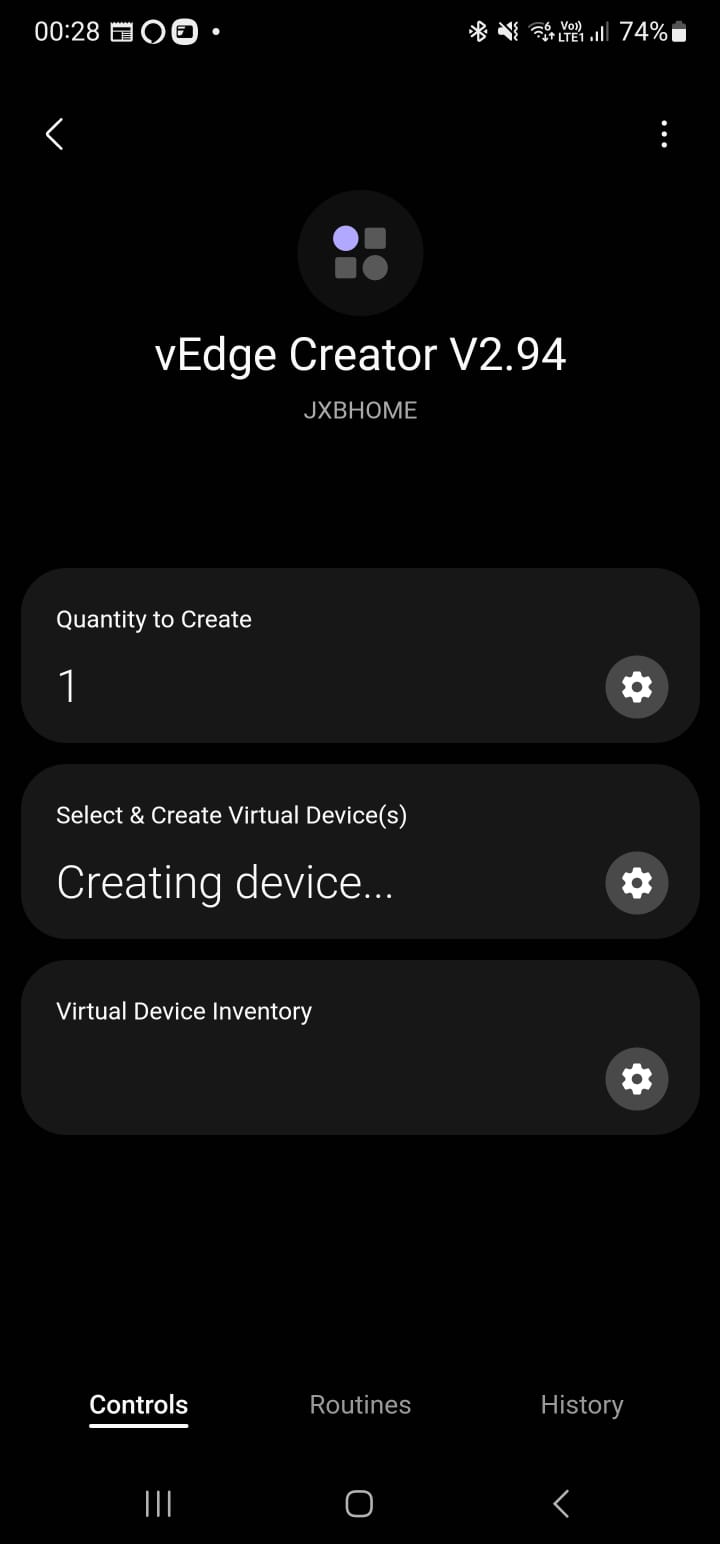
His screenshot shows v2.94.
Sorry, I didn’t read your post carefully and answered too quickly. Ignore my reply which I’ve deleted.
What device are you trying to create? Any chance you’ve hit a device limit?
FYI, I had just created a vSwitch and it did not show up in the “room” so I figured I had messed up and created a vSwitch and vRobot both showed in the room and a few minutes later the fist one showed up in the room, for what it is worth?