Anyone able to use “SmartThings lighting” routines in the updated 1.8.33.25 app?
Yes, it works for me. Tried a “Sync with…” Routine and it worked fine, although with a bit of lag between the two devices turning on.
I got it today
1 Like
No, Smart lighting is still not working for me with the app update.
2 Likes
I have the Arlo camera linked service, and now all of my cameras in the Android app appear as VERY LARGE ICONS in the device lists. YUK!
Android app 1.8.34.21.
Let me tell you a story. My wife went to leave for work after the kids, grandkids, and elderly parents had gone to bed. As my wife kissed me goodbye, I slipped my hand in my pocket and grabbed my phone to turn off Home Monitor… as I have been doing for years. I quickly opened the SmartThings app and clicked Disarm before my wife opened the door.
Here is where the story takes a completely absurd turn. Right as I click Disarm, a pop up ad for some Bes-Poke crap jumps right to where the Disarm button just was. Consequently, a website then opens in my browser, full screen, also in front of my access to control Home Monitor. As I am fumbling to try and make sense of what just happened. My wife opens the door, setting off a bright and loud ruckus… lights flashing inside and outside, sirens blasting, startling awake my elderly parents, my kids, and my grandkids… bringing the neighbors out… and making my biggest technology critic, my wife, feel really REALLY stupid!
And now, I also feel really REALLY stupid, because I just spent the past few hours searching here and reddit and everywhere trying to make sure this never happens again… only to reach a dead end, and people saying to just get used to it.
@nayelyz or @Itati or anyone with the connections… can someone please ask the team what they are thinking? Or, maybe they just aren’t!

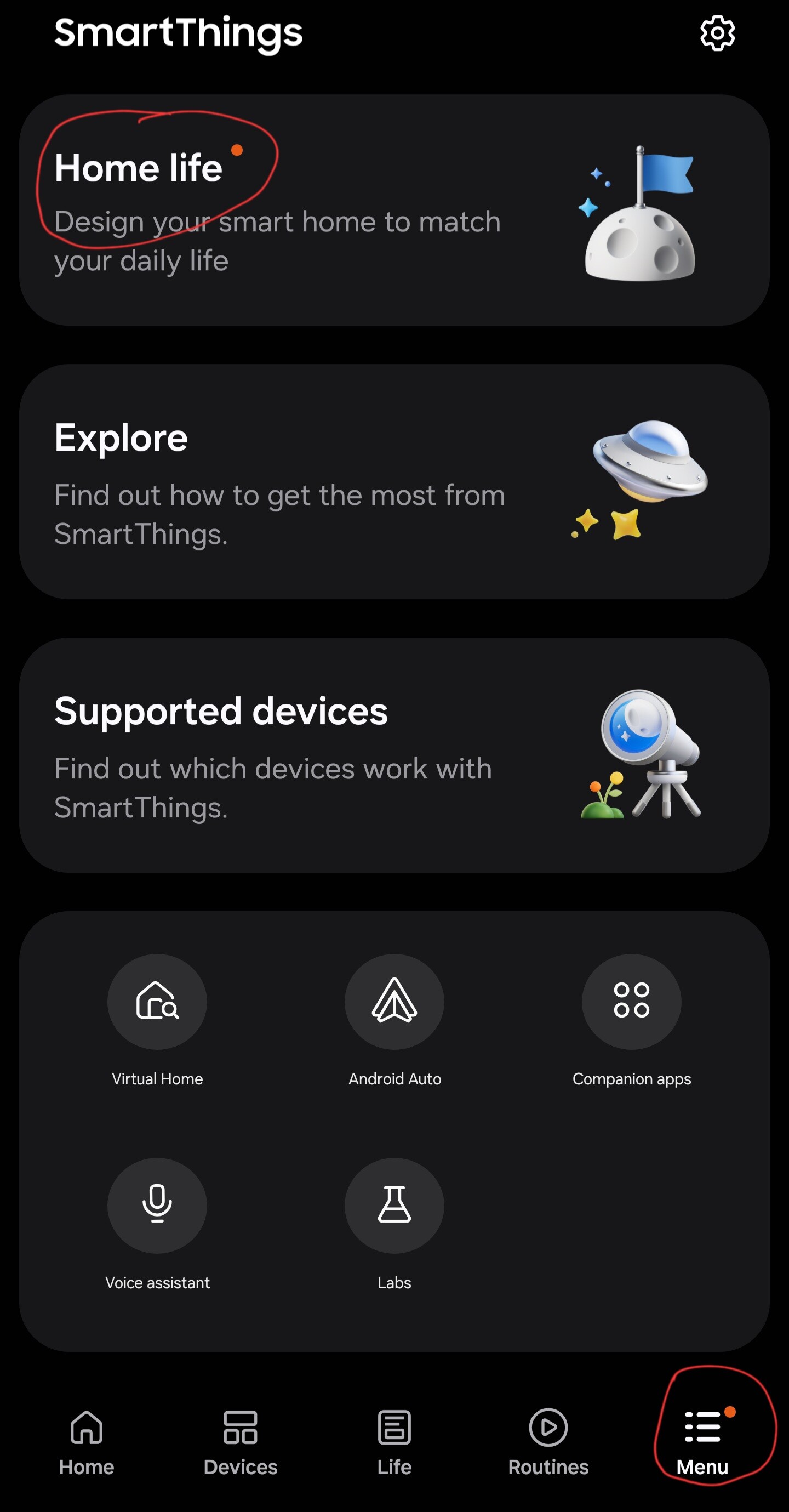
And, the persistent orange dot has returned on the Menu tab, apparently a result of the newly added “Home life” ad survey… not doing that stupidity!
4 Likes
Hi, @JKnight
I’m sorry this happened to you, as we’re not involved in the app’s development process, I cannot give you any further information about why that option appeared.
But, there’s a solution: an option in the app’s settings lets you disable the suggestions, such as that one. Just go to the app’s menu > settings > disable “Suggestion cards”
I disabled it for testing purposes and they don’t appear anymore.
Interestingly, I still have version 1.8.29.24, so it’s curious I also see the suggestion cards, I still don’t get the “Home Life” option to test if the “orange dot” never goes away, but either way, the best path to take there is reporting it to Customer Support.
Thank you for taking the time to respond, and to offer a potential workaround.
As I said, I have given this latest “feature” (bug) several hours of my time, with no success.
The menu option you suggest (Suggestion cards) doesn’t exist in the latest version of the Android app. I do have an option for “Special suggestions”, however toggling that has no impact.
I also saw that the card didn’t disappear instantly in the new version (I tested it on another device), but after I tapped “dismiss,” the “suggestion card” didn’t appear again.
It seems to be working differently for you, which gives me hope.
When I click dismiss, the ad disappears for a few moments, but then reappears with a new ad or the same one again. Rinse and repeat, forever.
Ah, I see what you mean @JKnight. I got it again as well.
Ok, I’ll open a report since I can use the comparison on both versions.
3 Likes
Received the update via the Galaxy Store this evening.
It seems rather sluggish but that might be a multitude of new plugins downloading.
Thoughts:
- Map view still lacks any useful scaling. Using the standard 60 cm width of an appliance as a reference it seems to have reduced the default size of a room by an order of magnitude, which is something, but it remains totally unusable because it represents every device as three foot square, which isn’t much use in a ten foot square room. It really needs a disable option as is available for other unwanted features.
- The Home life survey is totally unacceptable without a preamble explaining what the personal information is being collected for and without an effective option to decline to participate.
- Connecting to other users SmartTags is currently eventually failing for dubious signal strength reasons. This is not app version as it has already started with the previous version but the timing has coincided.
- Something looks different about STHM. It seems to have gone monochromatic in light mode.
- Isn’t it about time that History, Notifications and Contact us were put at the top of the Menu page given that most of the rest of it is a one time read at most?
4 Likes
Hi Nayelyz
Any update to “SmartThings Lighting” in update 1.8.33.25?
Still does not work.
Harold(z4ib55)
3 Likes
After updating to the new APP, my previous 3D Map is gone. I can only see a default map. Is there a way to restore my old 3d map ? Do I need to start over ?
I haven’t seen that in 1.8.34.21. Anyone tried it to see what the story is?
I’ve also not seen any ads (though I have in the past) but I note that I run with Insights messages disabled because they are SODDING HUGE compared to everything else in the app and ridiculously intrusive. If some effort was put into formatting them neatly and placing them somewhere less prominent I might tolerate them being mostly crap.
1 Like
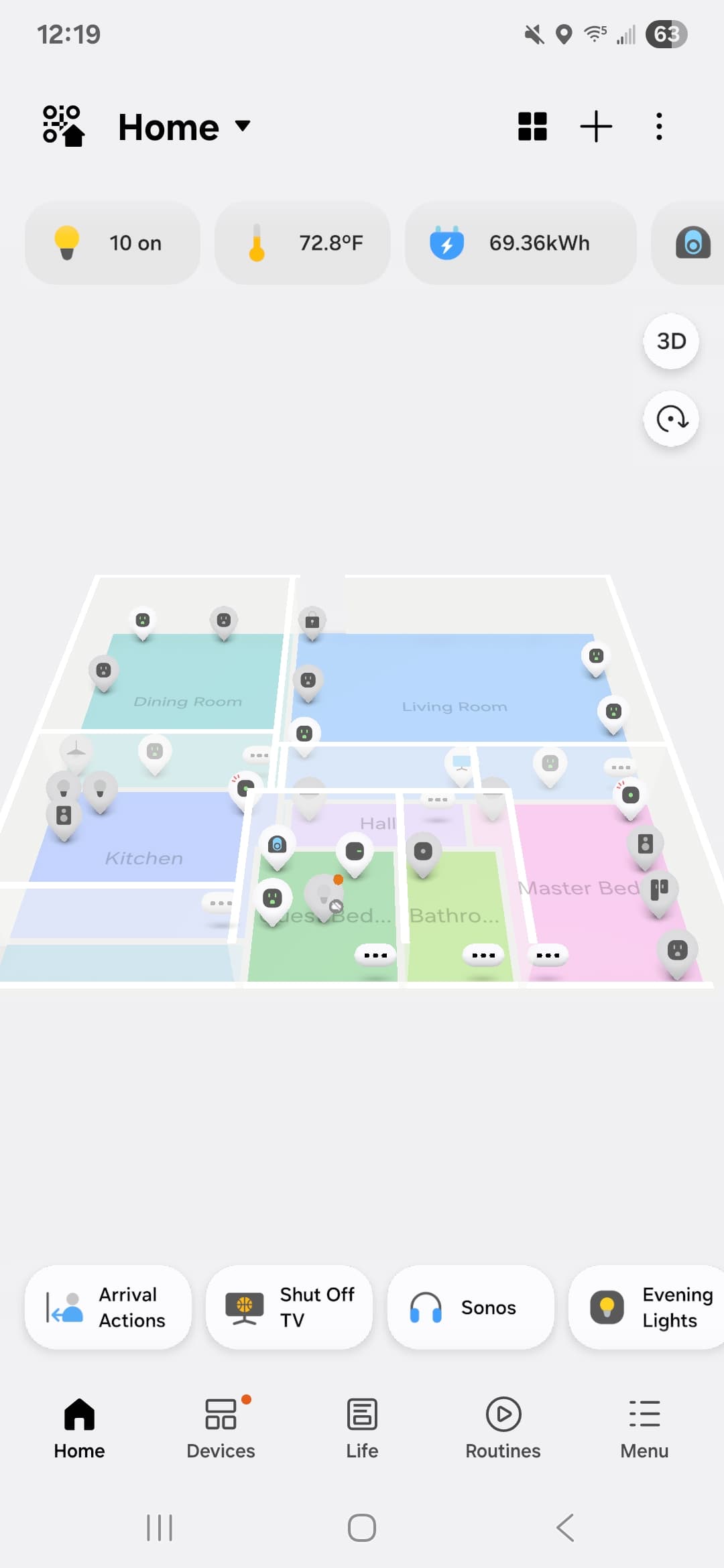

EDIT: uninstall then reinstalled seems to have fixed the issue.
I can confirm, device presence sensor is messed up again. I had the latest version installed, downgrade to v1.8.29.24 and the device instantly updated its status.
After updating to 1.8.34.21 June 2025 (default map – I didn’t create it)
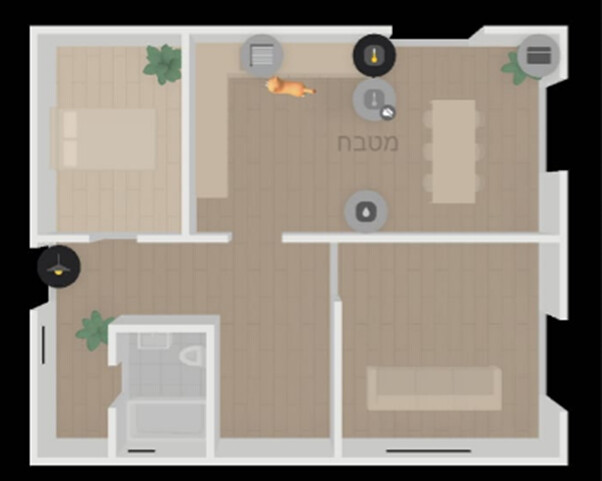
Before updating ver 1.8.29.24

Anyone that can help is welcome @nayelyz , @Itati
As usual
- my account have data access
- email is dotan_shai@hotmail.com
- dump hub logs had been sent in 11:20 UTC+3
I hope there is a way to restore
Hi, @dotan_shai
Please report this to Customer Support since this falls within their scope and they should be able to escalate it properly.
From the ST app
- Open the SmartThings app
- Go to the menu tab at the bottom-right corner.
- On this page, select the option “contact us” and then go to “Error reports”
- Select the topic related to your issue and follow the steps to submit your support request
It would be helpful for us if you shared with us once you’ve done the request, and once they reply to you.
If you struggle to get a response from them and have a ticket ID assigned, please share it with us so we can track it down.
The new delay feature is nice , however now we again go to a bug .
Previously when setting automation based on motion sensor , and auto turn off when motion stops .. it would turn of only after last motion stops by set X minutes .
Now motion stops after set X minutes of first motion start, regardless of still motion exists until X time ..
It’s really frustrating SS passing new options to production without extensive UAT .
This really needs to be fixed ASAP.
This kills the basic rules and functionality of automation .