The driver immediately emits the button pushed event when it receives the central scene notification so if that’s the event your referring to then the delay is on the device’s side.
That being said, the device might send reports to the association groups before sending the central scene notification so using the association feature might cause a delay…
I installed the edge driver for my Zen32 today. I cant get the buttons to function they are stuck in “Standby”. Also the device is running on the cloud, not local. I tried using routines, assigning it to my hub, excluding about 20 times and a hard restart. If anyone can offer some advice I’d appreciate.
I’m experiencing this too and it’s incredibly annoying. Worked before, stopped working, excluded, tried adding with both the Zooz → Other device that identifies the ZEN32 model, as well as the “search for nearby devices” - nothing works.
I missed this when you posted originally. What are you looking for from the buttons? It’s normal for them to be in standby while waiting for a push, or do you mean they never show “pushed”?
This is an example of one routine I have set up for my ZEN32, in case that clears anything up.
Hi and @NickA , thanks for your kindly guidance. Do you recommend a try to update the device firmware ? I had read the Zooz guide to do it for Smartthings and It seems a little bit complicated and maybe with some risk. Where can I check the firmware version ?
How is that muy friend !..in my “new” Zen32 device Firmware is displayed as 2.3
Do you recommend I update firmware ? I had read Zooz instructions but seems tricky and risk … I do not want lose more for less… Whats is your opinion, had you made it before ?
@CarlosJ it appears you have the Zen 32 LR and 2.3 is the most current firmware version, so you do not need to update it. If your not able to change the setting you would have to report it to Zooz customer support and then hopefully it will be updated in the future.
Oh thanks my friend !!. Then I will be patience and wait for your driver update. A question, when you update the driver, the driver in my hub is going to be updated too ? or I need to uninstall the current one and install the new one again ?
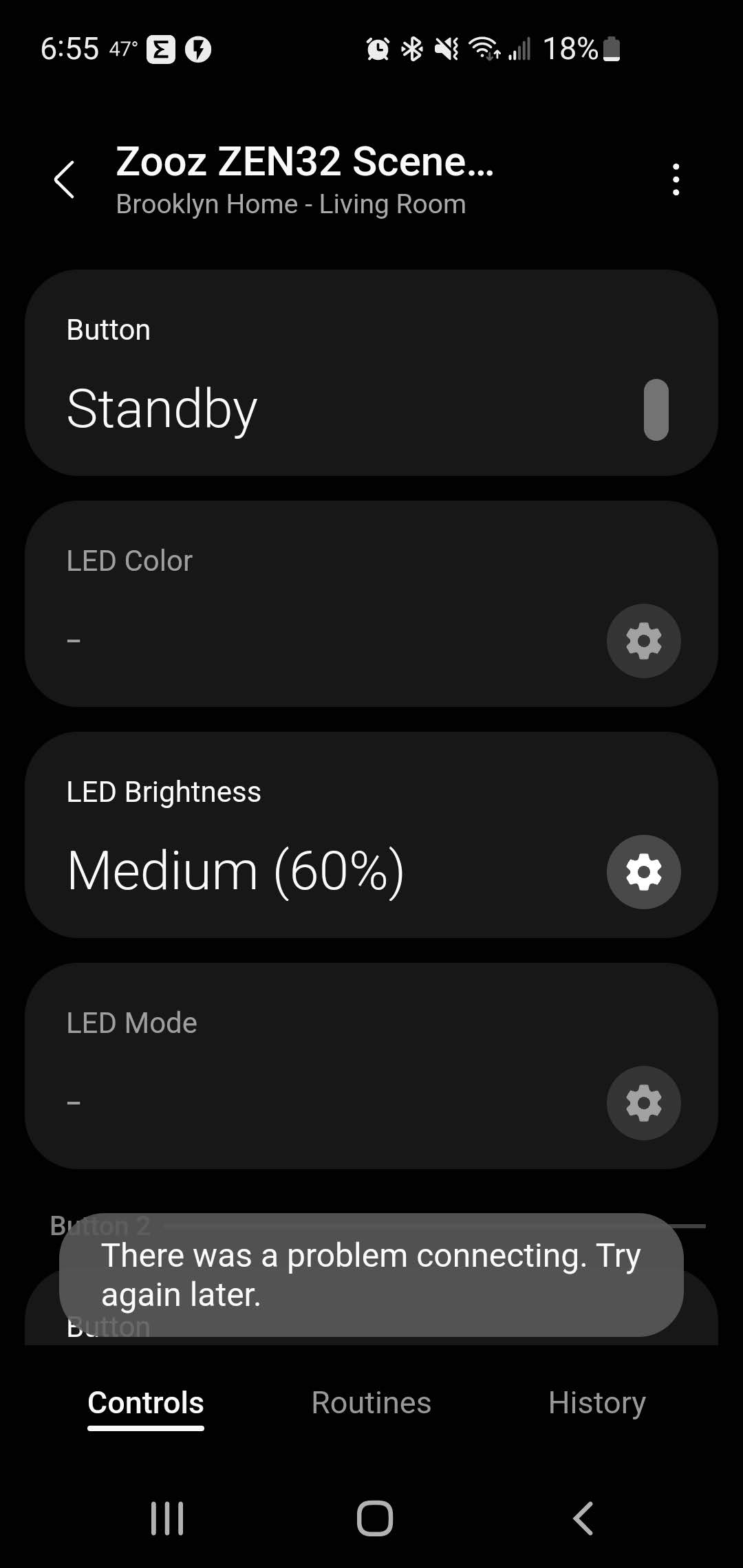
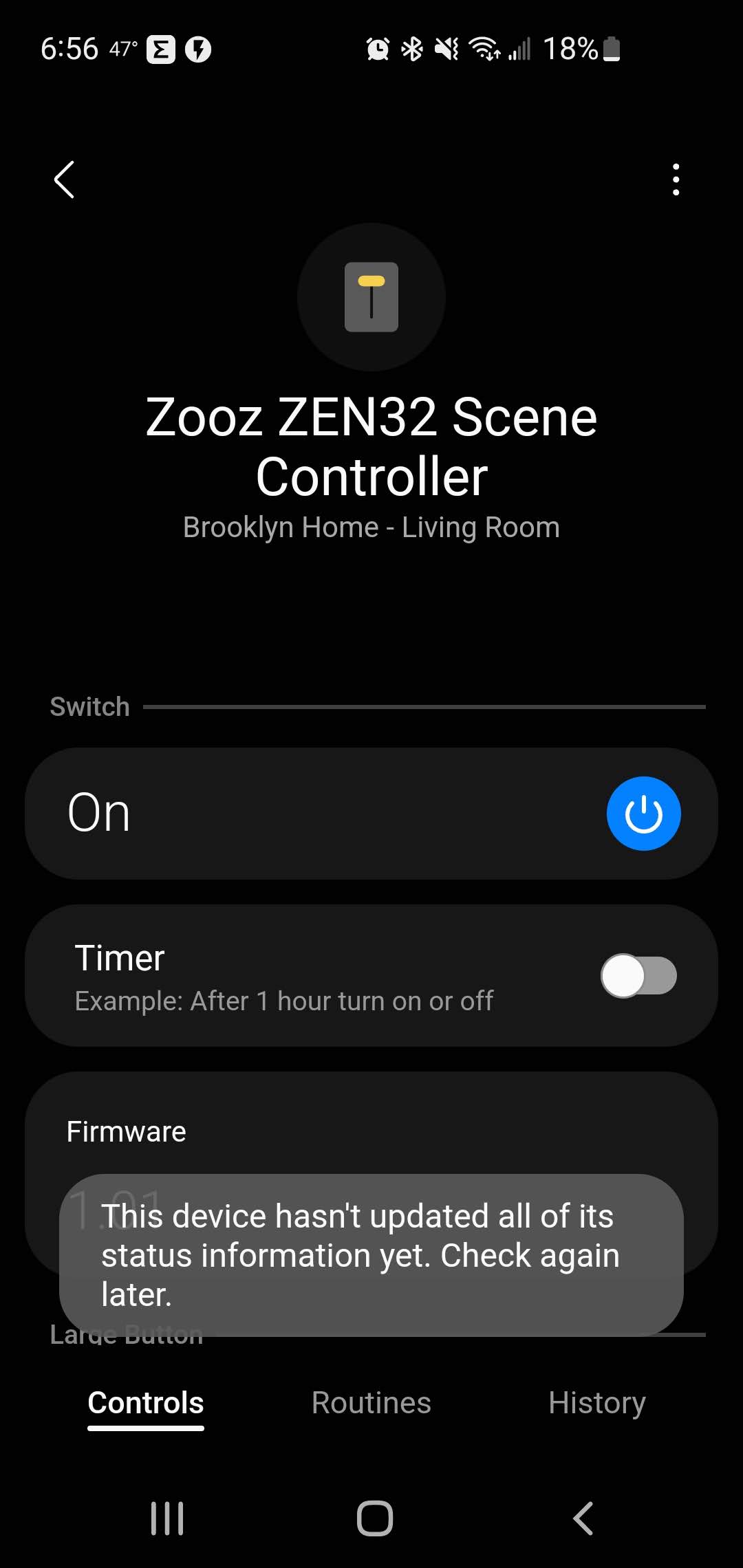


 . I guess I have a previous Edge Driver maybe ? I f this is the case, how can I update it ?
