[RELEASE] Remotec ZXT-120 AC IR Controller (2015)

Is your ZXT-120 in continuous flirs mode?
Did you configure after entering the code?
Not sure who’s device code version you are using, if mine then after the configure is successful the code should be displayed on the zxt120 device(thing) page confirming that the device reported the setting.

I have this exact unit and 176 works fine for me.

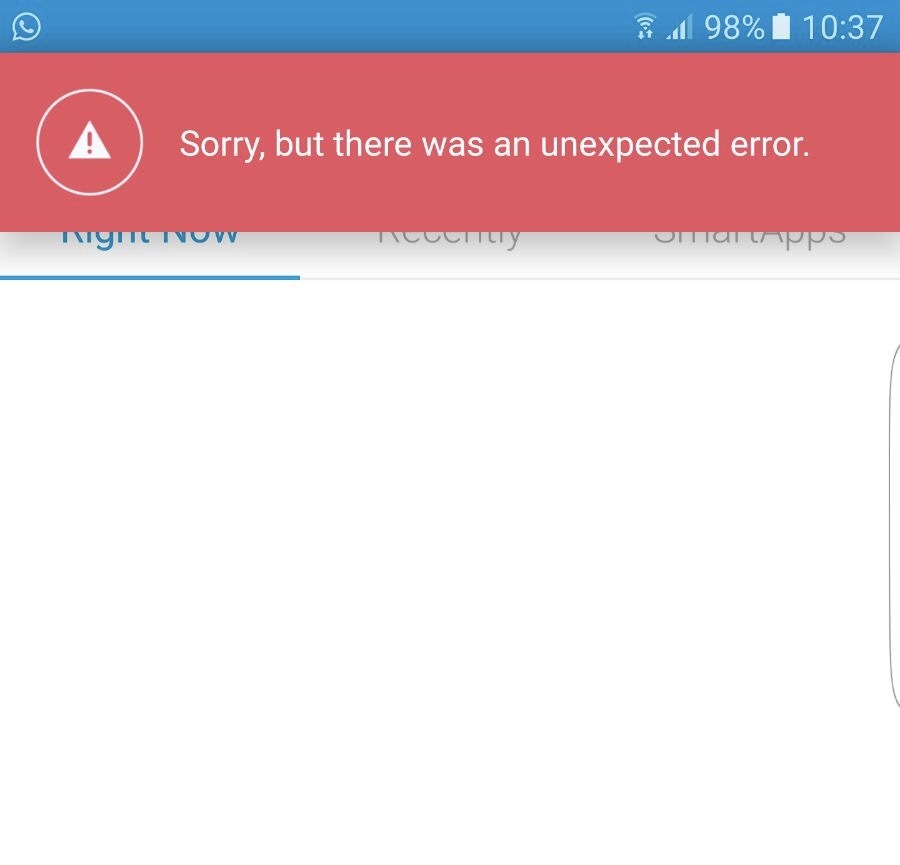
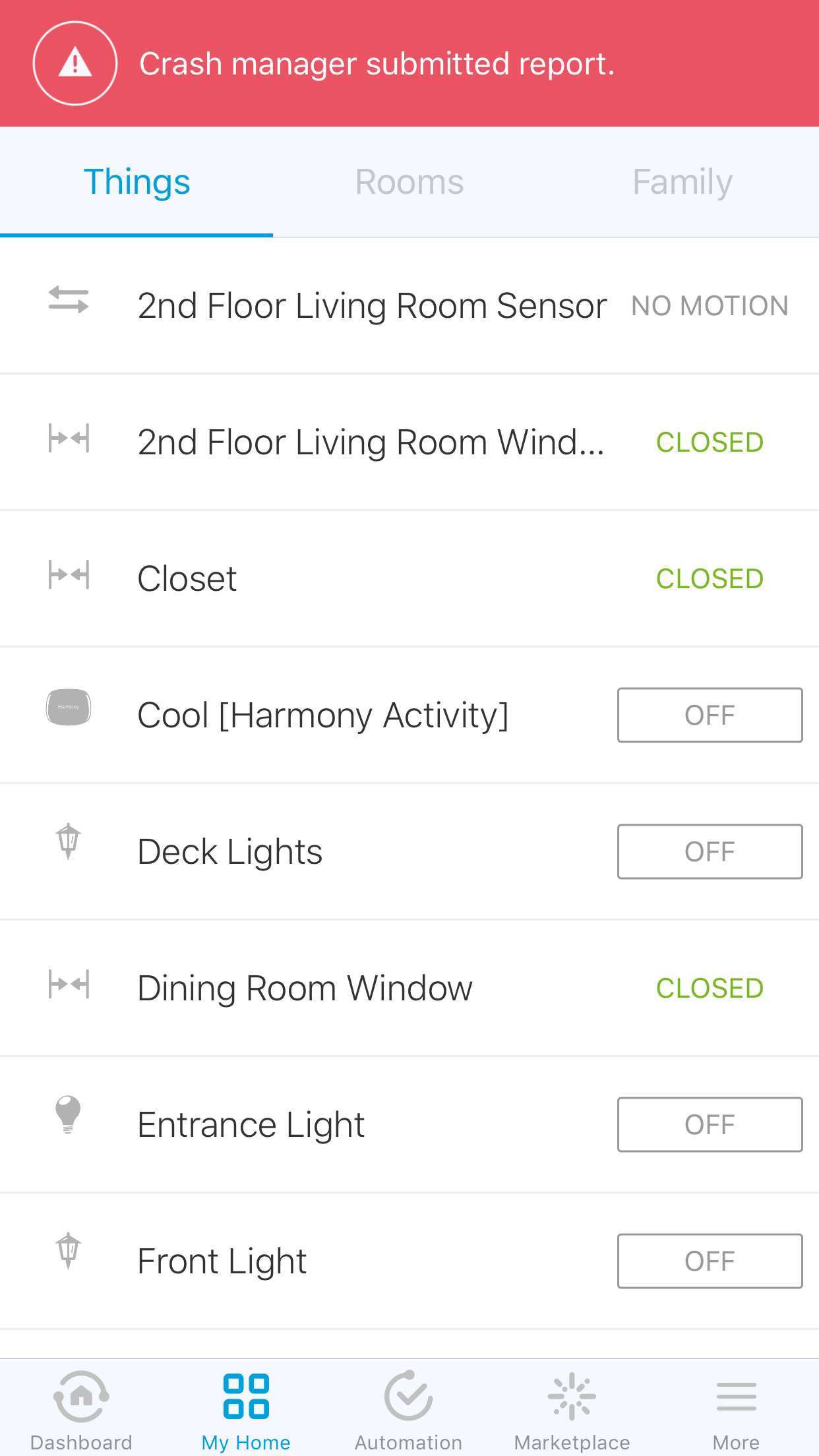
I setup the code and able to load the device on iPhone, but when test on Samsung Android phone, there are error reported, anyone have this problem?

@Ron Thanks! I wasn’t hitting configure. Now the remote is sending to the unit it seems.

However, when I send commands they don’t seem to work like the remote that comes with the unit. Swing arm on and off don’t work. Auto fan doesn’t seem to work. Right/Left sensors (the lights on the front of the unit) go off and don’t work.

Any ideas?

@Ron I’m using this for heat, I’m wondering if that is the issue. Is this made for A/C only?

I use mine for heat. Are you using my device code or someone else’s ?

I am no sure about right/left sensors etc I don’t use that feature.

I just tested the swing settings. I never use that feature. But my test reveals that it’s not really ‘swing on/off’. Swing Off seems to point down, swing On seems to point one setting higher. Not sure if I have the code mapped wrong in sending zwave to zxt-120 or if the 176 code is not mapped well. This is one thing I don’t like about the Mitsubishi and these “blind” codes. Since the Mitsubishi has no report back to see what settings are “actually” set. It is hard to use with non-standard remotes. I think if you want swing to work you will have to play with the code and perhaps the device code needs to be tweeked.

I do know the fan settings work, however the zxt-120 has 3 settings and the remote for the unit has 4 so not sure what 3 are mapped.

Dear Eric

I’ve used your code and for some reason the minimum temp is 28 degrees Celsius. can you help me on the apropriate setup?

thanks in advance

Down load the latest (recently updated)

If you are using C temps, change the line near the beginning in the method compileForC (changing false to true):

original line 31: def retVal = false // if using C mode, set this to true so that enums and colors are correct (due to ST issue of compile time evaluation)

New: def retVal = true // if using C mode, set this to true so that enums and colors are correct (due to ST issue of compile time evaluation)

save and publish for me…

Dear Eric

Sadly after doing this, if I enter the remotec menu, smartthings app crashes…

Maybe something’s missing on the procedure?

Saludos / Regards

Nicolas Calderon G.

I guess i am in need of some assistance or guidance. (zxt-120, fujitsu general Halcyon split).

after trying the incorrect steps, i removed the zxt and reset, following the procedures that were given above.

i then used the device handler from 5 months ago that Ron has. I set my zxt into Always listening, connected it in the smart things app. I went into settings and used 16 or 199 for my code, and made sure i hit configure afterwards each time. not getting any communication between the zxt and my wall unit.

live log from the web pasted below:

0e36c01d-7124-461a-ab13-7e4517115046 11:21:33 PM: warn parse called generating null map…why is this possible ? description=zw device: 0B, command: 3105, payload: 01 01 14
0e36c01d-7124-461a-ab13-7e4517115046 11:21:32 PM: debug Sensor Reporting temperatureName ZXT-120 68° map.value=68, cmdScale=C
0e36c01d-7124-461a-ab13-7e4517115046 11:21:32 PM: debug cmd.scaledSensorValue=20
0e36c01d-7124-461a-ab13-7e4517115046 11:21:32 PM: debug cmd.scale=0
0e36c01d-7124-461a-ab13-7e4517115046 11:21:32 PM: debug SensorMultilevelReport reporting…cmd=SensorMultilevelReport(precision: 0, scale: 0, scaledSensorValue: 20, sensorType: 1, sensorValue: [20], size: 1)
0e36c01d-7124-461a-ab13-7e4517115046 11:21:32 PM: info Parsing Description=zw device: 0B, command: 3105, payload: 01 01 14
0e36c01d-7124-461a-ab13-7e4517115046 11:21:30 PM: debug Parse returned [[name:battery, value:100, unit:%, displayed:false, isStateChange:false, linkText:ZXT-120 IR Sender Improved, descriptionText:ZXT-120 IR Sender Improved battery is 100%]]
0e36c01d-7124-461a-ab13-7e4517115046 11:21:30 PM: debug Parse map=[name:battery, value:100, unit:%, displayed:false, isStateChange:false, linkText:ZXT-120 IR Sender Improved, descriptionText:ZXT-120 IR Sender Improved battery is 100%]
0e36c01d-7124-461a-ab13-7e4517115046 11:21:30 PM: debug Battery Level Reported=100
0e36c01d-7124-461a-ab13-7e4517115046 11:21:30 PM: info Parsing Description=zw device: 0B, command: 8003, payload: 64

am i completely missing something obvious?

@UrMomsDontCare

  • What do you see in the tile which reads “Config# XXX”, if this reads the same as your configured code (16 or 199) then your configuration worked. If it doesn’t then you need to check the preferences to make sure code is set, press the button on the ZXT-120 while it is plugged in and press “Configure” tile.

  • It is possible the codes you are using don’t work with your unit, that’s tricky to prove or disprove

  • When you press “Cool” or “Heat” what does the log show ?

the config tile updates when i change it. i set it to 16 and the tile updated.

i then waited 2 minutes, pressed the cool button:

0e36c01d-7124-461a-ab13-7e4517115046 7:56:40 PM: warn parse called generating null map…why is this possible ? description=zw device: 0B, command: 3105, payload: 01 01 18
0e36c01d-7124-461a-ab13-7e4517115046 7:56:39 PM: debug Sensor Reporting temperatureName ZXT-120 75° map.value=75, cmdScale=C
0e36c01d-7124-461a-ab13-7e4517115046 7:56:39 PM: debug cmd.scaledSensorValue=24
0e36c01d-7124-461a-ab13-7e4517115046 7:56:39 PM: debug cmd.scale=0
0e36c01d-7124-461a-ab13-7e4517115046 7:56:39 PM: debug SensorMultilevelReport reporting…cmd=SensorMultilevelReport(precision: 0, scale: 0, scaledSensorValue: 24, sensorType: 1, sensorValue: [24], size: 1)
0e36c01d-7124-461a-ab13-7e4517115046 7:56:39 PM: info Parsing Description=zw device: 0B, command: 3105, payload: 01 01 18
0e36c01d-7124-461a-ab13-7e4517115046 7:56:36 PM: debug Parse returned [[name:battery, value:100, unit:%, displayed:false, isStateChange:false, linkText:ZXT-120 IR Sender Improved, descriptionText:ZXT-120 IR Sender Improved battery is 100%]]
0e36c01d-7124-461a-ab13-7e4517115046 7:56:36 PM: debug Parse map=[name:battery, value:100, unit:%, displayed:false, isStateChange:false, linkText:ZXT-120 IR Sender Improved, descriptionText:ZXT-120 IR Sender Improved battery is 100%]
0e36c01d-7124-461a-ab13-7e4517115046 7:56:36 PM: debug Battery Level Reported=100
0e36c01d-7124-461a-ab13-7e4517115046 7:56:36 PM: info Parsing Description=zw device: 0B, command: 8003, payload: 64
0e36c01d-7124-461a-ab13-7e4517115046 7:56:35 PM: warn parse called generating null map…why is this possible ? description=zw device: 0B, command: 3105, payload: 01 01 18
0e36c01d-7124-461a-ab13-7e4517115046 7:56:34 PM: debug Sensor Reporting temperatureName ZXT-120 75° map.value=75, cmdScale=C
0e36c01d-7124-461a-ab13-7e4517115046 7:56:34 PM: debug cmd.scaledSensorValue=24
0e36c01d-7124-461a-ab13-7e4517115046 7:56:34 PM: debug cmd.scale=0
0e36c01d-7124-461a-ab13-7e4517115046 7:56:34 PM: debug SensorMultilevelReport reporting…cmd=SensorMultilevelReport(precision: 0, scale: 0, scaledSensorValue: 24, sensorType: 1, sensorValue: [24], size: 1)
0e36c01d-7124-461a-ab13-7e4517115046 7:56:34 PM: info Parsing Description=zw device: 0B, command: 3105, payload: 01 01 18
0e36c01d-7124-461a-ab13-7e4517115046 7:56:34 PM: debug Parse returned [[name:battery, value:100, unit:%, displayed:false, isStateChange:false, linkText:ZXT-120 IR Sender Improved, descriptionText:ZXT-120 IR Sender Improved battery is 100%]]
0e36c01d-7124-461a-ab13-7e4517115046 7:56:34 PM: debug Parse map=[name:battery, value:100, unit:%, displayed:false, isStateChange:false, linkText:ZXT-120 IR Sender Improved, descriptionText:ZXT-120 IR Sender Improved battery is 100%]
0e36c01d-7124-461a-ab13-7e4517115046 7:56:34 PM: debug Battery Level Reported=100
0e36c01d-7124-461a-ab13-7e4517115046 7:56:34 PM: info Parsing Description=zw device: 0B, command: 8003, payload: 64
0e36c01d-7124-461a-ab13-7e4517115046 7:56:34 PM: debug Parse returned [[value:cool, name:thermostatMode, isStateChange:false, displayed:false, linkText:ZXT-120 IR Sender Improved, descriptionText:ZXT-120 IR Sender Improved thermostat mode is cool]]
0e36c01d-7124-461a-ab13-7e4517115046 7:56:34 PM: debug Parse map=[value:cool, name:thermostatMode, isStateChange:false, displayed:false, linkText:ZXT-120 IR Sender Improved, descriptionText:ZXT-120 IR Sender Improved thermostat mode is cool]
0e36c01d-7124-461a-ab13-7e4517115046 7:56:34 PM: debug Thermostat Mode reported : cool
0e36c01d-7124-461a-ab13-7e4517115046 7:56:34 PM: info Parsing Description=zw device: 0B, command: 4003, payload: 02
0e36c01d-7124-461a-ab13-7e4517115046 7:56:32 PM: debug Parse returned [[name:battery, value:100, unit:%, displayed:false, isStateChange:false, linkText:ZXT-120 IR Sender Improved, descriptionText:ZXT-120 IR Sender Improved battery is 100%]]
0e36c01d-7124-461a-ab13-7e4517115046 7:56:32 PM: debug Parse map=[name:battery, value:100, unit:%, displayed:false, isStateChange:false, linkText:ZXT-120 IR Sender Improved, descriptionText:ZXT-120 IR Sender Improved battery is 100%]
0e36c01d-7124-461a-ab13-7e4517115046 7:56:32 PM: debug Battery Level Reported=100
0e36c01d-7124-461a-ab13-7e4517115046 7:56:32 PM: info Parsing Description=zw device: 0B, command: 8003, payload: 64
0e36c01d-7124-461a-ab13-7e4517115046 7:56:30 PM: warn parse called generating null map…why is this possible ? description=zw device: 0B, command: 4303, payload: 02 2A 02 E4
0e36c01d-7124-461a-ab13-7e4517115046 7:56:29 PM: debug Thermostat Setpoint Report for reportedCoolingSetpoint = 74.0 forcing state change true
0e36c01d-7124-461a-ab13-7e4517115046 7:56:29 PM: info RRG V1 ThermostatSetpointReport cmd=ThermostatSetpointReport(precision: 1, reserved01: 0, scale: 1, scaledValue: 74.0, setpointType: 2, size: 2, value: [2, 228])
0e36c01d-7124-461a-ab13-7e4517115046 7:56:29 PM: info Parsing Description=zw device: 0B, command: 4303, payload: 02 2A 02 E4
0e36c01d-7124-461a-ab13-7e4517115046 7:56:26 PM: debug Sending Temp [74] for cool mode before enabling mode
0e36c01d-7124-461a-ab13-7e4517115046 7:56:26 PM: debug new temp 74
0e36c01d-7124-461a-ab13-7e4517115046 7:56:26 PM: debug convertedDegrees=74, degrees=74
0e36c01d-7124-461a-ab13-7e4517115046 7:56:26 PM: debug No Conversion needed
0e36c01d-7124-461a-ab13-7e4517115046 7:56:26 PM: debug p=1
0e36c01d-7124-461a-ab13-7e4517115046 7:56:26 PM: debug state.precision=null
0e36c01d-7124-461a-ab13-7e4517115046 7:56:26 PM: debug deviceScaleString=F
0e36c01d-7124-461a-ab13-7e4517115046 7:56:26 PM: debug deviceScale=1
0e36c01d-7124-461a-ab13-7e4517115046 7:56:26 PM: debug state.scale=null

i can try other codes as well. the online manual only has a couple codes, while the one with the box has more.
Yea try other codes. I may just not work with your unit.

BTW do you have it plugged in I find it doesn’t work well on batteries.

Do you see the zxt-120 light flash when you press cool? If so it is sending the signal and working so you issue is which code to use. That is the main thing I dislike about this device.

yes sir.
its plugged in, and about 10 feet line of sight to the wall AC. the zxt120 does flash the LED when i press a command via the controller on my phone.
if i cant find a code that works, can i manually program the commands from the existing remote?

i appreciate your help, btw.

Yes, with some limitations. See the zxt-120 manual, it explains how. Use code 000.

I have a version of my device code that lets you learn but it is a real pain to use. I have used it to learn for my dyson space heater so I know it works. See the manual and look in my github for other version of device handler to try it.

I ordered the Remotec ZXT-120 AC IR Controller and was able to follow this great thread and I installed Ron’s latest device handler from Github and not the beta version with learn. Device is in continuous mode powered by USB.
Split system is a Gree ductless heat pump.
My issue is that I went through all the codes for Gree and found several that work for both heat and cool modes but the temperature display on the air handler unit is always in Celsius when controlling from the ST app but in Fahrenheit (which is what I want) when using the physical remote. I’m curious if anyone else has seen this. I’m not sure if it’s the remote code or device handler or if maybe there is another code. Should I try the learn code and try programming the ZXT-120 with my physical remote? Any ideas appreciated.
I’m also starting to study on writing a SmartApp for my situation as during season changes I may need to be in heat mode part of the day and then cool mode depending on outside temperature and time of day. The existing SmartApps only deal with a schedule which only work if outside temps are consistent and reliable. The other app works on temp but need to read and use an outside sensor. Neither fills my need.

@gaanthony I think it’s possible that the ZXT-120 is fixed to Celsius, I notice that it always reports celsius when I debug the code. So that might be what it sends to the unit. My split system doesn’t report the current setting in anyway so I can’t tell what was actually sent to the unit.

Learning could solve this. I have actually merged my beta learning version with the main version but I have not had time to debug it much. It seems to be working on the device I am using it for but I only use one temp to learn my preferred setting.

If you pull the latest code you will see the learning settings there. The way it’s used it not too difficult. Using the map in the manual set the learning number to the temp you are learning and then press the learn tile in the things screen, the ZXT-120 will flash indicating it’s ready to learn. Then send the code with your remote. The zxt then flashes twice if it worked or 4 times if it failed.

Use this manual for the learning cell numbers https://github.com/gouldner/SmartThingsPublic/blob/master/devicetypes/gouldner/docs/zxt-120/rm-zxt-Zipato-Ir-Extender-User-Manual-v1.0.pdf

That’s a really quick description of the process but you seem the type that can figure things out so I’ll leave it at that :slight_smile: Let me know if you have any questions.

@Ron - Being fixed to Celsius is what I was starting to lean towards, except that one of the remote codes that worked for Off and Heat mode but not switching to cool mode actually displays in Fahrenheit.
I will definitely try the learning route and see where that leads. I appreciate the great info and the great work with the device handler improvements for the ZXT-120.

Hmm…That leans toward the codes being fixed to one temp class or another. I really wish the company documented the codes better.

Since my unit doesn’t display it’s current setting I have no real way to debug this issue. I see some potential issues in the code. For example reviewing the code again just now I notice that state.scale is never set so it will always be null, But null defaults to Fahrenheit so not sure why this would lead to celsius default you are seeing.

Can you provide more detail on what is happening. I think you are saying you set temp to some degree setting in Fahrenheit using cool/heat sliders, then select Cool or Heat. But unit is then reporting a temp in Celsius. Is the temp the correct temp which corresponds to the setting you issued in Fahrenheit ? You are saying some codes report back in F and some report back in C ? That seems to suggest no a coding issue. Strange behavior. If you send me an example send the log messages that correspond to the actions also. Maybe I can find a bug if there is one.

I have been really wanting to use the learning mode on my Split System because I have always wondered what it is “really” sending to my units since many of the codes work but there are minor issues in behavior (fan not as strong etc) When I control my unit with the actual remote it works better. That said. The code I use for my unit works pretty well so I have had little incentive to start messing with it. It simply isn’t broken for me :slight_smile:

I was unable to recreate the scenario with the remote codes where one seemed to be fixed to Fahrenheit. I think I must have had the physical remote on during my initial setup and it may have interfered as I have timer mode enabled on it.
As for the sliders in the app in Fahrenheit and selecting heat or cool the unit does report the correct temperature in Celsius.

I’ve installed the latest update of the device handler. Time permitting this weekend I will test the learning mode and capture the logging.