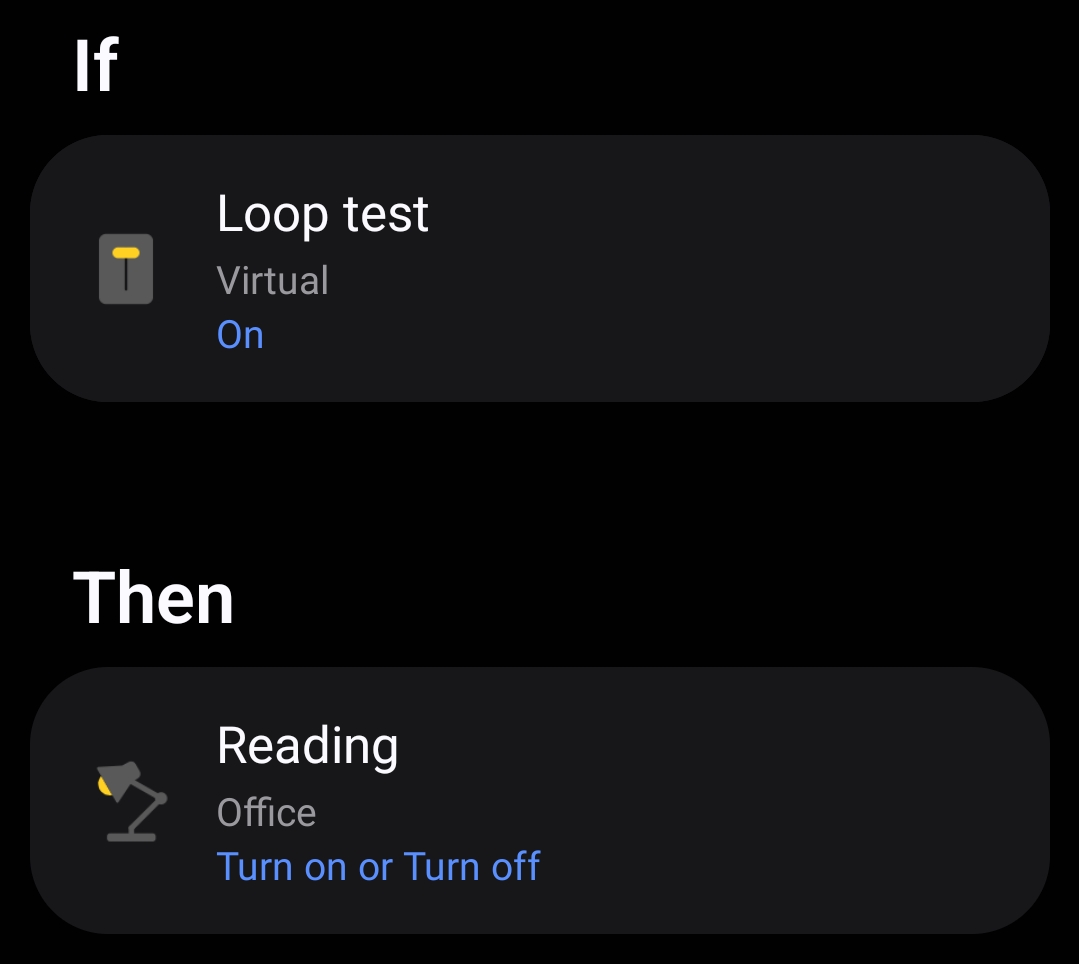
have a virtual switch that triggers a routine to do the following:
If switch on
Then
Turn light on
Delay 15 seconds
Turn Light off
Delay 15 seconds
Is it possible to loop back to the beginning of this routine until I manually turn the virtual switch off? The goal is to have a visual alert go off until I turn it off.
I probably shouldn’t answer this while not properly awake, but off the top of my head …
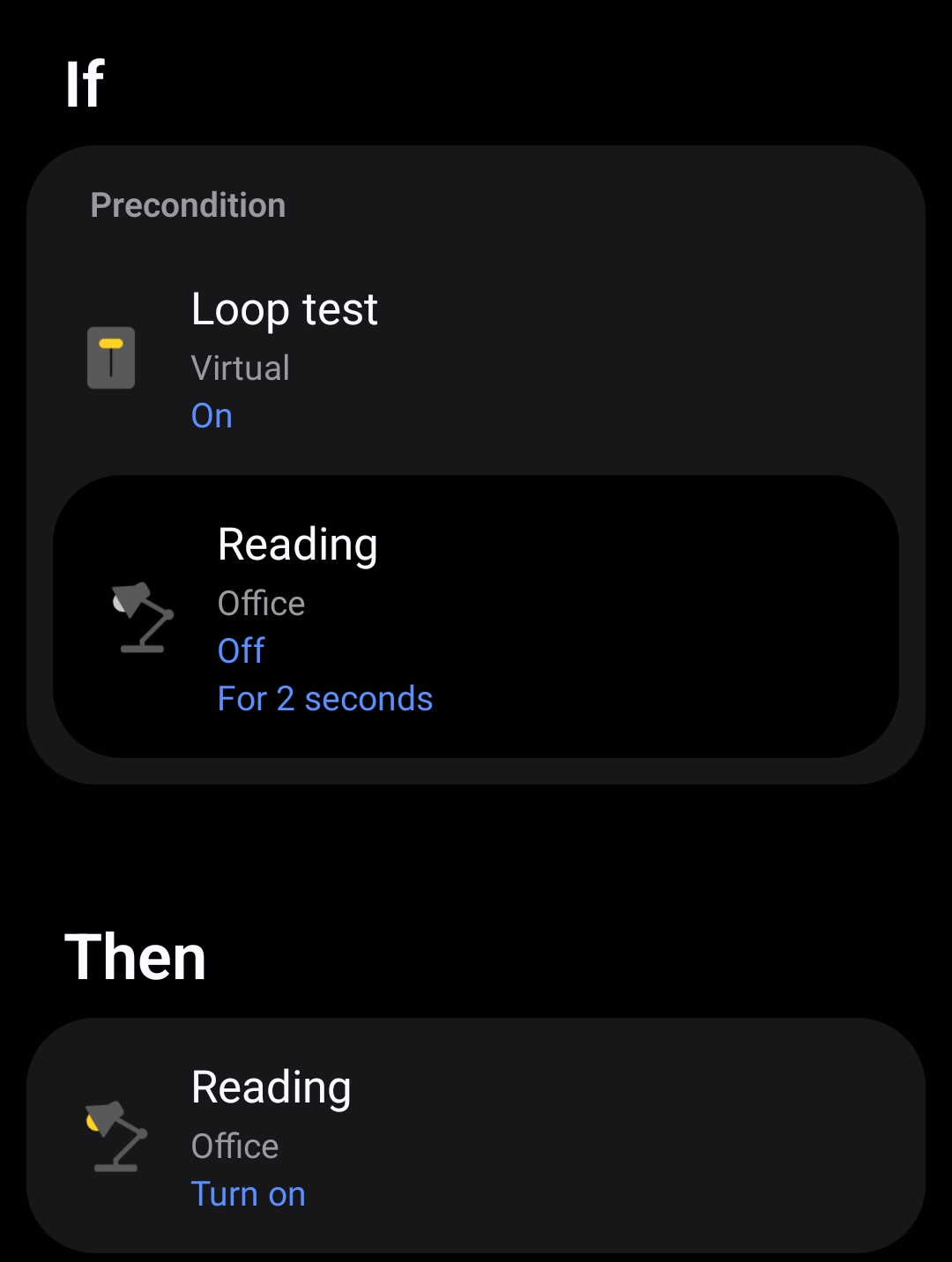
You could add an additional virtual switch, let’s call it loopswitch and make your main routine be triggered by that toggling while switch is on:
if
  switch on (set as precondition)
  loopswitch is on or off
then
  turn light on
  delay 15 seconds
  turn light off
  delay 15 seconds
  turn loopswitch on or off
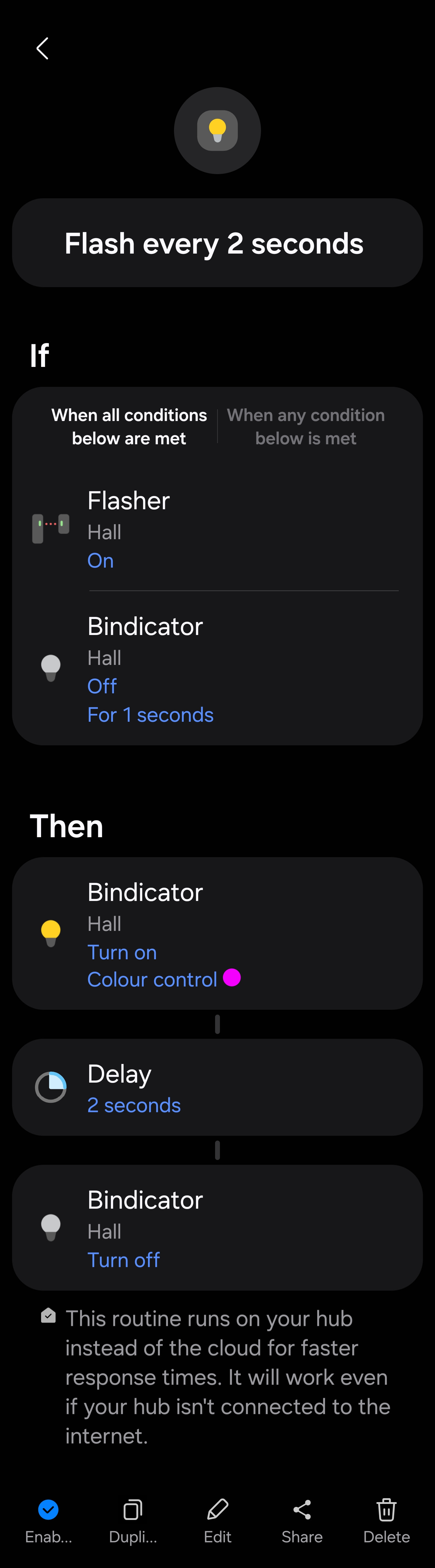
Can’t loop per se, but using the virtual switch and an accumulated timer, you can get a similar effect. I do this to announce that a door or gate is open every 15 minutes until the door/gate sensor closes.
First, install the Edge Timer Utility found here and create a timer with the appropriate time interval. Next create Routines:
If Switch on (pre-condition)
Virtual Switch Turns on
Turn on light
Delay 15 seconds
Turn off Light
Turn on timer

If Virtual Switch on (pre-condition)
Switch on (pre-condition)
Timer duration equal or above 15 seconds
Turn on light
Delay 15 seconds
Turn off Light
Reset timer

If Virtual Switch turns off
Turn off timer
The water sensor is used because it’s triggered by a non smart guardline outdoor sensor. But it could be triggered by whatever start condition you want.