Hi all, new to the forum. I have searched for the answer to this but haven’t been able to find anything specific enough to my situation. I do not have a smart things hub yet but I’m trying to do some research first to see what’s possible.
I currently have down lights in my kitchen that have a “halo” around them. The “halo” acts as a night light and is about 50% of the intensity of the main light. To engage the halo, you have to turn the switch on, then immediately turn it off, then back on (within 2 seconds I believe). If I were to hook up a GE Z-wave switch (non-dimmer), would I be able to configure it with smart things so that it could activate the full intensity light, or the halo when requested?
If that’s not possible, Is there another way to do this ?
You need a Z-Wave device with a flash/strobe build in DTH and not using smartapps due to cloud delay.
I used an Aeon micro relay module for flashing 3 times within 2 seconds. I was struggling with a genetic Z-Wave before and got about 50% successful rate due to cloud.
It’s not unfortunately. I tried with my front porch lamp driven on GE switches and WebCoRE. It seems straightforward at first, but after factoring in cloud delay, my experience doing any switching under 2 seconds wasn’t reliable… 1 second failed over 50% of the time and. 5 seconds was ridiculous.
Someone else mentioned needing a device that supported flash or strobe and I think they are probably correct…
It almost sounds as if I’d be better off replacing my lights with dimmable ones. Ultimately I just wanted to be able to have the lights come on at the 50% mark for certain occassions and 100% at other times.
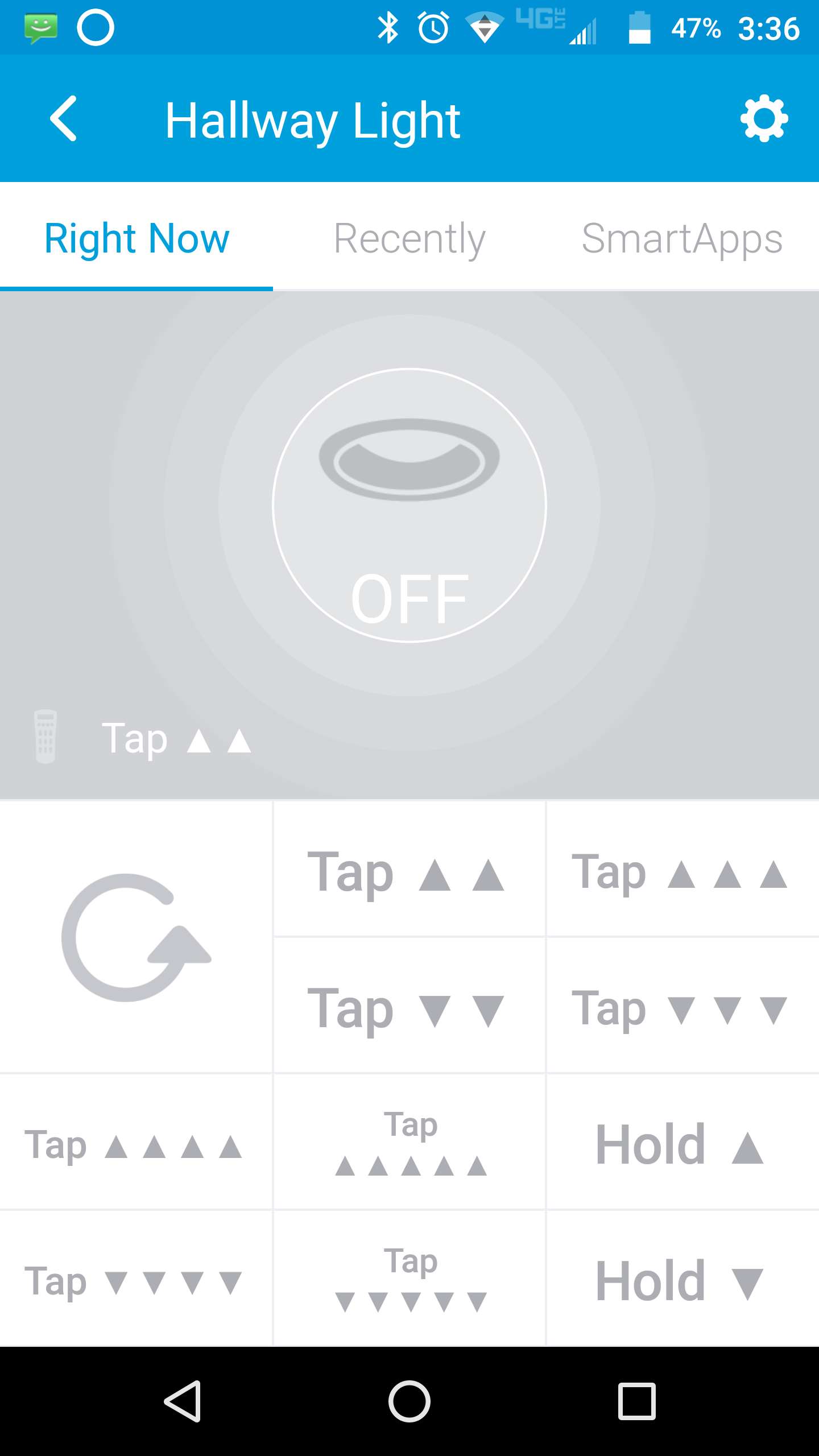
Yeah, I went with GE dimmable switches and dumb dimmable LED bulbs for most of my home. Avoided alot of the headaches I see here. Plus with the GE switches (z-wave plus) you get two extra buttons via double tap up or down. Super useful for all kinds of stuff.
I have the rocker dimmer and switches and it works with both. I actually replaced about 12 other non plus ones that I had just to add that feature.
For me, double tap down on the light switch for that room will turn everything off. Although, I do have a tablet for each room as well which mimics the same action…
I setup 3 automations to run at the same time and selected “Turn On or Off” (it acts as a toggle) on the device I wanted to turn On/Off/On and it seems to work ok. Its assumed the device is off before these 3 automations run.