I’m new to Smartings, so maybe I am missing something obvious. I am trying to use SmartThings to control a Konnected AlarmPanel Pro. ST can see all the configured sensors and Alarms (although for some reason Konnected Alarm outputs configured as sirens appear as light switches, not sirens, in ST), and will trigger the alarm outputs OK when sensors detect intrusion. I am trying to automate the transition to Armed(away) when all Location members leave, and to Armed(stay) when any member returns. In My Home Location settings I have two people listed under Members (Owner = my email , Members = mywife’s email). When I go to set up the automatic routine “Change security mode Armed(away)” there are no other members listed other than “You” (listed as David’s S20). Now I am guessing that my phone has somehow automatically been set as a “Presence” device, and my wife’s phone hasn’t, although it does appear in the “Personal Devices” list as Redmi Note 9 ***, if that is at all relevant.
So how do I get my wife’s phone to appear in the "members " list in the routine set up page?

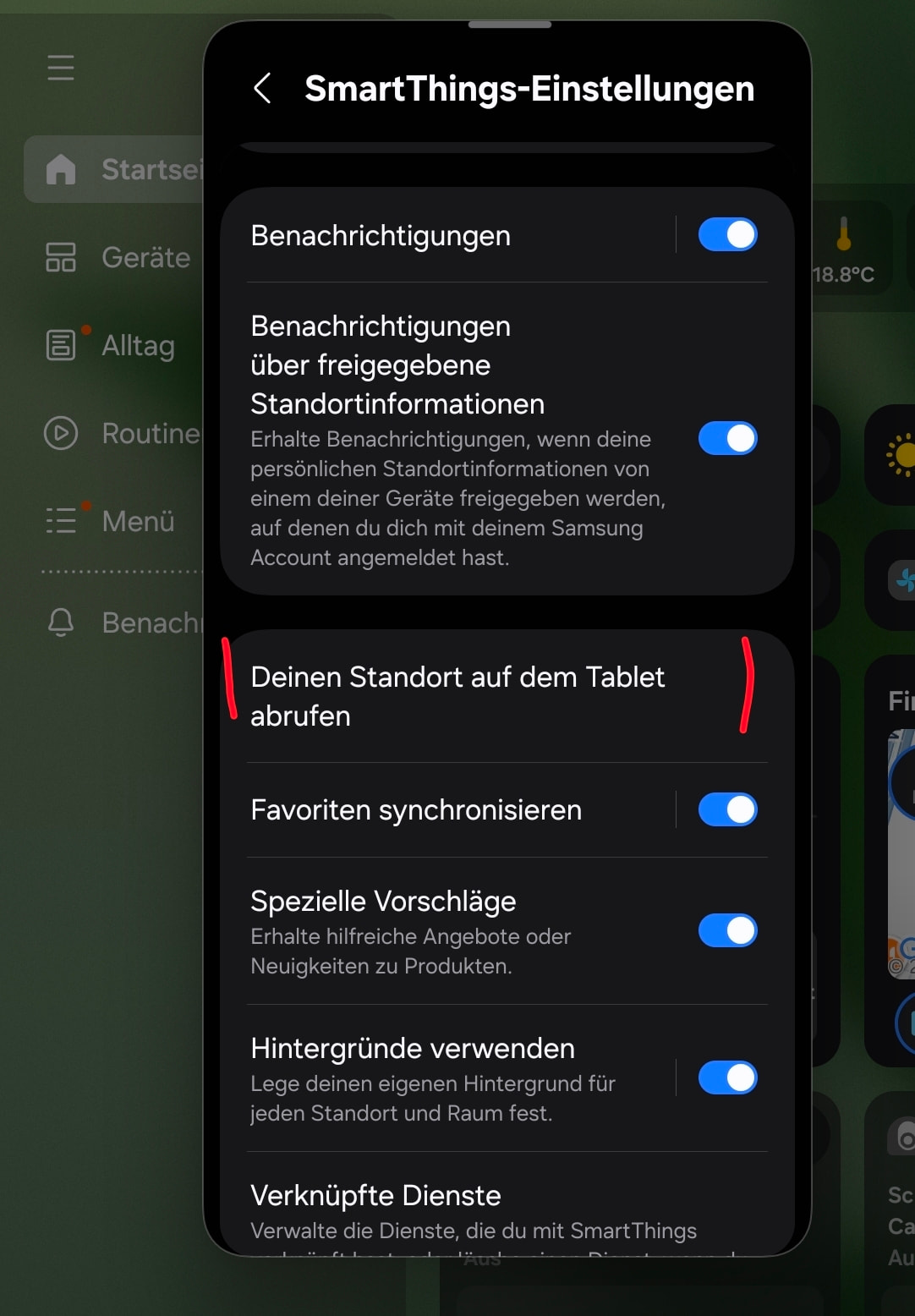
Thanks for the quick response Andreas. Took me a while to decipher it as my german is not very good  . I’ve got the routines for Away and Stay set up now with the two phones as Presence devices, now, just need to check the phone location data works reliably.
1 Like