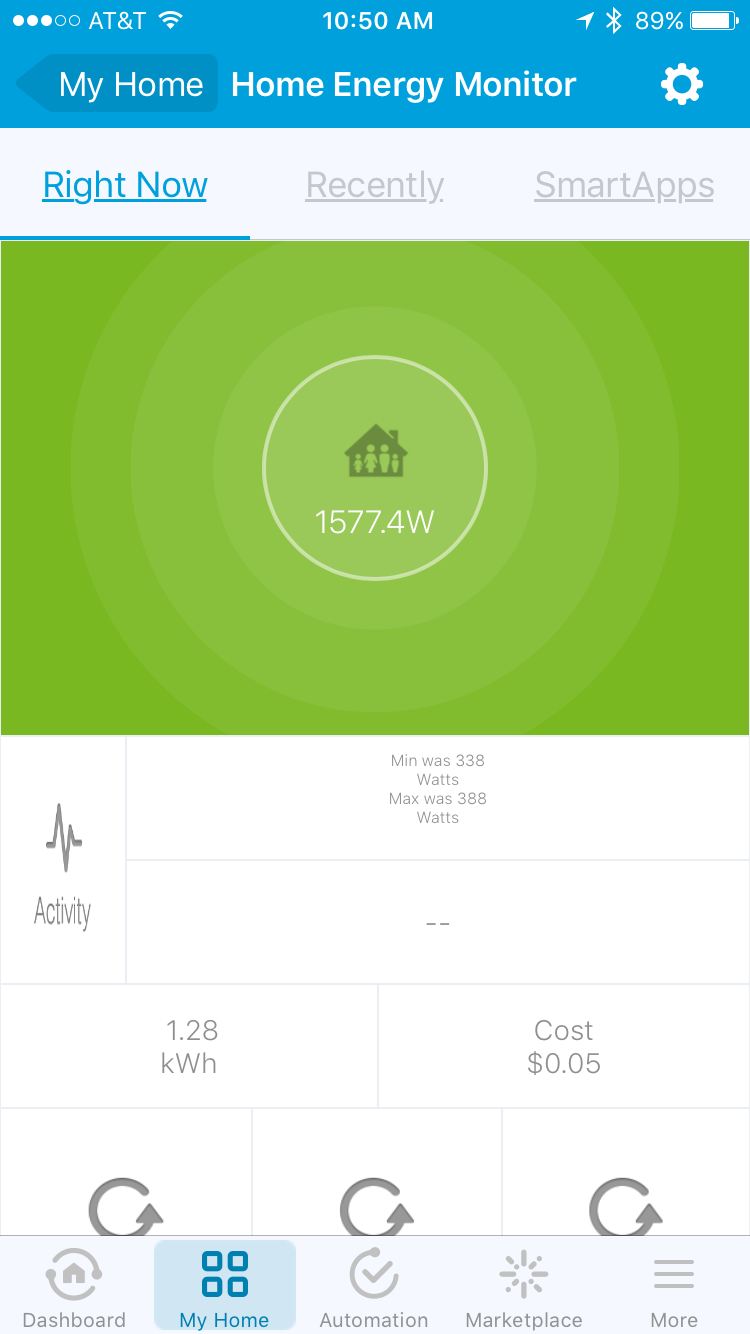
No worries. I’m not really a programmer either and your commit was a great starting point. I was able to get this code to work on all 4 of my HEMv1’s. I may order a couple more to monitor some additional devices/zones that I’m interested in tracking. Cold weather is making my usage numbers scary…
@Omyn NICE! That’s a clean setup, especially the 4-port USB hub for powering the devices.
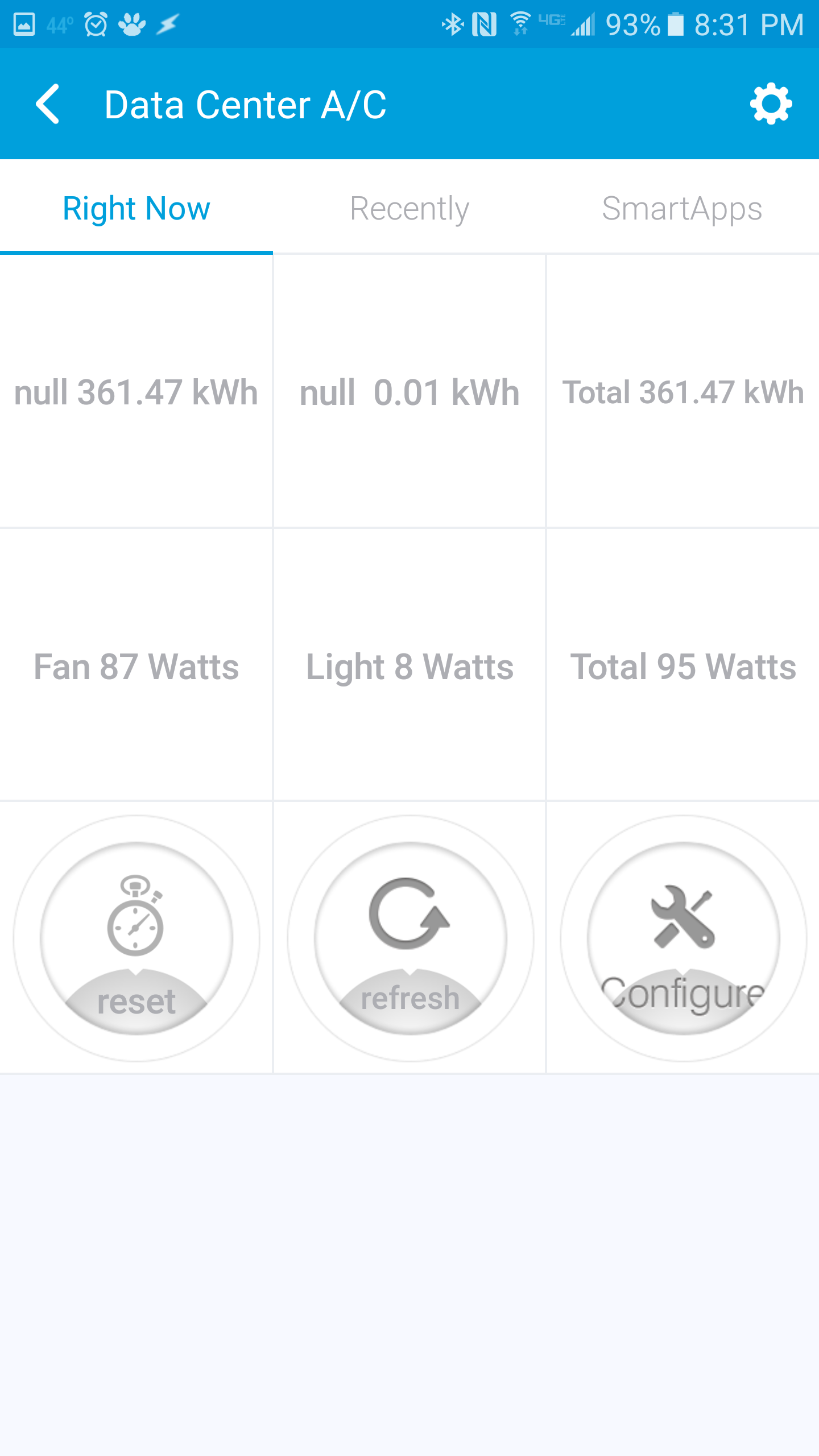
@Danabw So I tried the DH code that Omyn provided and it worked for me, although I did get a ‘null’ error if I didn’t manually set each variable. For example, if I didn’t set a name, I got:
And finally after setting the cost per kWh (even though 0.16 was already there):
Granted there was some “weirdness” with the variable names but I believe this was because the device was previously being used with a different DH (it would randomly show ‘Dryer’ instead of ‘Light’). So you might want to fully remove your HEMv1 from the hub, login to the ST IDE and remove the other DH, re-add the HEMv1 to the hub and re-assign it to Omyn’s custom DH. Then manually set all of the variables within the app and see how it goes.
Also, based on your phone screenshots I assume you’re using Android, correct?
Awesome! Glad to see it works for you. I plan on cleaning up the quirkiness of the code once I get some free time. The code provided above sufficed as a proof of concept to justify setting everything up physically and potentially purchasing more HEMs…
I also need to see if there is a way to treat the 2 values as separate energy sensors from the viewpoint of things like SmartTiles. For example, I can only add the sum of both clamps as a tile. Ideally I would like to have a home energy dashboard where every value is it’s own tile in cases of where I’m using one HEM to monitor two devices.
Are you running on batteries? It does take awhile to populate the screen if you are. Try plugging the HEM via USB and it should start reporting much faster.
Same results/issues as above in terms of what the HEM reports. I’m going to put this one aside and wait for my other HEM (arriving Tuesday) and try with that one. This one clearly does not want to play with me! Thanks for all the help.
One other question, one of my HEM V1’s is 240 2 phase reading the panel. When I installed yours to test it changed settings on the HEM V1 that is working please look at screenshots and let me know if this is correct as voltage was changed to 120 in two locations.
That’s @Omyn’s code mod, I can’t take credit for that.
Mine is running off of USB power without batteries in the post above when testing the code.
For pairing, my experience is that the HEMv1 has to be in range of the hub. I don’t know if the HEMv1 also acts as a repeater or if you can even pair via a repeater versus directly via the hub.
I don’t understand the question about the github settings. For my code I simply copied/pasted into the github website. @Omyn may have done something different.
My question is regarding the voltage in the screenshot. I am monitoring the panel 2 phase 240 volts so where is says 120 should it be 240? Below is my screen.
If you want to use Omynz’s DTH to monitor two different devices on your HEM, assuming you have already used Omynz’s code to create and publish his DTH in your IDE:
Log into your IDE
Go to the My Devices tab
Select your Aeon HEM device
Select Edit
Tap the drop-down on the Type* field
Choose “Aeon HEM Coding” as the device type
Tap Update
After that you may want to power cycle your HEM, and then go into the ST app and go to your HEM and you’ll see settings to configure it to read 120 or 240, name the devices you’re monitoring, etc.
OK, @Jmtyra & @Omyn, it looks like my problems were HW and not DTH, etc.
Received the second HEM today, and linked it to my network, changed to this DTH, updated settings in IDE, and attached to dryer and it’s reading. j
As you can see from screen shot below, I am getting correct labels and power readings for the usage, which is great.
For some reason I don’t get the top row calcs completed correctly - still keeps saying "Since " and “Cost–” and the numbers don’t fill in. I had set the cost/kWh to 0.15 in the IDE and it wasn’t calculating. Set it back to 0.16 in the app Settings and that didn’t help. I’ve hit the Refresh button.
Another question for either of you or others - can you clarify the “kWh report seconds (60)” and “Detail report seconds (30)” settings?
I’ve tried changing them but not sure that I see any change in the readings in the device screen.
Oh, and I do still see this screen below when the device screen is in the process of updating in the background…since on my other HEM this was the only screen I ever saw, maybe the other HEM wasn’t able to update to show the readings?
Oh, also, w/the new HEM I also get battery reporting (0% battery left) that I didn’t get w/the other one. Beginning to think that the first one I got was a dud.
Is it correct that I should see 0% battery when I’m on USB power and don’t have any batteries in the HEM?
Going to see if I can get Zwaveproducts to do an exchange on my first one…


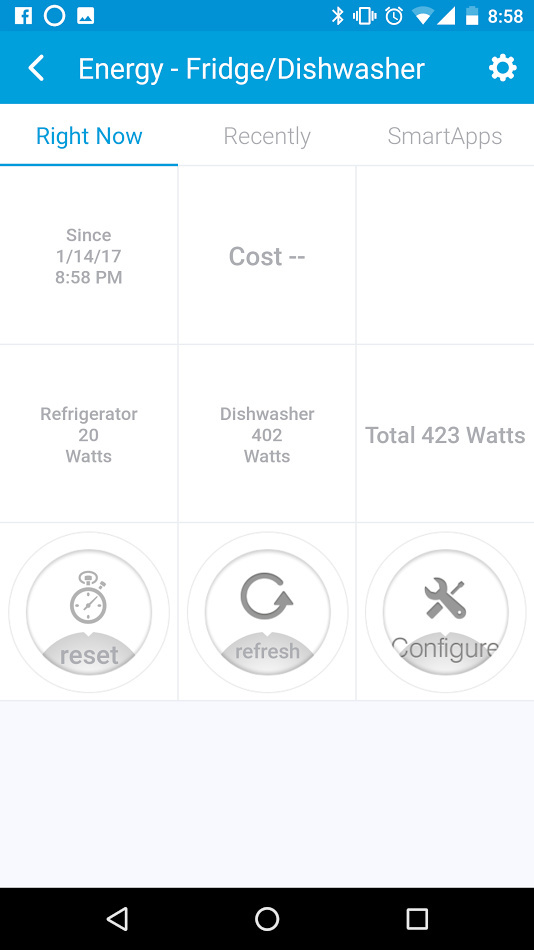
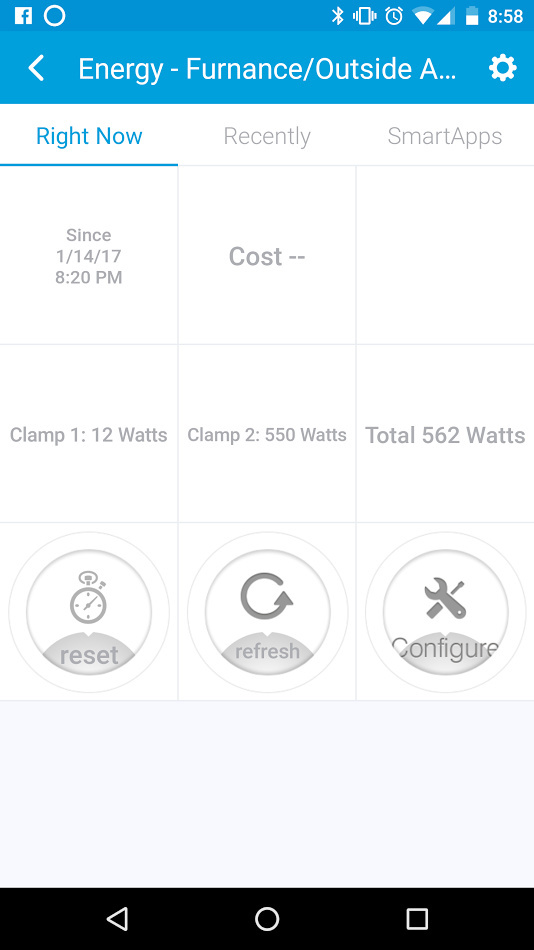




 Thanks for all the help.