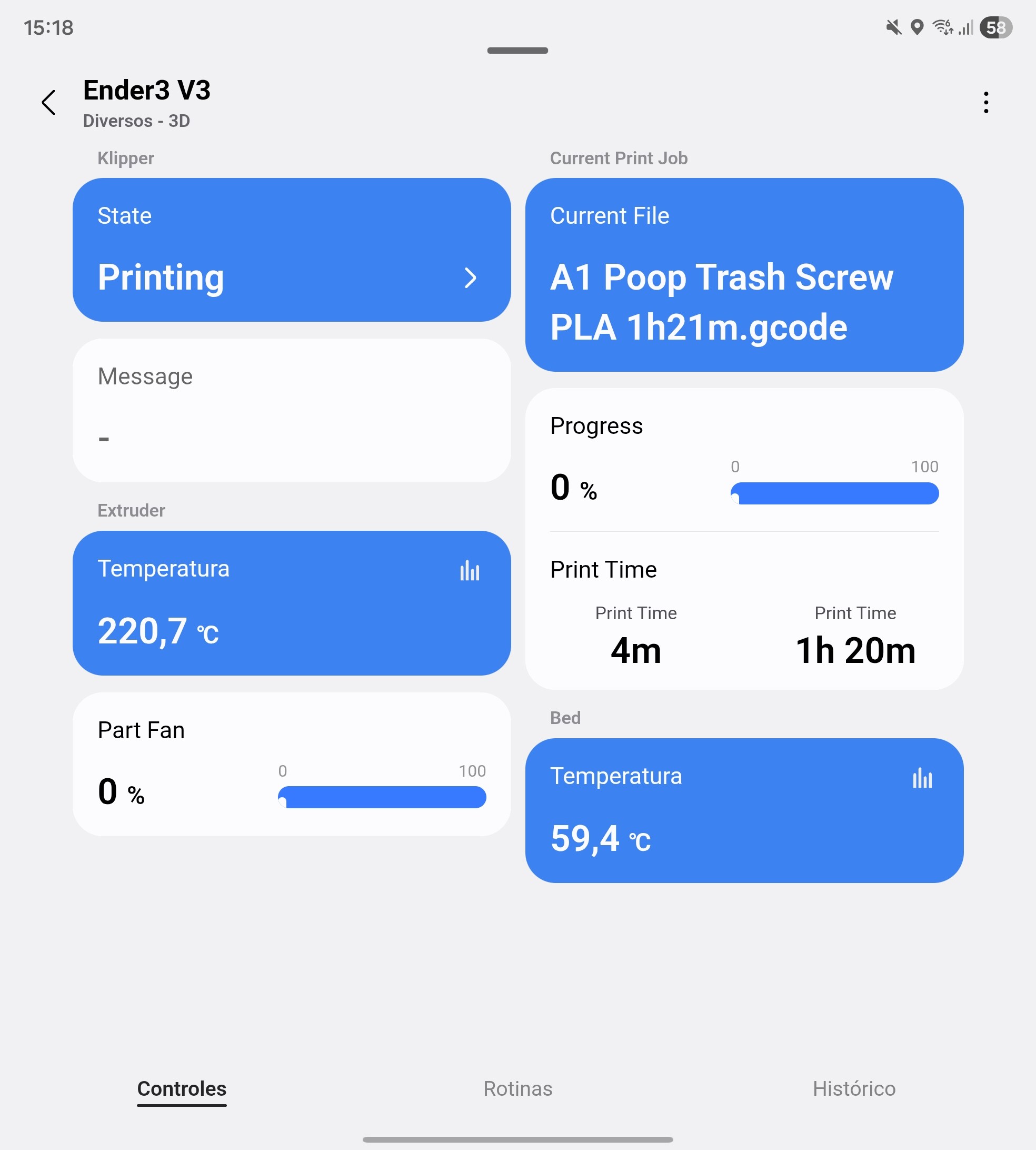
Hiiii!
I am sharing a modified version (fork) of the Klipper driver. I named it “Klipper 3D Printers” because it focuses on managing multiple machines from a single point.
While the original driver is fantastic, I encountered challenges with mDNS discovery in my specific network setup (Docker/VLANs) and wanted a cleaner way to manage my print farm.
 Key Features & Changes:
1. Hub-Child Architecture (Bridge Mode) Instead of adding printers individually during scanning, this driver creates a central “Klipper 3D Printers” Hub.
-
Install the Hub once.
-
Manage and add multiple printers directly from the Hub device settings.
-
Keeps your device list organized and clean.
2. Manual IP Addition (Solves Discovery Issues) mDNS can be unreliable across subnets or Docker containers.
- Feature: You can now add a printer manually by simply entering the IP Address and Port in the Hub settings. No discovery scan needed.
3. Accurate Time Estimation
-
Logic: The driver retrieves metadata from the
.gcodefile via Moonraker to get the Slicer’s estimated total time. -
Result:
Slicer Total Time - Current Print Duration = Accurate Time Remaining. This is much more reliable than percentage-based estimates.
 How to Install:
-
Channel Link: LINK
-
Enroll in the channel and install the “Klipper 3D Printers” driver.
-
Add the device via “Scan for nearby devices” (It will find the Main Hub).
-
Open the Hub and tap “Add New Printer”.
-
Open the newly created “New Klipper Printer” device capabilities/settings and enter your IP/Port.
Credits: This project is a fork based on the excellent work found in this original thread. Huge thanks to the original creator for the solid foundation!
Feedback is welcome.
 Screenshots: