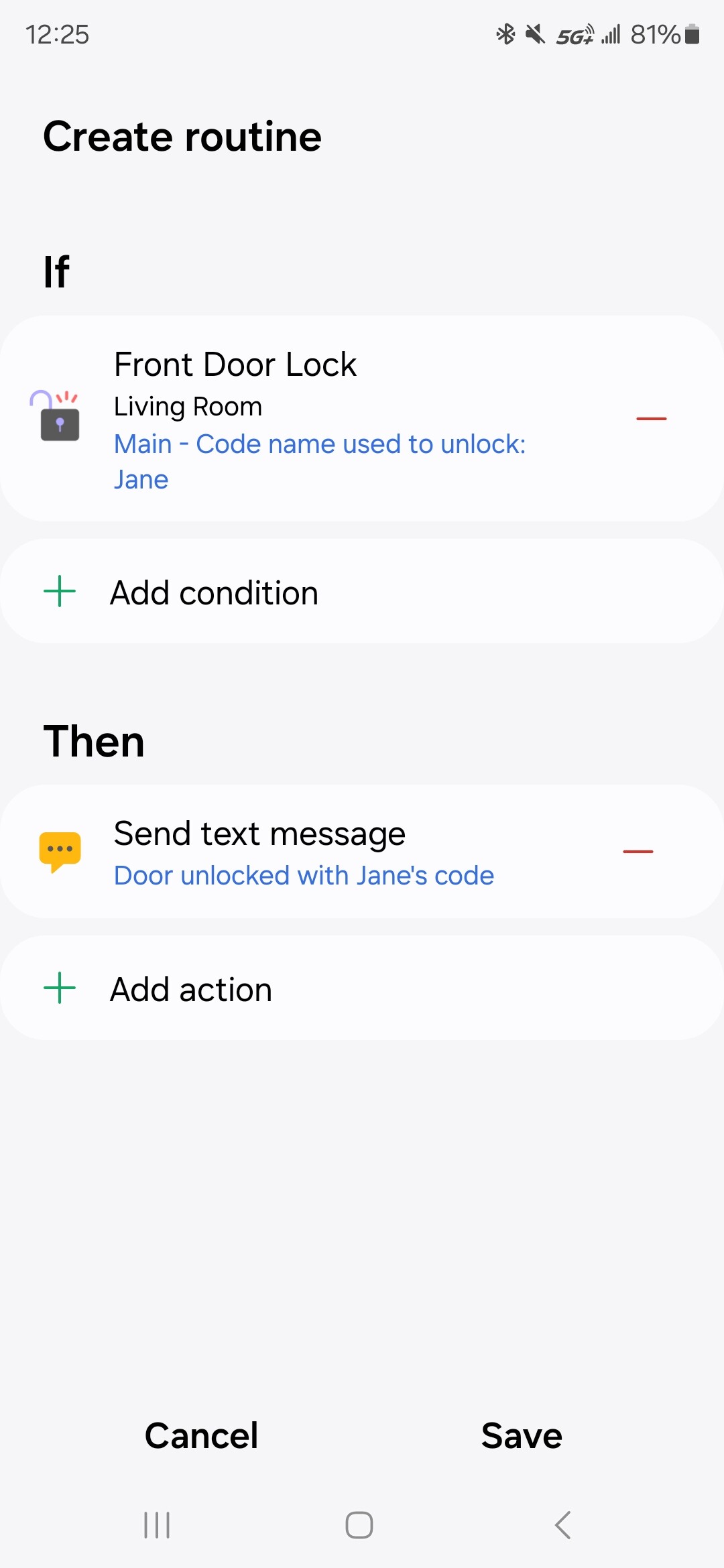
Lets say I assign code 123 to Jane, 456 to Tom…Jane uses her code (123) to unlock the door (schlage smart lock) - i do get a text saying the door was unlocked, However, I would like a text saying something like the door was unlocked with Jane’s code.
How can i accomplish this (i do have the RBoy smart app).
Alternatively, the 3rd party rules engine sharptools.io exposes the lock code name as a variable from the event data so you can write a generic rule for unlock events that sends the text message with the code name variable included. This option requires their paid tier and the rule runs in their cloud, not local to your hub.
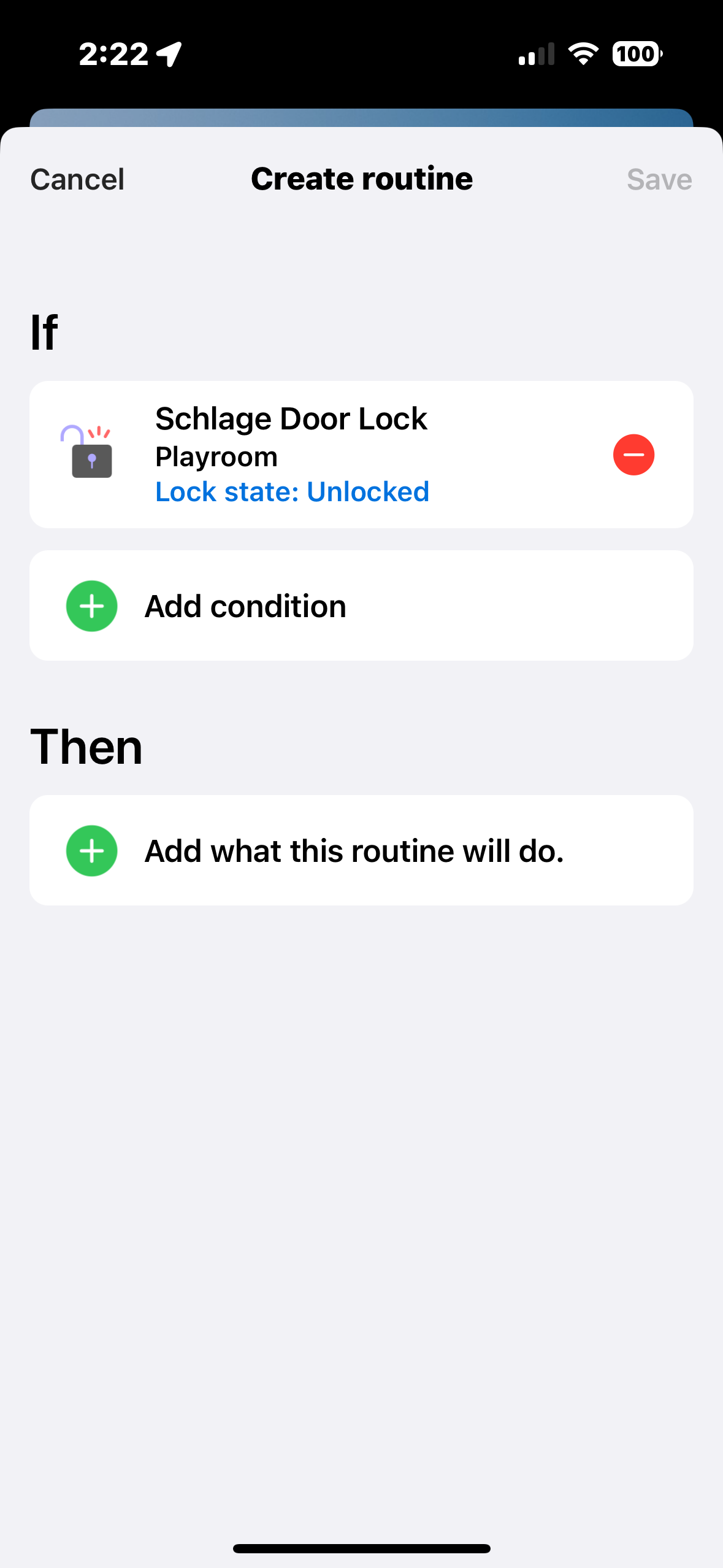
I must be doing something wrong - i have attached pics, as i do not see where i can set the automation for a code or persons name…any suggestions would be appreciated
I must be doing something wrong - i have attached pics, as i do not see where i can set the automation for a code or persons name…any suggestions would be appreciated
I don’t think Rboy has a smartapp that still works, does he? (All the old groovy based smartapps stopped working during the platform transition last year.)
Do you have the new Rboy “edge driver“ for locks? And are you sure your lock is using it?
Also, instead of setting up routines, if you go to the “Life” section of the ST app and add the “Smart Lock Guest Access” service, it automatically sends an app notification each time a code is used.
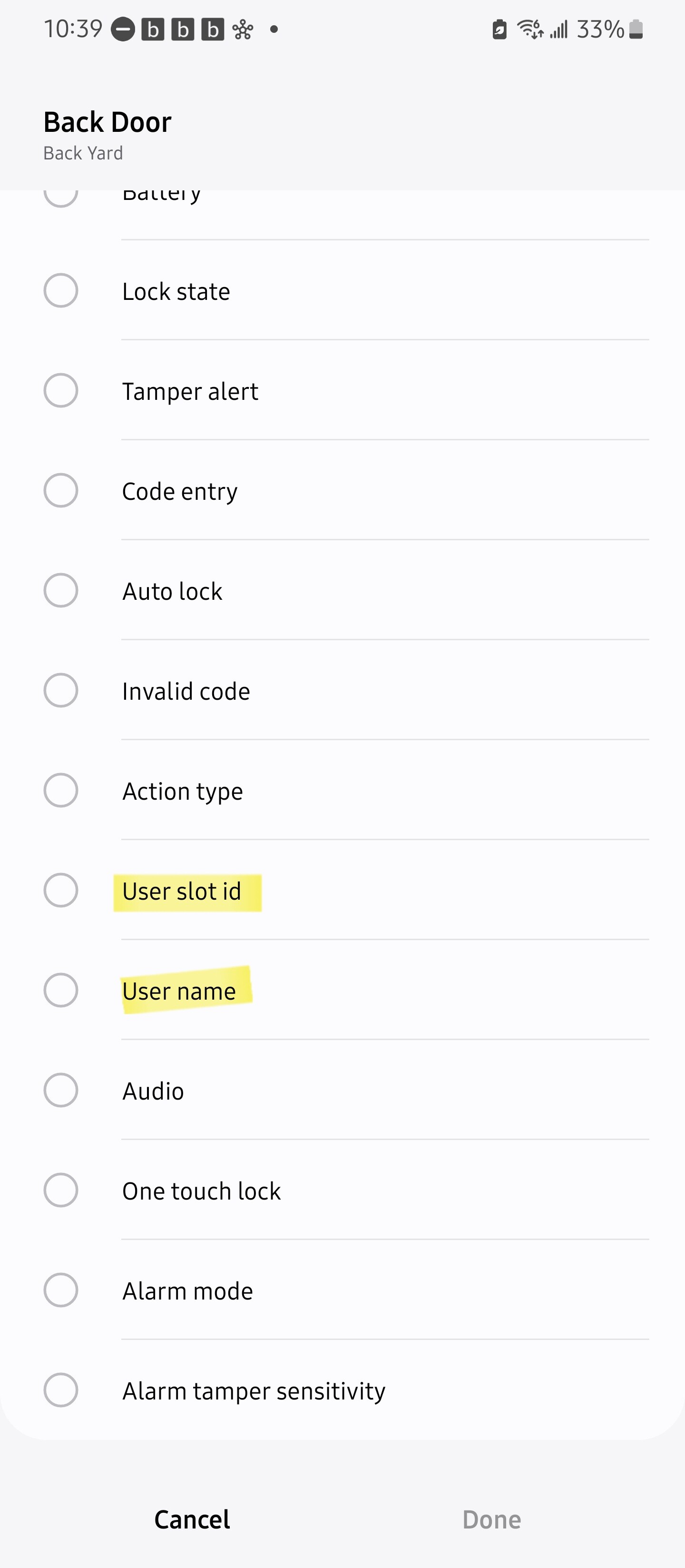
thanks - though I do not see (see my pics above) anything close to what you show for choices for your “back door” lock. How do i get such a menu of choices ?
In addition to notifying you who unocked which lock, the Smart Lock Guest Access service will also let you invite guests and setup codes for any of your supported locks. There’s no mention of a limit. It might be worth a shot. Here’s the best documentation I could find:
True, SLGA will give you a push notification which is fine if you need it on the device running the ST app. If you need to text (as was mentioned by the OP) to a different device, a Routine would be needed.
All true… I offered SLGA as an option since the text notification may have been a requirement based on experience with the previous solution, the “hard” requirement possibly being notification to his phone.
RBoy
(www.rboyapps.com - Making SmartThings Easy!)
19
The number of users you can program depends on the lock. Some locks support 250 codes, Schlage locks typically support between 19 and 30 codes depending on the model. See this comparison table for more information
Also note that the driver shows the number of codes “currently programmed” in the lock (either through SmartThings or directly). It does not show the maximum number of codes which can be programmed. While the driver reports that information to SmartThings, SLGA does not seem to be using it at the moment (when RLA and LUM are reintroduced they will be using that information to avoid over programming errors).