Dear @paros,
This would be my first distro for a node app, I can post the package this weekend with some instructions and you can test and help identify issues. Sound like a plan?
Dear @paros,
This would be my first distro for a node app, I can post the package this weekend with some instructions and you can test and help identify issues. Sound like a plan?
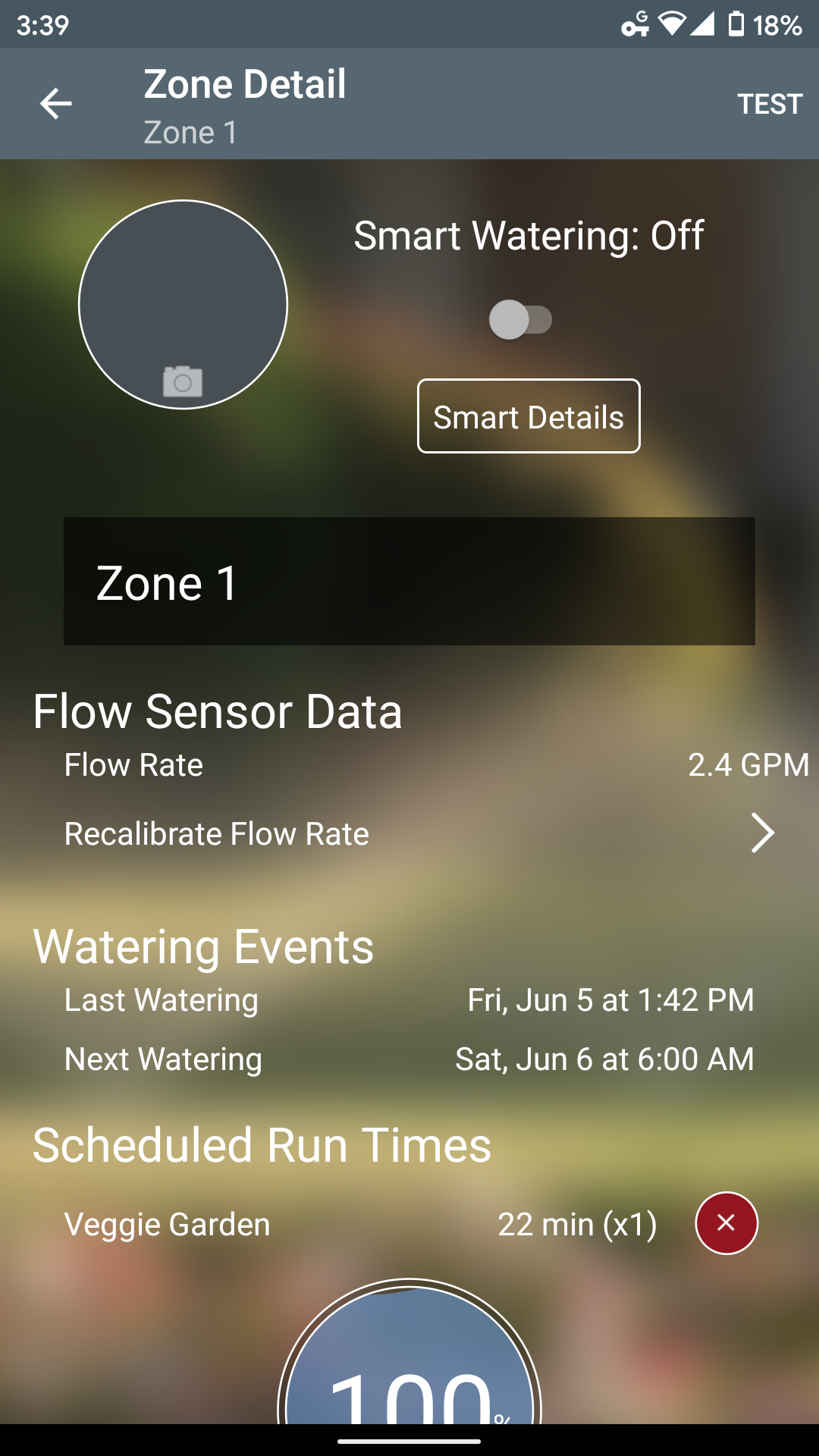
Does activity only show during a Smart Watering event? I just bought and setup two today, primarily because of this app, and ran some manual watering tests that never registered activity in the app…
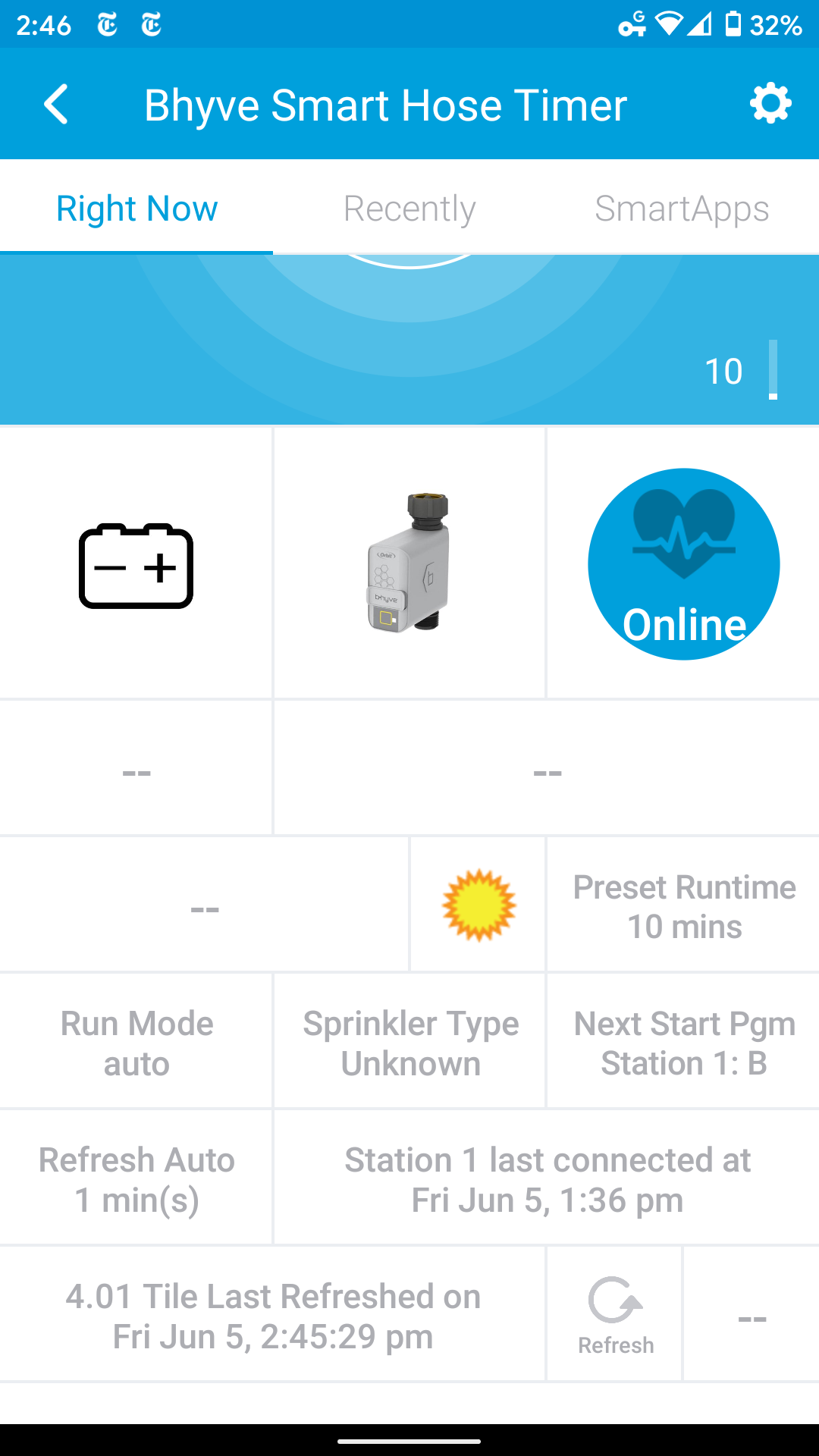
What is the refresh rate set to? I have mine set to 2 minutes and it shows when I do manual waterings on actiontiles.
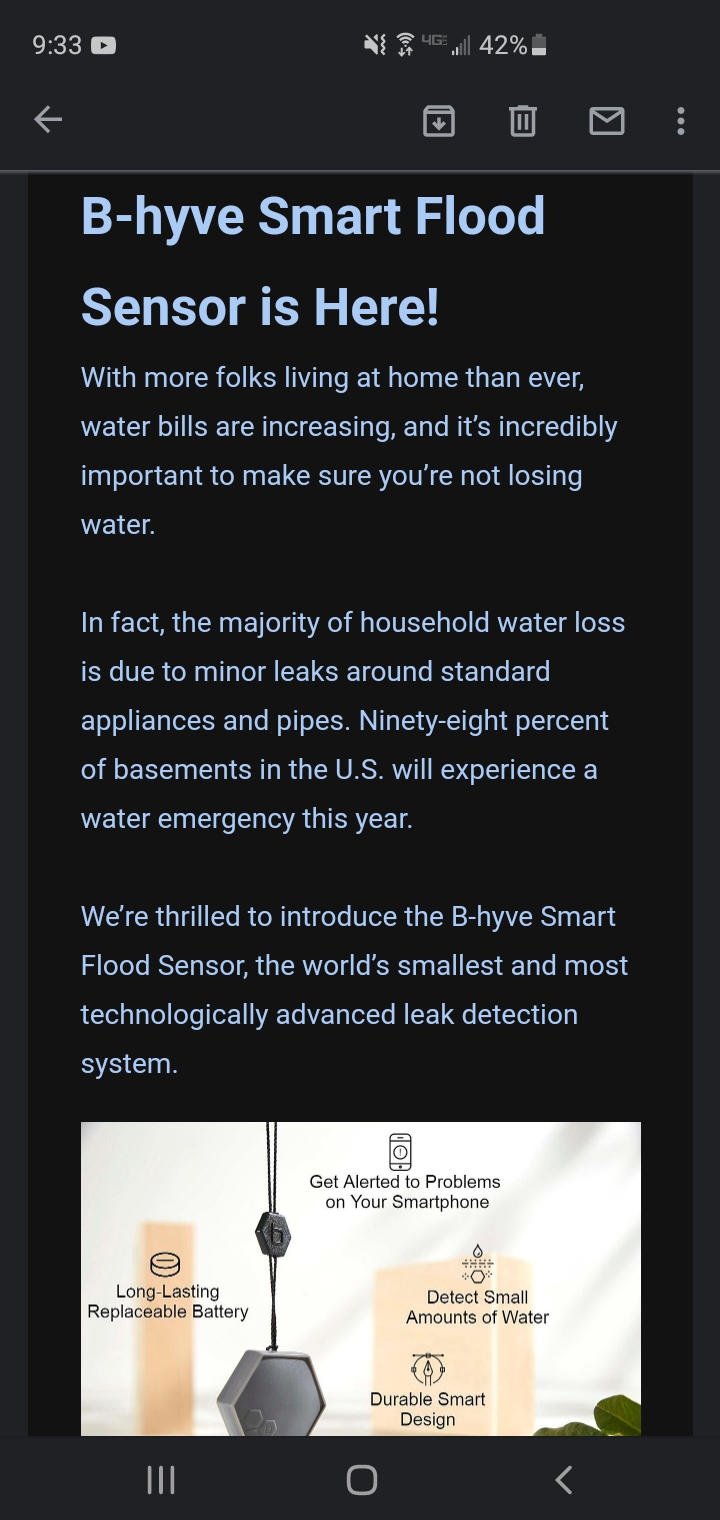
Also, did anyone see this email today?
Thanks, I had the refresh set for an hour, but have changed to 2 minutes. That said, I would think the hourly refresh would have populated the activity but it didn’t. I’ll do some more tests with the change in refresh and see if that was it.
I would recommend setting the SmartApp’s refresh rate, which gathers the Bhyve’s current watering state, to a low number so that it can provide the expected functionality to ST.
If one waters a zone for 30 minutes, and has the refresh rate set to 5 minutes, for example, the longest lag for ST to record a watering event would be <=5minutes depending on when Orbit started watering. Obviously, if the refresh rate was every 1 minute, ST would see a watering event in <=1min.
IMHO, this seems like an expensive option compared to dedicated Z-Wave/Zigbee leak detectors. Also Z-Wave/Zigbee leak detectors directly integrate with ST and would not need an API to pull an event from Orbit…
Absolutely agree. And with no integration to any other platform, no automatic actions can be taken.
I am having issues with using the app. After setup and I try to simply turn on the valve it fails with the following log messages:
[003b1398-c7c9-4bcf-8e28-6527890281f7](logs#003b1398-c7c9-4bcf-8e28-6527890281f7) 2:41:30 PM: error java.lang.NullPointerException: Cannot get property 'percent' on null object @line 569 (doCall)

[003b1398-c7c9-4bcf-8e28-6527890281f7](logs#003b1398-c7c9-4bcf-8e28-6527890281f7) 2:41:30 PM: info Procesing Orbit Sprinkler Device: 'Smart Hose Timer', Orbit Station #1, Zone Name: ''

[003b1398-c7c9-4bcf-8e28-6527890281f7](logs#003b1398-c7c9-4bcf-8e28-6527890281f7) 2:41:30 PM: info Procesing Orbit Bridge: 'Wi-Fi Hub'

[003b1398-c7c9-4bcf-8e28-6527890281f7](logs#003b1398-c7c9-4bcf-8e28-6527890281f7) 2:41:29 PM: info Executing Main Routine ID:823 at Fri Jun 5, 2:41:29 pm

[37bf589b-d8f9-425e-8502-a52d3b6a9e6c](logs#37bf589b-d8f9-425e-8502-a52d3b6a9e6c) 2:40:46 PM: error Invalid Orbit Device ID: '5eda814d4f0c01c8ad048c76'. If you have added a NEW bhyve device, you must rerun the SmartApp setup to create a SmartThings device

[37bf589b-d8f9-425e-8502-a52d3b6a9e6c](logs#37bf589b-d8f9-425e-8502-a52d3b6a9e6c) 2:40:46 PM: error Invalid Orbit Device ID: '5eda80744f0cae94b45b760e'. If you have added a NEW bhyve device, you must rerun the SmartApp setup to create a SmartThings device

[37bf589b-d8f9-425e-8502-a52d3b6a9e6c](logs#37bf589b-d8f9-425e-8502-a52d3b6a9e6c) 2:40:46 PM: info Procesing Orbit Bridge: 'Wi-Fi Hub'

[37bf589b-d8f9-425e-8502-a52d3b6a9e6c](logs#37bf589b-d8f9-425e-8502-a52d3b6a9e6c) 2:40:46 PM: info Executing Main Routine ID:7934 at Fri Jun 5, 2:40:46 pm

[003b1398-c7c9-4bcf-8e28-6527890281f7](logs#003b1398-c7c9-4bcf-8e28-6527890281f7) 2:40:32 PM: error java.lang.NullPointerException: Cannot get property 'percent' on null object @line 569 (doCall)

[003b1398-c7c9-4bcf-8e28-6527890281f7](logs#003b1398-c7c9-4bcf-8e28-6527890281f7) 2:40:32 PM: info Procesing Orbit Sprinkler Device: 'Smart Hose Timer', Orbit Station #1, Zone Name: ''

[003b1398-c7c9-4bcf-8e28-6527890281f7](logs#003b1398-c7c9-4bcf-8e28-6527890281f7) 2:40:32 PM: info Procesing Orbit Bridge: 'Wi-Fi Hub'

[003b1398-c7c9-4bcf-8e28-6527890281f7](logs#003b1398-c7c9-4bcf-8e28-6527890281f7) 2:40:31 PM: info Executing Main Routine ID:7954 at Fri Jun 5, 2:40:31 pm

[37bf589b-d8f9-425e-8502-a52d3b6a9e6c](logs#37bf589b-d8f9-425e-8502-a52d3b6a9e6c) 2:39:46 PM: error Invalid Orbit Device ID: '5eda814d4f0c01c8ad048c76'. If you have added a NEW bhyve device, you must rerun the SmartApp setup to create a SmartThings device

[37bf589b-d8f9-425e-8502-a52d3b6a9e6c](logs#37bf589b-d8f9-425e-8502-a52d3b6a9e6c) 2:39:46 PM: error Invalid Orbit Device ID: '5eda80744f0cae94b45b760e'. If you have added a NEW bhyve device, you must rerun the SmartApp setup to create a SmartThings device

[37bf589b-d8f9-425e-8502-a52d3b6a9e6c](logs#37bf589b-d8f9-425e-8502-a52d3b6a9e6c) 2:39:46 PM: info Procesing Orbit Bridge: 'Wi-Fi Hub'

[37bf589b-d8f9-425e-8502-a52d3b6a9e6c](logs#37bf589b-d8f9-425e-8502-a52d3b6a9e6c) 2:39:46 PM: info Executing Main Routine ID:9688 at Fri Jun 5, 2:39:46 pm

[969f9947-76c4-4800-ab65-0f35f14781fb](logs#969f9947-76c4-4800-ab65-0f35f14781fb) 2:39:39 PM: warn Orbit device requested to manually OPEN but scheduled_auto_on = false, ignorning request

[969f9947-76c4-4800-ab65-0f35f14781fb](logs#969f9947-76c4-4800-ab65-0f35f14781fb) 2:39:39 PM: warn Orbit device requested to manually OPEN but scheduled_auto_on = false, ignorning request

[003b1398-c7c9-4bcf-8e28-6527890281f7](logs#003b1398-c7c9-4bcf-8e28-6527890281f7) 2:39:29 PM: error java.lang.NullPointerException: Cannot get property 'percent' on null object @line 569 (doCall)

[003b1398-c7c9-4bcf-8e28-6527890281f7](logs#003b1398-c7c9-4bcf-8e28-6527890281f7) 2:39:29 PM: info Procesing Orbit Sprinkler Device: 'Smart Hose Timer', Orbit Station #1, Zone Name: ''

[003b1398-c7c9-4bcf-8e28-6527890281f7](logs#003b1398-c7c9-4bcf-8e28-6527890281f7) 2:39:29 PM: info Procesing Orbit Bridge: 'Wi-Fi Hub'

[003b1398-c7c9-4bcf-8e28-6527890281f7](logs#003b1398-c7c9-4bcf-8e28-6527890281f7) 2:39:29 PM: info Executing Main Routine ID:602 at Fri Jun 5, 2:39:29 pm

[003b1398-c7c9-4bcf-8e28-6527890281f7](logs#003b1398-c7c9-4bcf-8e28-6527890281f7) 2:39:19 PM: error java.lang.NullPointerException: Cannot get property 'percent' on null object @line 569 (doCall)

[003b1398-c7c9-4bcf-8e28-6527890281f7](logs#003b1398-c7c9-4bcf-8e28-6527890281f7) 2:39:19 PM: info Procesing Orbit Sprinkler Device: 'Smart Hose Timer', Orbit Station #1, Zone Name: ''

[003b1398-c7c9-4bcf-8e28-6527890281f7](logs#003b1398-c7c9-4bcf-8e28-6527890281f7) 2:39:19 PM: info Procesing Orbit Bridge: 'Wi-Fi Hub'

[003b1398-c7c9-4bcf-8e28-6527890281f7](logs#003b1398-c7c9-4bcf-8e28-6527890281f7) 2:39:19 PM: info Executing Main Routine ID:806 at Fri Jun 5, 2:39:19 pmDear @Jay_Flowers,
I have not observed these error messages before! It looks like for some reason Orbit is not sending battery level information in the API json string and I think that Zone Name: ‘’ is an unexpected error for my app.
I am recommending that you check the labels for all your b-hyve devices, zones and programs within the OEM b-hyve app, and make sure they are not blank. If this is not the issue, I might have to PM you for account access and debug what you are seeing.
The current version of Orbit Bhyve Controller SmartApp is not capable of actively turning on or off a b-hyve watering device from within SmartThings. The Orbit Bhyve Controller SmartApp can only create a status event when the b-hyve watering device is active (on) or inactive (off) either manually or scheduled from within the OEM b-hyve App.
I am working on adding on/off functionality from SmartThings soon, but it requires having a Raspberry PI node…js server.
I don’t have any programs, everything else has a name.
Can I run the nodejs service without a public IP?
I will PM you to trouble shoot this privately.
The node proxy server should be a local raspberry Pi server on your local network. But the alpha code is not ready for testers at this point.
I need to uninstall the application but it continues to fail. From ST Classic or new app, it fails and from IDE as well. I have attached the screenshot of the LOG error.
Thank you!
MM
Dear @bluebee74
I’m not sure what is going on with that error, but you can manually uninstall this Smartapp through the ST IDE.

These manual steps will completely remove the Orbit Bhyve Controller app from your ST mobile client, where you can reinstall a new instance through the marketspace smartApps.
Is this a semi-public API? I would be more than happy to help out with anything in the Device Handler.
If you have any documentation on it, I would definitely take a look.
Hi Kurtsanders,
The steps below did not work. I had to remove each device individually, then the steps worked.
Thank you!
Bluebee74
Is there a way to get total gallons used somehow in the device handler?
It’s an idea that I think would be very advantageous, I have seen it before in power meter dth’s that tallys up and you can reset it.
If I decide to do it, I’ll post the code here.
Dear @Tony_B,
Each Orbit bhyve device maintains an extensive watering history by date.
IMHO, it would be easier to just create and run an external program to access this bhyve API data in json format for each watering device, rather than change this long & winding code and then try to display this information available in the SmartApp.
The watering history data (gallons/mins) could be reviewed and/or plotted by date in a spreadsheet, etc…
Here is one of my Orbit bhyve devices ‘Zone History’…
Where is Zone History? Watering history is almost empty for me, one entry.
BTW, I have the API access through an MQTT Broker now, using EventGhost and an MQTT plugin I rewrote. However, I am glad I did this, growing sick and tired of that app. Everything is very hard to get to and, I have complete control over watering with Google home and webCoRE.
Or, I could probably add something to your DTH to just make the influx dB entries
@kurtsanders . . .
Are you planning an npm package for the node.js stream? Will that be compatible with x86/x64 or just ARM?
The detailed bhyve device Watering history is accessible through the My-Bhyve/Watering History bottom buttons in the oem iOS b-hyve mobile app. You can access that same detailed information via a browser at https://techsupport.orbitbhyve.com/ for each watering device. As far as your history being empty, not sure what is going in there, perhaps a call to Orbit Tech Support? Here is my view on the web.
I have posted an alpha version node.js code stream for real time websocket and ST integration in the STOrbitBhyveController Proxy Node folder. I have only tested this node.js code stream on a Raspberry Pi server. Node.js should install and run on Windows, Mac and Linux platforms..
The MQTT broker at api.orbitbhyve.com, in my last few months of testing, has some weird stability issues and causes a websocket connection to be unexpectedly closed before a timeout ping-pong is issued… I’m not a nodejs programmer but decided to give this a try for asynchronous capabilities, but I don’t like the intermittent frequent restarts it causes the node server/mqtt gateway. If you have some changes to the node code stream to keep this connection alive, please feel free to send them to me via a PM and I will make the updates.
STOrbitBhyveController works to give ST the realtime watering events rather than polling every second without the node.js server. Also, a websocket connection allows on/off control through ST, but it isn’t something I really need since I have the bhyve watering program set in the oem bhyve app set, and if I want to manually water, I use that app to start it for the time I desire.
I wish that ST provided a native Websocket environment in the ST Classic platform so that these proxy servers could be eliminated.