It’s been confirmed that the multi-argument support in SmartThings is still not working (despite it being in the documentation). So what I propose is this:
Append the body to the request header in the argument string, with the characters ‘{{^}}’ delineating between the two elements. So anything that the driver finds after these characters will be taken as the body of the request. I chose these characters because they are forbidden to be part of any valid http request string.
Example:
GET http://192.168.2.40/api/somecommand?var1=2&var2=abc{{^}}{ <some json body> }
Will this work for you?
EDIT: To address your other request, I am going to be adding an optional header field in Settings for the first 5 request slots. However I was also thinking of cases of on-the-fly requests so I could add another header setting specifically for on-the-fly requests. Or I could just default to use whatever is configured in the first slot. What do you think?
For the header preferences, my thought is to require a simple comma-delimited format that would allow you to specify multiple headers, e.g.:
There is now a field in device Settings for each of the first 5 web request slots where you can provide optional headers. The format should be a comma-delimited list of <header-key>=<value>. For example
Similarly, there is a field provide specifically for on-the-fly request commands sent by automation routines or Rules
Please note that a header of ‘Accept: */*’ is by default included in all requests. If a body is configured for the request, it is recommended to include a Content-type header.
Expansion of request body
As pointed out by @Wayne_Myers earlier, the device Settings field in the mobile app appears to limit the number of characters you can type to about 250. In some cases you may need to create a body bigger than that. So I have added an additional field for each of the first 5 web request slots in Settings to provide more body data. The two body fields will be concatenated when sending the request
You can now include a body in ‘on-the-fly’ requests initiated by automations or Rules. The characters ‘{{^}}’ in the GET or POST command argument will serve as a delimiter between the request head and request body.
Thanks to those suggesting these improvements. Hopefully they will make this driver an even more flexible tool for many of you.
Please note that no action is required on your part. The driver will be automatically updated to your hub. You will notice the new Settings fields the next time you open your devices. But otherwise, all existing devices and requests should continue to function normally.
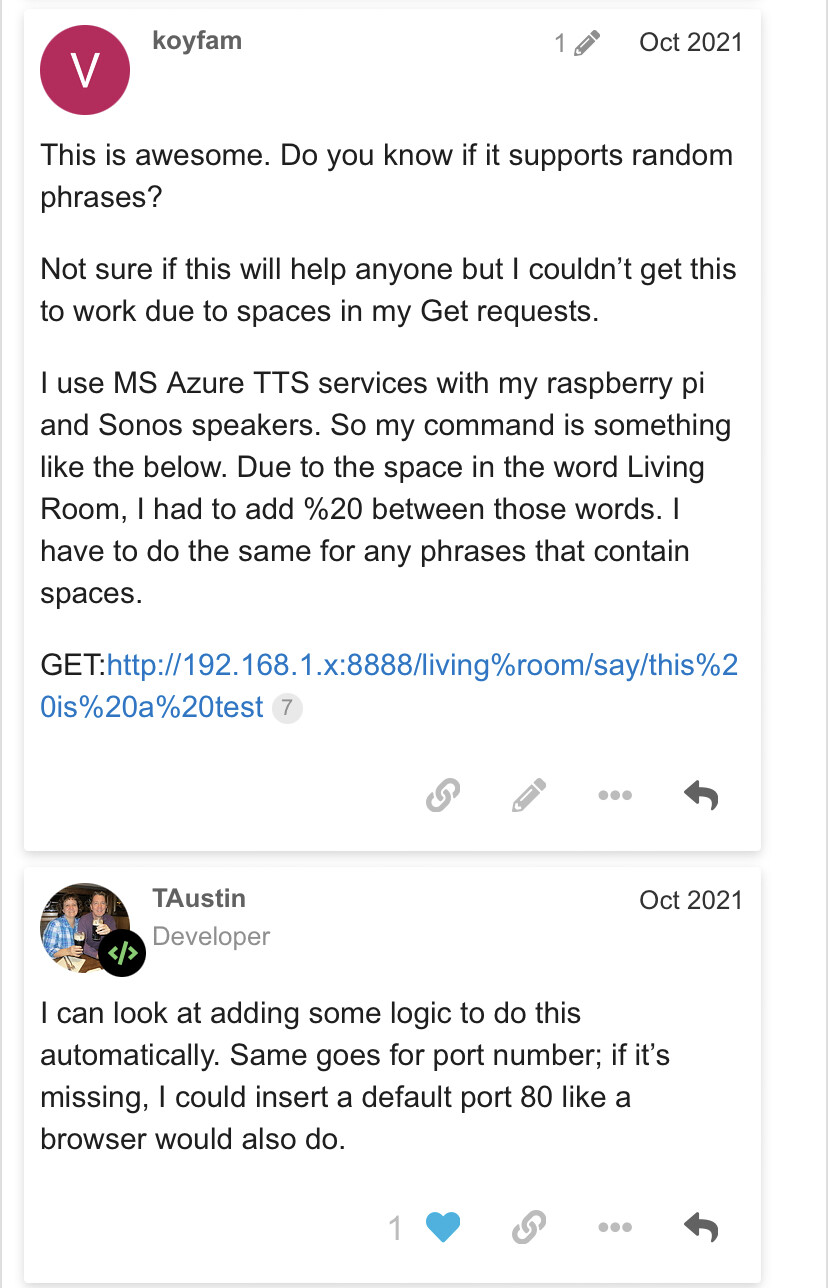
Sorry meant accounting for spaces within the body. Right now, I’m using %20 to account for spaces between a phrase so was hoping they could be automatically accounted for.
Awesome work with this driver! It’s one of my most used
I can understand the desire for auto-substitution in the request head string and this is something I’ve neglected and will try to include in the next update. But I thought you were saying that you were looking for this to be done in the body data as well?
@tmielonen, have you had a chance to look at the the headers now it is implemented in the driver?
I have hit a snag trying to send a Base64 encoded username in the header (it’s separate camera device to the one which requires an extremely long parameter set @TAustin) , and was wondering whether you had any success?
I have put the following in the headers, ‘Authorization=Basic mybase64code’, however I always get a 401 returned from my device. Combinations of the above have also been tried like removing the Basic type, url encoding the space with %20, using quotes etc.
I know the Base64 encode works in a header, as I have used another tool to craft a HTPP header and request, and I get a returned 200 code and the html for the landing page, so have a feeling it must be something I am doing in this driver incorrectly.
Have you had any success sending auth in this manner?
Apologies for the delayed response as I’m currently traveling and have limited access at the moment.
The SharpTools Rule Engine uses the {{ }} characters to indicate syntax within a string, so I suspect this might conflict there. When I’m back in the office, I’ll test if there’s some way to escape the characters, but I suspect that backslashes will likely get treated as literals and passed over to SmartThings.
If you can still define a capability that accepts multiple arguments, the SharpTools Rule Engine would pick up on that and it would allow users of advanced rule engines to use the extra parameters while still working in a basic format with the built-in SmartThings routines/automations.
Well that’s unfortunate! Let me know if you can’t get it to work, and I’ll have to change it to something else. I’d want to change it quickly before anyone else gets impacted.
I addressed this earlier. You can’t because it’s not working.
Thanks for the reply. There’s some subtlety to the question based on the context of the original post.
In the original post, you mentioned that the presentation side of things didn’t work within the automations (routines) part of the SmartThings mobile app.
What I’m wondering is if you could define the capability with a command that supports multiple arguments (and leave the presentation as single argument). This way the capability defines the extra (optional) argument, then in the Lua code you could implement it as optional. The idea being that from a presentation perspective, it would still be seen in the SmartThings Routines as a single string argument, whereas advanced automation tools that use the capability can choose to send the second parameter.
Happy to discuss more via PM or to coordinate a test of this if you’d like.
@TAustin I’m having issues getting a POST with a JSON body to work. I’ve set things up the same way that I have them in Postman (Content-type=application/json) and the body set to {"message": "hello world"} but for some reason the server keeps responding with errors when sent through the WebRequestor as opposed to succeeding through Postman. For some reason it errors out when parsing the JSON from the request. Is there anything special we have to enter into the request body field to make this work?
No spaces.
Tried capitalizing the T in type and didn’t change anything.
The error is a 500 error (400 in your device) and is a JSON parser error.
I’ll dig into my api code tomorrow if I have time to see what is actually coming through in the request but like I said, it’s working with postman so I’m not sure what the difference is. Any ideas?
I am having a similar issue to mzp, I can successfully send a request with CURL or Postman, but when I put the same data into Web Requester it does not work.
The working work CURL command is
curl http://192.168.0.36/tstat -d ‘{“t_cool”:74}’ and it successfully resets the temp.
The thermostat always response with success, (it’s old)
this is the output from the CLI, while it does idicate success it does not reset the temp.
2022-09-11T13:58:38.118537058+00:00 INFO Web Requestor Multi v1.0 SEND POST COMMAND: http://192.168.0.36/tstat
2022-09-11T13:58:38.121793554+00:00 INFO Web Requestor Multi v1.0 with body: {“t_cool”,73}
2022-09-11T13:58:38.124759904+00:00 INFO Web Requestor Multi v1.0 with headers: Content-Type: application/json
2022-09-11T13:58:38.130465341+00:00 DEBUG Web Requestor Multi v1.0 Web Req Multi Master device thread event handled
2022-09-11T13:58:38.135208302+00:00 DEBUG Web Requestor Multi v1.0 driver device thread event handled
2022-09-11T13:58:38.356991397+00:00 INFO Web Requestor Multi v1.0 response code=<200>, status=<HTTP/1.1 200 OK>
2022-09-11T13:58:38.360586556+00:00 INFO Web Requestor Multi v1.0 <Device: 4420fe1e-558b-47fe-af49-445d823f5dab (Web Req Multi Master)> emitting event: {“attribute_id”:“httpcode”,“capability_id”:“partyvoice23922.httpcode”,“component_id”:“main”,“state”:{“value”:“200”}}
2022-09-11T13:58:38.371256719+00:00 DEBUG Web Requestor Multi v1.0 Response:
{“success”: 0}
I had this same issue on another server and it appears there is something not working in how the data is sent.