Thanks. So that means there would still be a need for an external intermediary to receive the webhook, and then send a request over to Smartthings to do something, probably change the state on a virtual device.
At the time of this writing (summer 2023) some of the possible options for that would be:
-
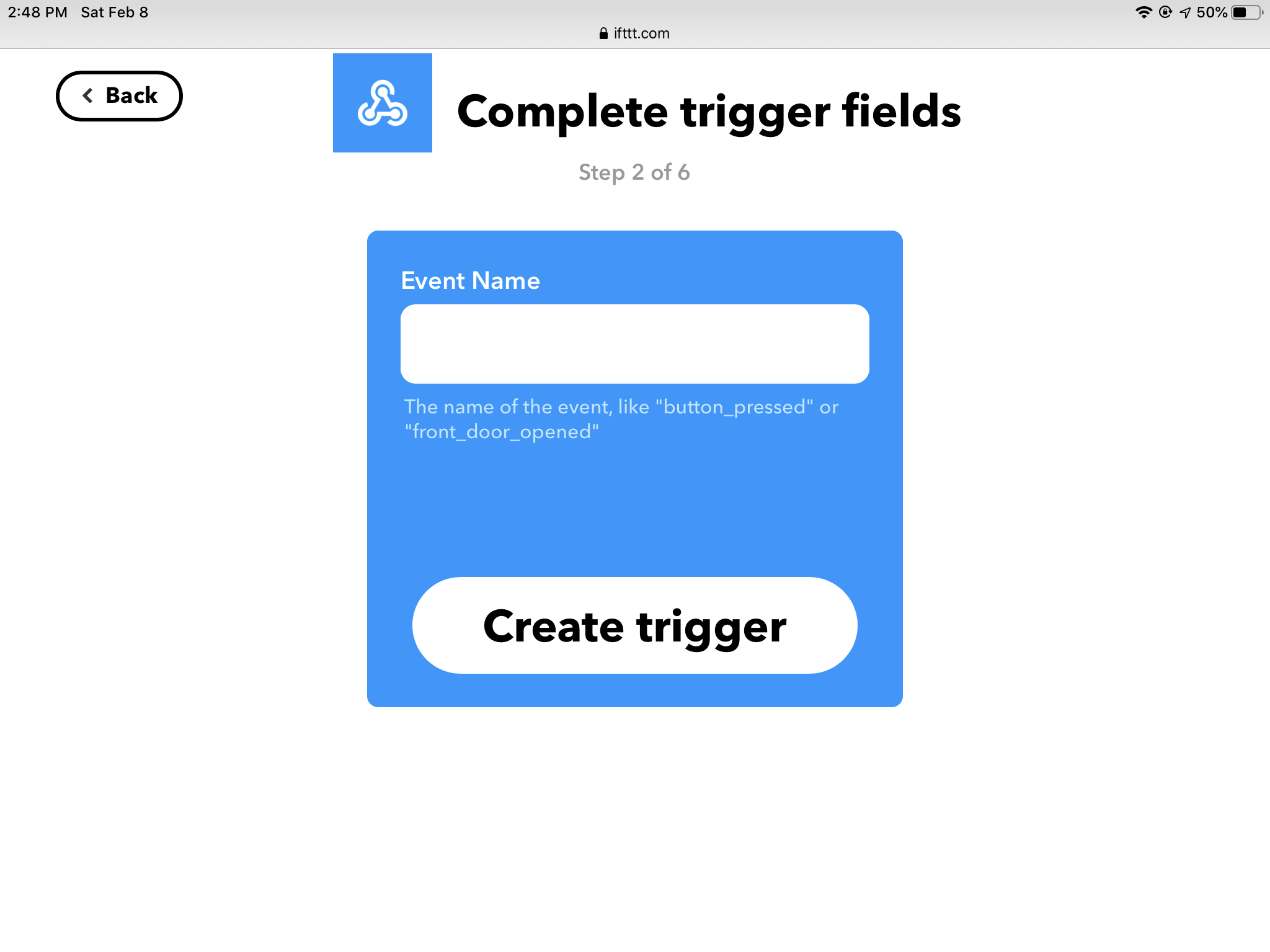
IFTTT. Still works as described upthread, but I have my concerns that the company is on a trajectory to either go out of business or start charging a lot more.
-
SharpTools with paid subscription. This is probably the easiest way to set this up these days and the one most likely to continue to work at least for a while. Like Ifttt, this does not require a SmartThings/Aeotec hub. SharpTools is a very popular third-party rules engine with a nice UI and an active user community. The subscription for the pro level is about $30/year. They have a free trial so you can check it out and see if you feel it would be worth it to you. It’s also very good for generating custom dashboards that run in pretty much any web browser.
Note that SharpTools is NOT at this time able to receive the messages from the IBeacon. So you still need a separate third-party app like Geofency to do that. Then you have the receiving station app send out a Webhook to sharptools.
-
use an MQTT broker with a device that can detect IBeacons. This will be a good choice for people already using MQTT, but probably overkill otherwise. This will require that you have a SmartThings/Aeotec hub.
-
get a hubitat hub and use Webcore over there, combined with one of the community integrations to connect smartthings with hubitat. Again, this choice would make the most sense for someone already using that particular integration. This option would also require a SmartThings/Aeotec hub.
-
write your own custom smartapp and host it yourself (either on your own server device, or in a cloud service, like AWS). This is doable, and would not require a SmartThings/Aeotec hub, but does require programming skills.
——
Summary: for 2023, unless you are a programmer I would recommend using Geofency and the paid tier of Sharptools in combination to allow for using IBeacons as triggers for smartthings. Both of these are available for both the UK and the US. That does require paying for the subscriptions of two third-party apps, and it is some work to set up, but you don’t have to be a programmer, and it does allow you to create a small zone for presence detection.
This can be set up in one of two ways.
A) if each person you want to detect has a smart phone and is OK with you putting an app on it, you can put geofency on each phone and have each phone send a unique Webhook to Sharptools. Then you only need one IBeacon at home. It’s the Geofency app on each phone that will give you the person-specific information.
B) if you want to be able to trigger based on the arrival of people who don’t have smart phones, or who don’t want you to put an app on their smart phone, you can give each one an Ibeacon and have an old iPad or iPhone at home that is always plugged in running Geofency. That way it can send a different webhook for each of the beacons. This has a higher device cost than method a since you need both a receiving station Device and Multiple IBeacons, but it does solve the problem of wanting to just give each person a key fob device rather than installing something on multiple smartphones.
As I’ve mentioned, my own use case is that I want to detect my presence only when I am on the wheelchair ramp that leads to my front door. Not when I’m still out on the sidewalk in front of the house. So it’s worth the extra app subscription money to me.
If you’re just looking for a reliable presence detection method and you’re OK with a wider zone, see the following thread. This covers other methods, such as detecting when a specific phone has connected to the home Wi-Fi. 
Presence in 2023, including multiple members and multiple locations


 I have been trying to use Geofency with Webhooks to detect door approach and who is in the car. Geofency seems to work for almost a day, and then i get stuck. I have to reset alle the app permissions to get it going again. I have approached Geofency, but now answer so far. Anyone else having the same experiency? Any good options to Geofency?