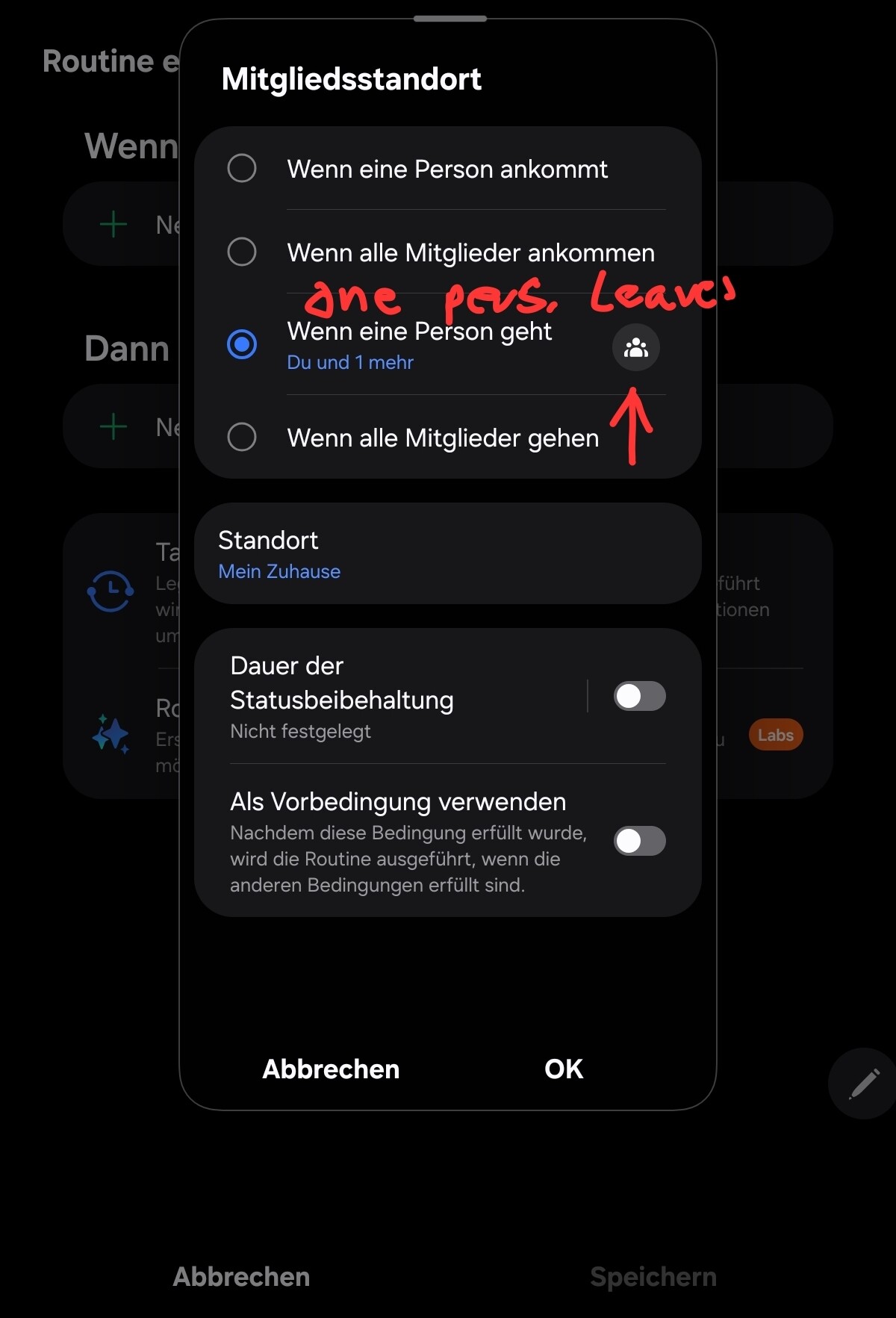
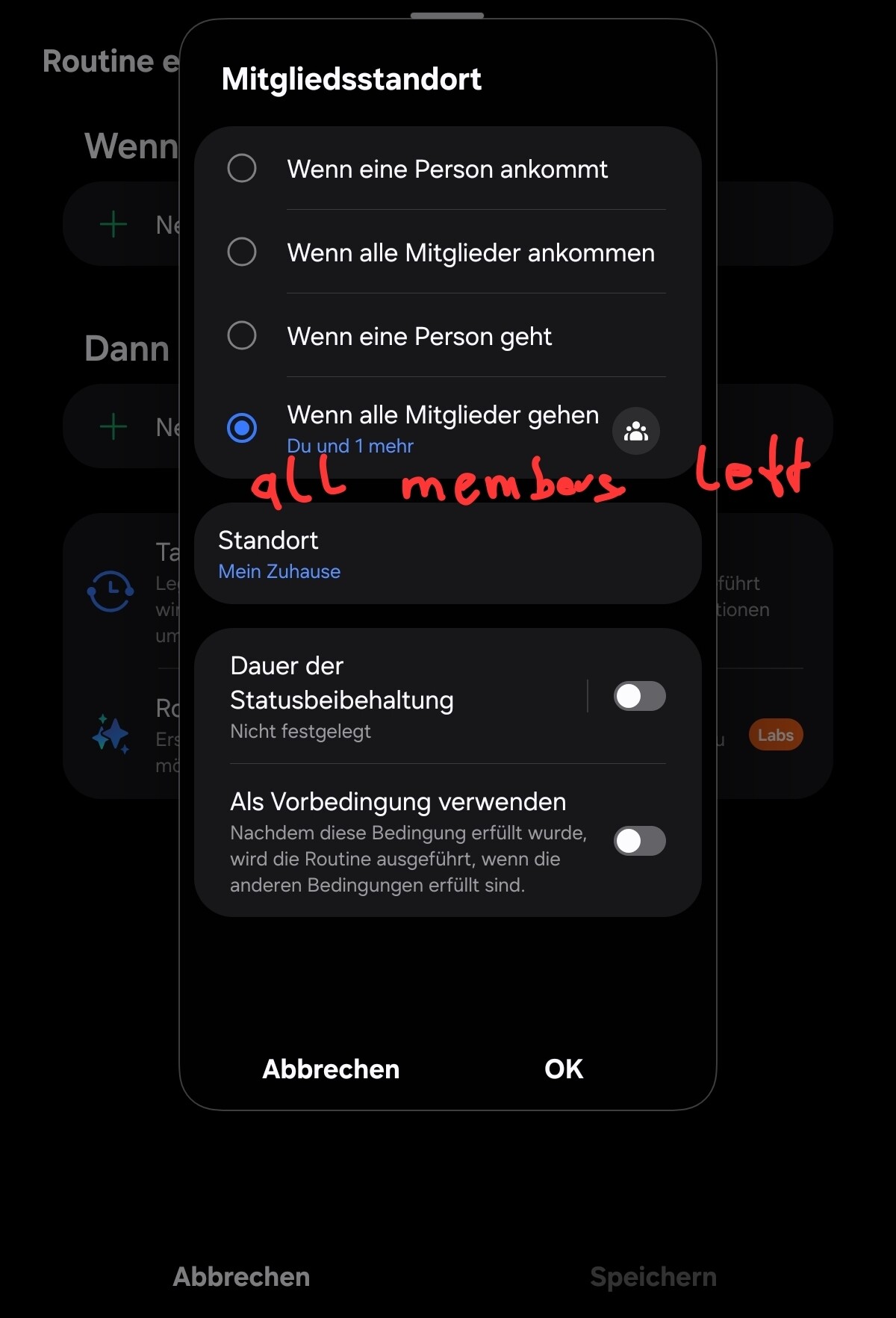
Okay I had to remake two virtual presence sensors for my system new cellphones. They both are so I can see if we are away or not. (On and off) So i set one up for ( whatever name) man and one for woman.
But they don’t trigger in the routines. It’s like something needs to tell this switch that we are gone and I’ve totally forgot how to do it.
My example routine would be when “woman virtual presense” leaves send text..to me.
But what tells that virtual switch we left? I set these up long ago. But When I test the routines they work fine. Inotherwords what lonks these virtual switches to each individual cellphone?
You need what is tracking your presence to change the state of the virtual presence sensors. So, you could use ST Member Location and write a Routine that says “If Woman phone device leaves, set woman virtual presence sensor to Not Present”. Or perhaps you are using Alexa to track presence, then you could create Alexa routines to open/close the virtual presence sensor as appropriate.
Okay okay…I can see where your going with that. I’ll give that a shot. It sucks I had it all set since probably 2018 and wham I changed things and forgot everything I ever knew.