NO LED blue light - nothing … pulled air gap, run a discovery just to see if I could “re-pair” it - flipped the paddle up and down… checked circuits - all is well… there are 2 other switches in this box - the fan LIGHT (Zwave on / off) and another dimmer for Patio lights (dimmer) … both of those work as they should - power is coming in to those and totally functional. It just died I think - literally died, but just wanted to see if anyone had any other little tricks (it is almost halloween) that would be sweet. Thanks Don.
Sounds like you have a dead switch. If you got it at Lowes, perhaps you can exchange it?
GE is sending a new one out. 

Thanks, Patrick. @pmjoen
Is there a difference between low (& medium, high) vs. using the custom commands lowSpeed (& medSided, highSpeed)?
Is your github repo still:
pmjoen/SmartThingsPublic/Master
(Thought I had it integrated, but I’m not seeing it now.)
If you were to look back in this thread, you’ll see I’ve asked for a lot of help trying to get an isPhysical indication to CoRE, with mixed results. Should it work with your DTH? Does it help in any way? (Sorry-not home to test.)
Per @ady624 , thes low speed, medspeed, and highspeed are custom commands and the new low, med,high are standard controls. Im still new to developing DTH’s so what do you mean by isPhysical.
There is discussion of isPhyical in Post #155 if this thread. Might take a look three if you have time & interest.
One of mine has done this twice. Same one each time. Everything appears normal at the switch and in the SmartThings app, but no response from the fan. First time to see if it was the switch or the fan I swapped the switch with one from a bedroom. It worked, must be the fan then… no, the other switch works there? Put it all back together and worked for a few months. Then stopped working as before. I shut off the breaker, removed the wall plate, checked all the wiring connections, turned it all back on and it worked again.
Next time I’m going to try just shutting off the breaker first and see if that “resets” something without having to mess with any wiring.
Hi pmjoen, new st user here. Thanks alot for the device type, my fan is running great with they ge switch. I have one request, could you look into programming a tile for setting a off timer? I don’t think it’s too difficult but I haven’t dug into how this works yet, but either having a few defined values or being able to enter your own time to shut off with be great!
You may consider using power allowance in the st stock marketplace apps, if you are looking to simply turn the fan off after X minutes after turned on. I find this very simple for such things.
Putting a timer would be more of a smart app function. Smart lighting is one or CoRE.
Thank you both I’ll look more into that. I’m more interested in a sleep timer function than a set time to turn off every time. For example the i want the fan to run normally usually then certain times a sleep timer to shut it down at night, so using the power saving app would continually shut the fan down after a certain time but that’s not exactly what i was wanting it to do
I believe you can restrict when it applies in smart lighting. Say night mode or in bed mode. Maybe by time restriction? So would only use power allowance to turn off the fan within those restrictions.
Here is an update of the original jscgs350 dth code that supports Health Check
FYI, I’ve also updated mine (as well as a few other DH’s):
01-08-2017 : Added code for Health Check capabilities/functions, and cleaned up code.
So, I updated, and just to pretend that I’m not totally ignorant, I searched on “health check”. What I read didn’t mean a whole lot to me. Can someone explain what the DTH does now that it didn’t before? Thanks!
Sure! Once you refresh preferences (tap the gear and then tap on Done), or change to a device type with this in the code, it configures a back end ST process called Health Check (HC) that will some day be used to let you know when a device goes offline. There is no change in the mobile app in terms of what you see today, or in terms of added functionality you can do.
I can only assume that it’s something the mobile app will do someday, but for now the IDE will show ONLINE or OFFLINE for devices with HC enabled:

It’s not uncommon for developers to update their code, especially when ST adds new stuff/fixes. In the the case of this fan device handler, it was based on ST’s dimmer switch, and over time ST modified their code for the dimmer. The updates reflect some of ST’s updates. So long story short, we’re just keeping up with changes ST is making.
Are there system requirements for the health check features? I’m not sure if there is a problem with the new code or my system not supporting it but the new code didn’t work for me. I start with the fan off, any press of the low, med, or high buttons changes the speed indicated, but does not turn the fan on. Sometimes hitting the various speed buttons doesn’t actually show the speed change until the refresh button is pressed. Also the light behavior button is missing. I’ve reverted back to the old code for now.
Never mind! My apologies!
I tried again. I republished the new code and this time hit the gear icon and then done and now it works correctly. I also found the light behavior in the gear settings screen.
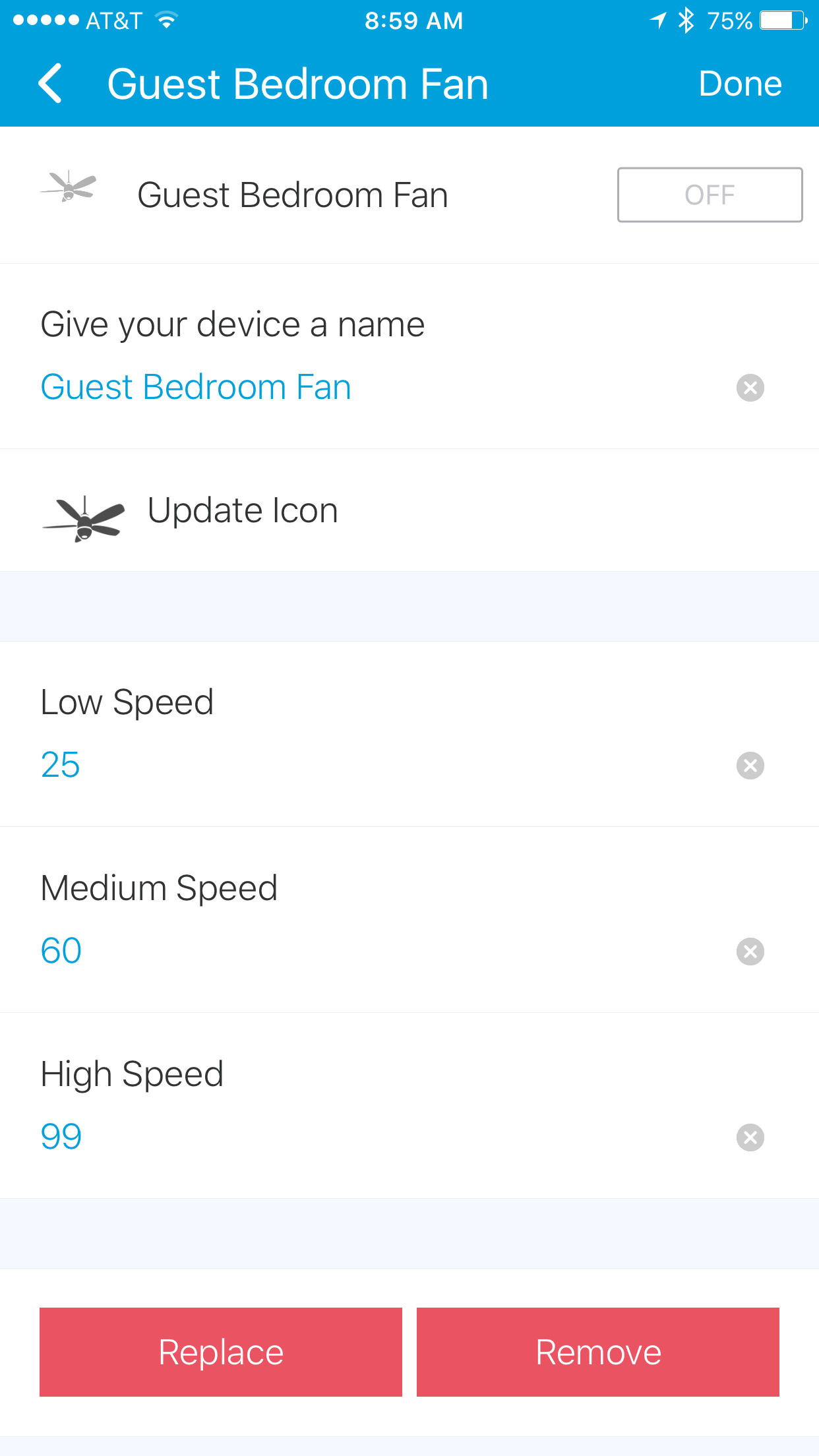
It appears that if you update to this new code you must enter and save the settings on each and every fan that uses it. Not a big deal for such an awesome DTH.
Thanks for this device handler! Works great for me.
However I’m not having any success getting a CORE piston to turn it on and/or adjust the speed. I have a super simple piston that says if temp is >= 75, then turn on fan. It’s showing the condition is evaluated to true when it should but doesn’t seem to be able to control the fan. I know someone has written a SmartApp to do this but I will need more sophisticated conditions so really want to get this working.
Anyone have CORE controlling their fan with this device handler?