@averagebald
Are you try the múltiple tile?
I purchased a ThirdReality light switch cover which allows for automating manual light switches.
I wouldn’t fill my rented house with these, but they are kind of fun.
They get installed using the default Zigbee Switch driver, but don’t report the battery level.
Here’s the info that is reported in the history tab.
I don’t have the CLI installed, but can install it if you need more details.

Yes, it must have been paired as a generic switch.
In the stock driver I have not seen any profile that has the battery capacity
Mine does not have any profile with battery either, I would have to create it and if it works with the battery percentage attribute, it would not be necessary to make a subdriver.
I’ll add it and let you know when it’s done
1 Like
Hi @BlackRose67,
Added to this test version of the driver.
I did not add the change of icons because it would mean having to make 12 new profiles.
You can use the app edit and change icons tool
I also added the metrics of the last hop of the signal
If everything works fine I will merge it to the Mc driver
┌─────────────┬──────────────────────────────────────┐
│ Name        │ Zigbee Switch v6.5                   │
│ Version     │ 2022-06-01T15:41:42.506118264        │
└─────────────┴──────────────────────────────────────┘
  - id: "Third Reality/3RSS009Z"
    deviceLabel: Third Reality 3RSS009Z
    manufacturer: Third Reality, Inc
    model: 3RSS009Z
    deviceProfileName: switch-battery-light
1 Like
I installed the test driver and was able to assign it to the ThirdReality device without a problem.
The device only supports on and off for actions and is working great.
It’s also reporting battery percentage.
I also assigned the test driver to one of my Ikea Tradfri switches, and it’s also working fine for that.
I don’t have any switches that report energy monitoring, so couldn’t test that out.
The energy monitoring in this driver is virtual, that is, in preferences you enter the watts of the connected load and the driver makes a calculation of the power and energy consumed.
If it works fine, I’ll update it tomorrow as Zigbee switch Mc.
You do not need to change the driver, it will update itself
1 Like
Hi, @Mariano_Colmenarejo!
Using your drivers for weeks, they all works fine. Thanks again!
Can you please add two Temp/Humidity Sensors?
MODEL:WSDCGQ12LM
Data
- application: 1C
- endpointId: 01
- manufacturer: LUMI
- model: lumi.sensor_ht.agl02
- zigbeeNodeType: SLEEPY_END_DEVICE
Raw Description 01 0104 0302 01 06 0000 0003 0402 0405 0403 0001 01 0019
MODEL:WSDCGQ01LM
Data
- zigbeeNodeType: SLEEPY_END_DEVICE
- application: 02
- endpointId: 01
- manufacturer: LUMI
- model: lumi.sensor_ht
Raw Description
01 0104 5F01 01 05 0000 0003 0019 FFFF 0012 07 0000 0004 0003 0005 0019 FFFF 0012
One more thing like to ask,
is there any way to make the card shows both Temp and Humidity, not only Temp data?
I am using ‘Zigbee Temp Humidity Sensor Mc’, shows only Temp data on the card.

Hi @ywr1560,
This model could work with my driver, I have doubts about whether the battery information will work
This other model sure doesn’t work with my driver, it doesn’t use cluster 0402 and 0405.
maybe in the community you can find a driver for both.
I think @veonua or @ygerlovin have some driver for lumi sensors
Sorry, For this device I have nothing.
I have a heavy duty innr plug with energy monitoring im trying to add via edge drive but it just keeps with the factory dth for an outlet. Any idea how to get it to add as a driver?
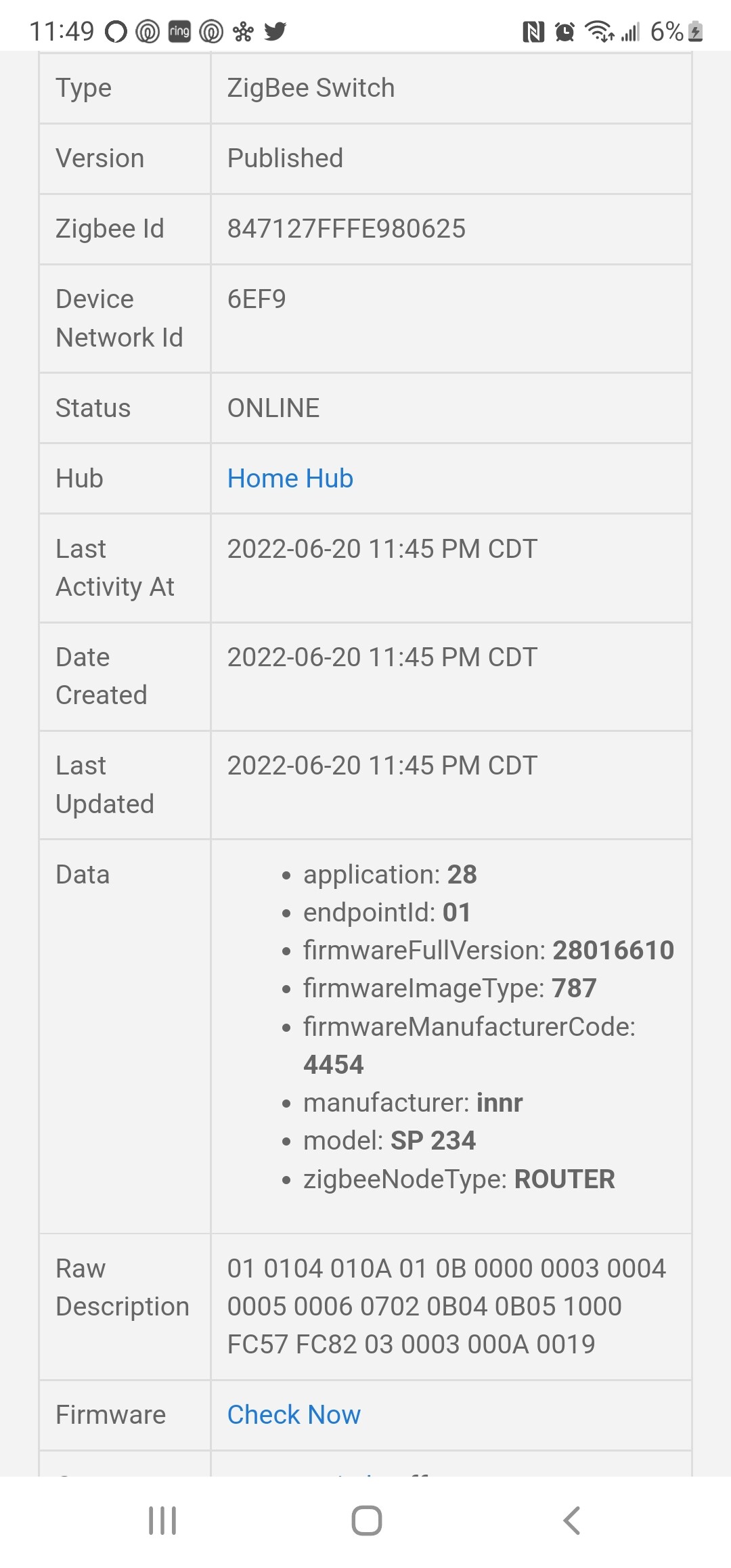
Added to thid driver version:
┌─────────────┬──────────────────────────────────────┐
│ Name        │ Zigbee Switch Power Mc               │
│ Version     │ 2022-06-21T12:10:43.15437696         │
└─────────────┴──────────────────────────────────────┘
  - id: "innr/outlet"
    deviceLabel: SP 234 Outlet
    manufacturer: innr
    model: SP 234
    deviceProfileName: switch-power-energy-plug
That worked, thank you.
1 Like
Hi William,
Did you manage to get a driver for this? I got the same siren. Thanks!
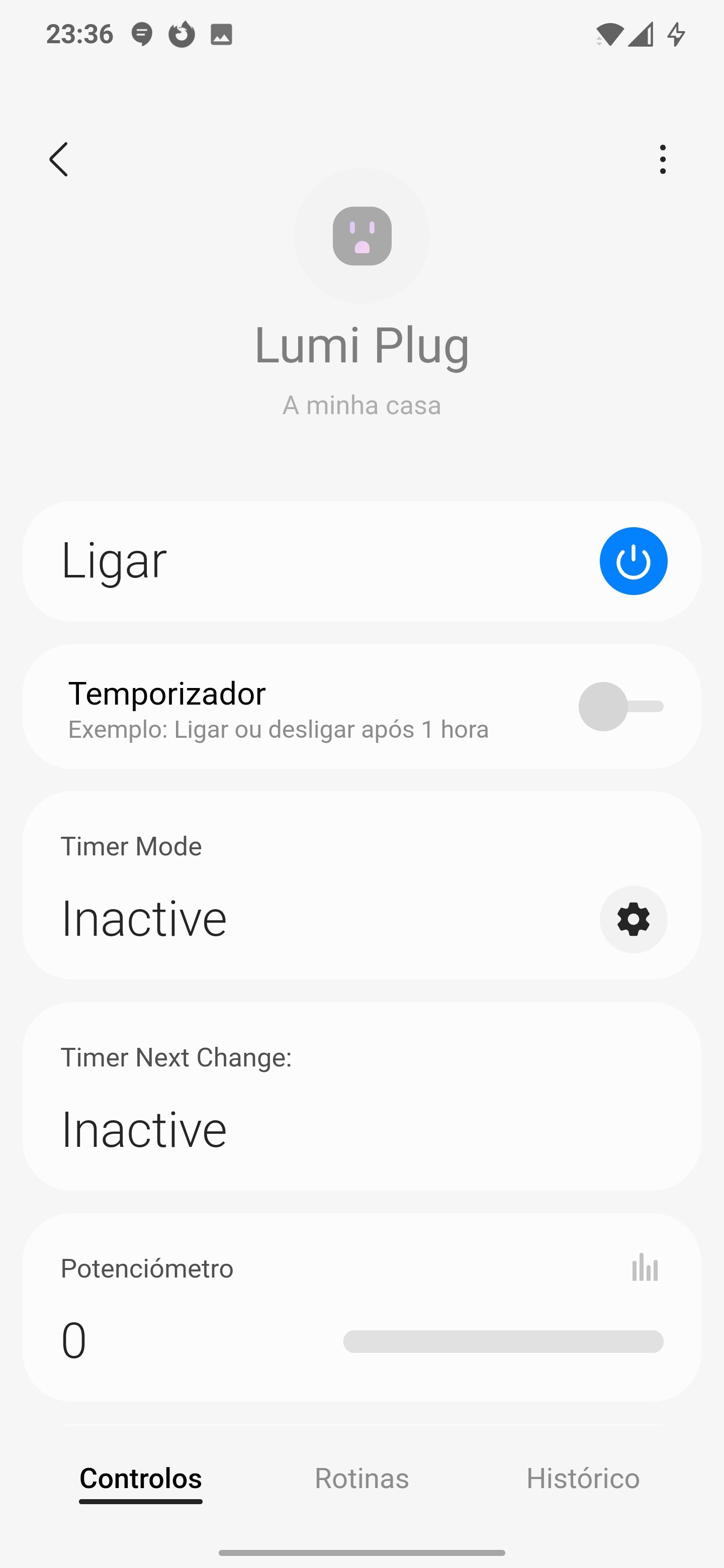
@Mariano_Colmenarejo Does your “Zigbee Switch Power MC” driver works with the Xiaomi power Plug?
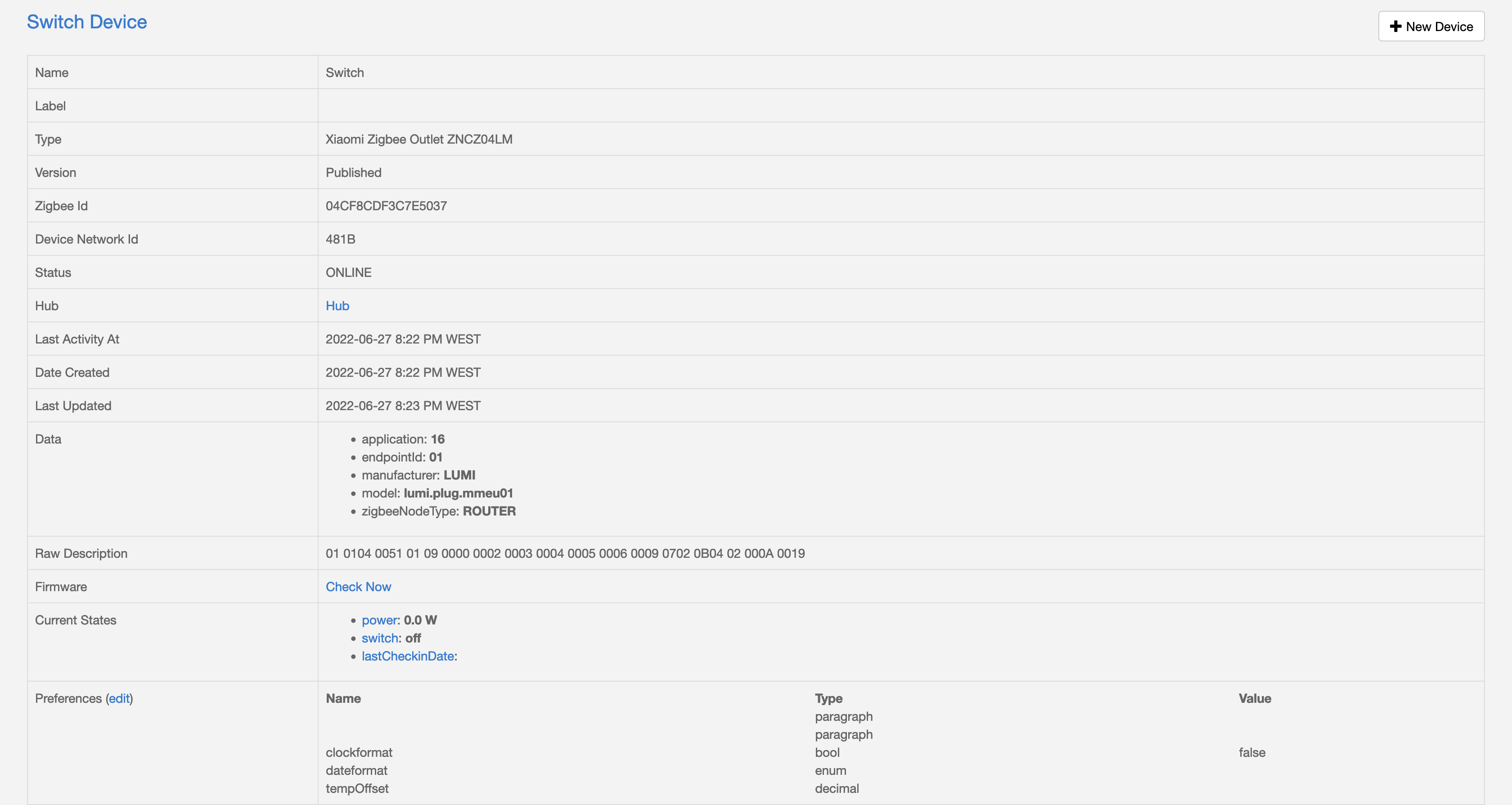
Added to this driver version, try if it woks
┌─────────────┬──────────────────────────────────────┐
│ Name        │ Zigbee Switch Power Mc               │
│ Version     │ 2022-06-27T20:38:47.944975656        │
└─────────────┴──────────────────────────────────────┘
  - id: "lumi.plug.mmeu01/PLUG"
    deviceLabel: Lumi Plug
    manufacturer: LUMI
    model: lumi.plug.mmeu01
    deviceProfileName: switch-power-energy-plug
1 Like
The plug was recognized but the power parameter only shows 0 W.
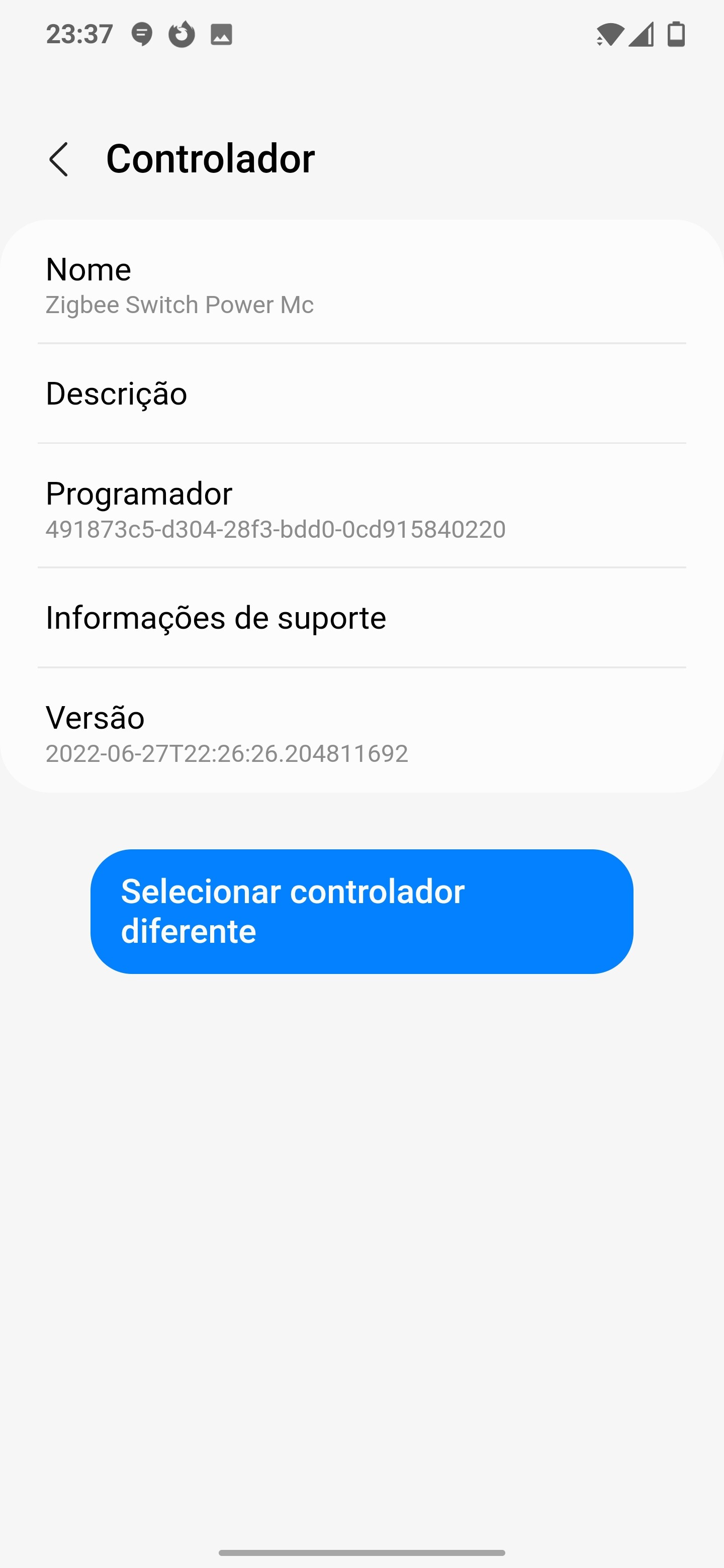
Sorry, try with this driver version. I think it has a problem with the device configuration
┌─────────────┬──────────────────────────────────────┐
│ Name        │ Zigbee Switch Power Mc               │
│ Version     │ 2022-06-27T21:59:00.539047354        │
└─────────────┴──────────────────────────────────────┘
- Unistall device with app
- Delete installed driver zigbee Switch power Mc from your Hub
- Fron the channel install new vwesion zigbee Switch Power Mc
- Install device agains